
YAML has become the backbone for modern development infrastructure, defining everything from Kubernetes manifests and CI/CD pipelines to critical application configurations. Its human-readable syntax is a major strength, but it's also famously strict. A single misplaced space or incorrect indentation can halt a deployment, break an application, and trigger hours of frustrating debugging. A reliable validator isn't just a convenience; it's a fundamental tool for maintaining productivity and ensuring system stability.
This guide provides a definitive breakdown of the best online YAML validator tools available. We cut through the noise to give you a detailed comparison, helping you find the perfect platform for your specific workflow. Each review includes an honest assessment of features, privacy considerations, and ideal use cases, complete with screenshots and direct links to get you started immediately. Preventing these syntax issues upfront saves significant time, reducing the need for extensive troubleshooting and bug reports later on. For teams looking to streamline their entire error-handling process, a well-structured report is just as critical as clean code. If you want to improve how your team documents issues, consider adopting a proven format: The Bug Report Template That Developers Actually Love.
Our goal is to equip you with the knowledge to choose the right tool confidently, whether you need a quick syntax check, complex schema validation against a custom ruleset, or a privacy-first solution for sensitive data. Let's dive into the options and find the validator that will make your next YAML error your last.
1. Free Powerful Online YAML Validator & Editor
Digital ToolPad’s Free Powerful Online YAML Validator & Editor stands out as a top-tier choice for developers who prioritize security, speed, and efficiency. This tool is engineered with a privacy-first architecture, performing all validation and parsing directly within the browser. This client-side processing model ensures that no sensitive data, such as API keys or proprietary configuration details, ever leaves your local machine, making it a highly secure online YAML validator for production-level work.
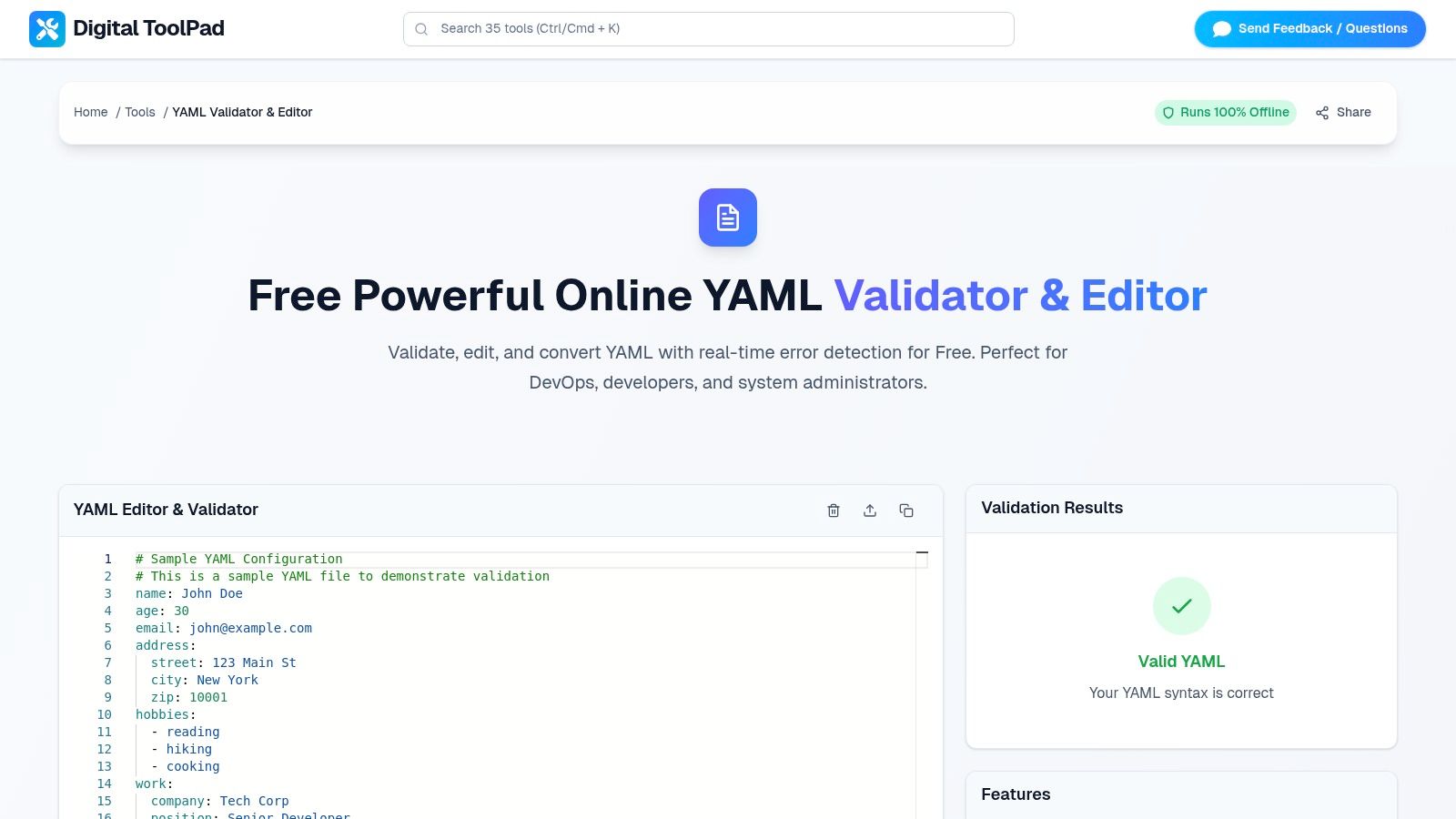
The user experience is defined by its real-time feedback loop. As you type or paste your YAML content, the validator instantly checks for syntax errors, providing precise, actionable feedback with line and column numbers. This immediate response, combined with clear syntax highlighting, significantly accelerates the debugging process for complex files like Kubernetes manifests, Docker Compose configurations, and CI/CD pipeline definitions. The tool’s deterministic performance remains consistent regardless of network conditions, and it even functions offline after the initial page load. This local-first approach is also found in their other utilities, as detailed in their guide to using an online JSON formatter securely.
Key Strengths & Use Cases
- Privacy and Compliance: Ideal for developers in regulated industries like finance or healthcare, as its client-side operation helps maintain compliance with data privacy standards. All processing happens locally, eliminating the risk of data exposure.
- DevOps and Infrastructure: An essential utility for validating
docker-compose.ymlor Kubernetes resource files before deployment. The instant feedback prevents syntax errors that could cause deployment failures. - Offline Development: Because it is offline-capable, this tool is perfect for developers working with intermittent internet access or in secure, air-gapped environments.
Pros & Cons
| Pros | Cons |
|---|---|
| Real-time syntax checking with precise error reporting | No built-in cloud collaboration or team sharing features |
| Privacy-first architecture: all data is processed in-browser | Lacks deep, schema-aware linting for custom schemas |
| Offline-capable after the initial load | Does not offer server-side enterprise integrations |
| Completely free to use with no ads or limitations | Focuses solely on YAML, not a multi-format validator |
Website: https://www.digitaltoolpad.com/tools/yaml-editor-validator
2. YAML Lint (yamllint.com)
YAML Lint is a long-standing and widely-known tool in the developer community, cherished for its simplicity and speed. This single-purpose online YAML validator focuses exclusively on checking syntax, providing a near-instantaneous pass or fail result. Its minimalist interface is a major advantage, eliminating distractions and allowing users to paste their YAML and get immediate feedback without navigating complex options or advertisements.
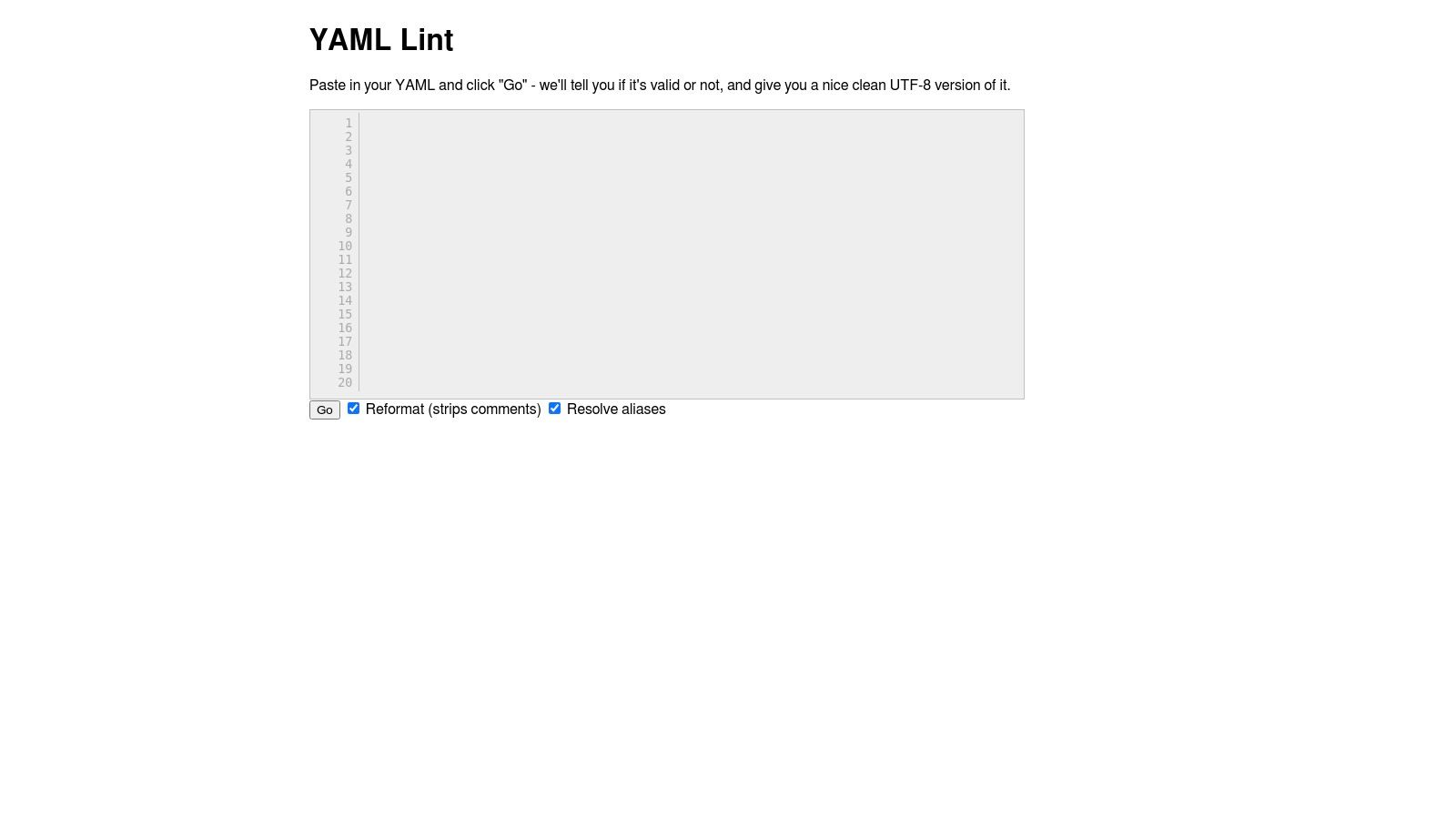
Unlike more feature-rich platforms, yamllint.com does not support schema validation. Its purpose is purely to confirm that the structure, indentation, and syntax of your YAML are correct. This makes it an ideal choice for a quick sanity check before committing a configuration file or for debugging a stubborn parsing error in a CI/CD pipeline script.
Key Features and Usage
The platform's strength lies in its focused feature set, which is free to access without any registration. Its core function is the "Go" button, which triggers the validation process and returns a clear, color-coded result.
- One-Click Validation: The primary function provides a simple "Valid YAML" or an error message detailing the specific syntax issue and line number.
- Optional Reformatting: A "Reformat" option allows for basic cleanup, standardizing indentation and structure.
- Alias Resolution: Includes functionality to resolve and display YAML anchors and aliases, which can be useful for debugging complex configurations.
This tool is best used for rapid, on-the-fly syntax checks where security and data privacy are not primary concerns.
| Feature | Availability |
|---|---|
| Price | Free |
| Syntax Check | Yes |
| Schema Validation | No |
| Reformatting | Yes |
| File Upload | No |
Website: https://www.yamllint.com/
3. Code Beautify — YAML Validator
Code Beautify is a versatile developer toolkit that includes a robust online YAML validator among its many utilities. It stands out by offering multiple ways to input data, catering to various developer workflows. Users can paste YAML directly, upload a .yml or .yaml file from their local machine, or even validate a file hosted at a specific URL, making it highly flexible for different use cases.
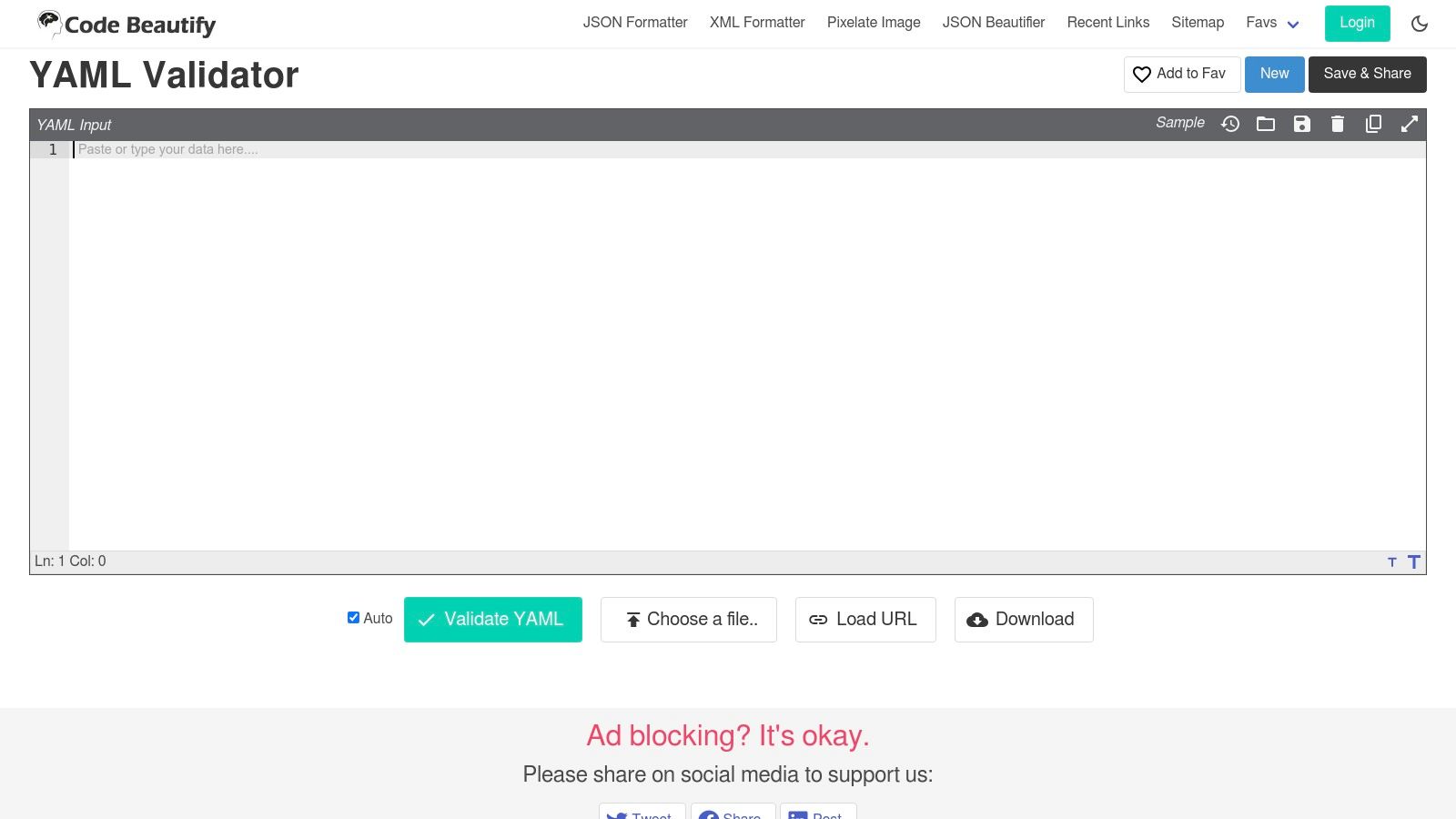
This tool is designed for quick syntax verification and reformatting, similar to other simple validators. While it excels at confirming the structural integrity of your YAML, it does not support schema validation against custom rules. The platform's main advantage is its integration into a broader suite of tools, allowing developers to switch between validators, formatters, and converters without leaving the site. However, the ad-supported interface and surrounding widgets can be distracting for users seeking a more focused experience.
Key Features and Usage
Code Beautify's YAML validator provides a straightforward, free service that combines validation with beautification and flexible data handling. Its primary function is to check syntax and provide clear error feedback, identifying the line number and nature of any issues.
- Flexible Input Methods: Supports direct text input, file uploads, and fetching YAML from a remote URL.
- Beautify and Minify: Includes options to format the YAML for better readability or compress it into a minimal form.
- Data Sharing and Saving: Users can generate a shareable link to their YAML snippet or download the validated content as a file.
This platform is ideal for developers who appreciate having multiple input options and access to other coding utilities in one place.
| Feature | Availability |
|---|---|
| Price | Free |
| Syntax Check | Yes |
| Schema Validation | No |
| Reformatting | Yes |
| File Upload | Yes |
Website: https://codebeautify.org/yaml-validator/
4. JSONFormatter.org — YAML Validator
JSONFormatter.org is a widely recognized resource among developers, primarily for its JSON tools, but it also hosts a highly capable online YAML validator. Its familiar interface offers multiple ways to input data, including pasting content, uploading a file, or loading YAML directly from a URL. This flexibility makes it a versatile choice for developers who work with data from various sources and appreciate a consistent toolset.
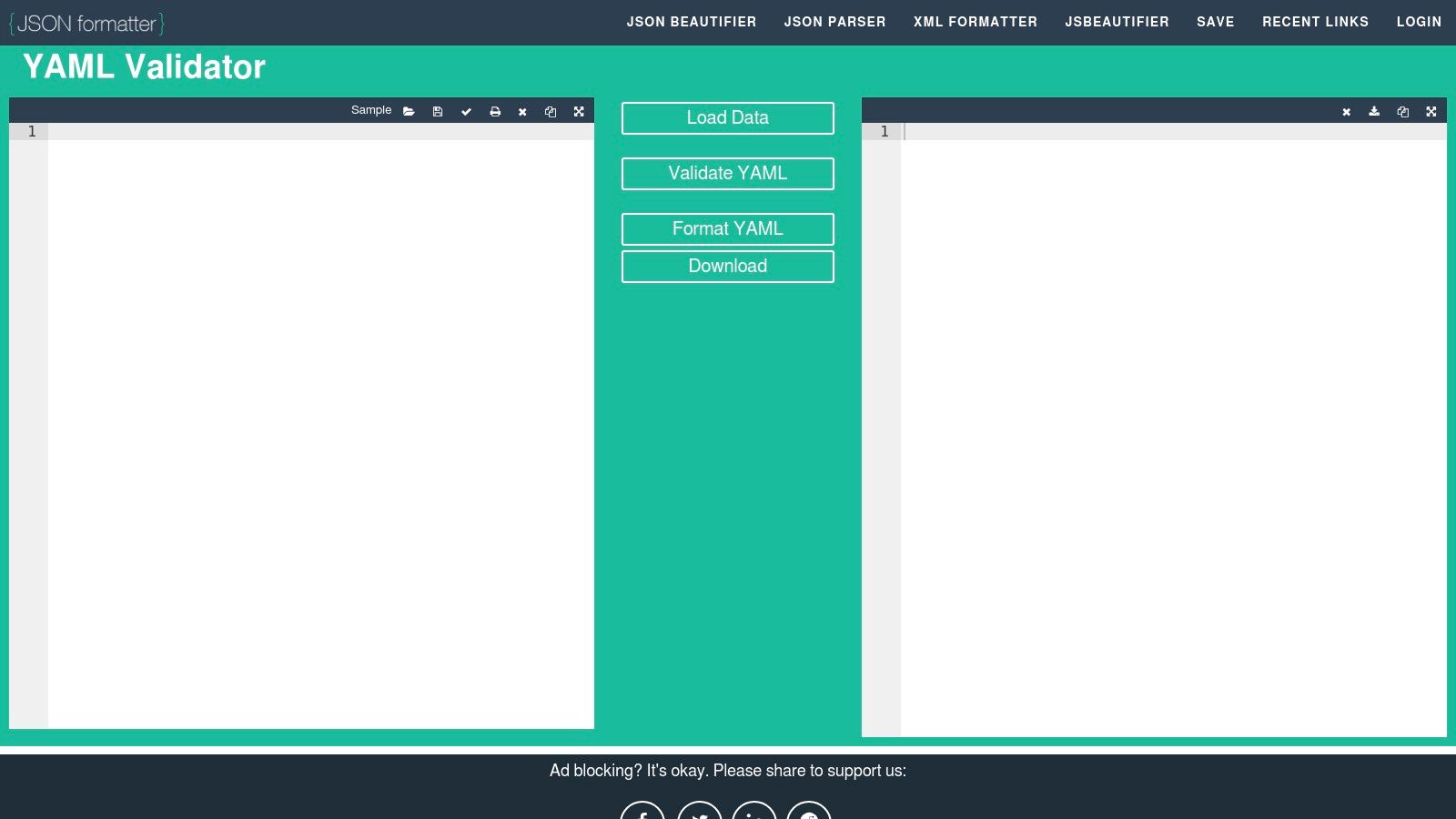
The platform is more than just a validator; it integrates various functionalities that streamline working with structured data. While its primary function is to check for syntactical correctness, it also provides tools for formatting and conversion. This makes it a practical one-stop-shop for quick data manipulation tasks, though the user experience is ad-supported, which may be a consideration for some users. The relationship between YAML and JSON is a core part of modern development, and tools that handle both are incredibly useful. For more on this, you can explore the similarities and differences between these formats with a JSON formatter and validator tool.
Key Features and Usage
The platform provides a robust set of features that go beyond simple validation, catering to a developer's full workflow. Its multi-input support and sharing capabilities are key differentiators.
- Multiple Input Methods: Users can paste code directly, use the "Upload File" button, or fetch data remotely via the "Load URL" feature.
- Instant Validation and Formatting: The "Validate" button provides immediate feedback on syntax errors with line numbers. It also includes a formatting function to beautify the code.
- Shareable Links: An option to create a shareable link for your YAML snippet allows for easy collaboration, though this feature can sometimes be limited.
This tool is ideal for developers who frequently switch between YAML and JSON and need a quick, web-accessible utility for validation and formatting.
| Feature | Availability |
|---|---|
| Price | Free |
| Syntax Check | Yes |
| Schema Validation | No |
| Reformatting | Yes |
| File Upload | Yes |
Website: https://jsonformatter.org/yaml-validator
5. Online YAML Tools (by Browserling) — Validate YAML
Part of Browserling's extensive suite of developer utilities, Online YAML Tools offers a privacy-focused and entirely client-side online YAML validator. Its key differentiator is that all validation logic runs directly in your browser using JavaScript. This means your data is never sent to a server, making it a secure option for handling sensitive configuration files without worrying about data exposure. The tool provides instant feedback, pinpointing errors as you type.
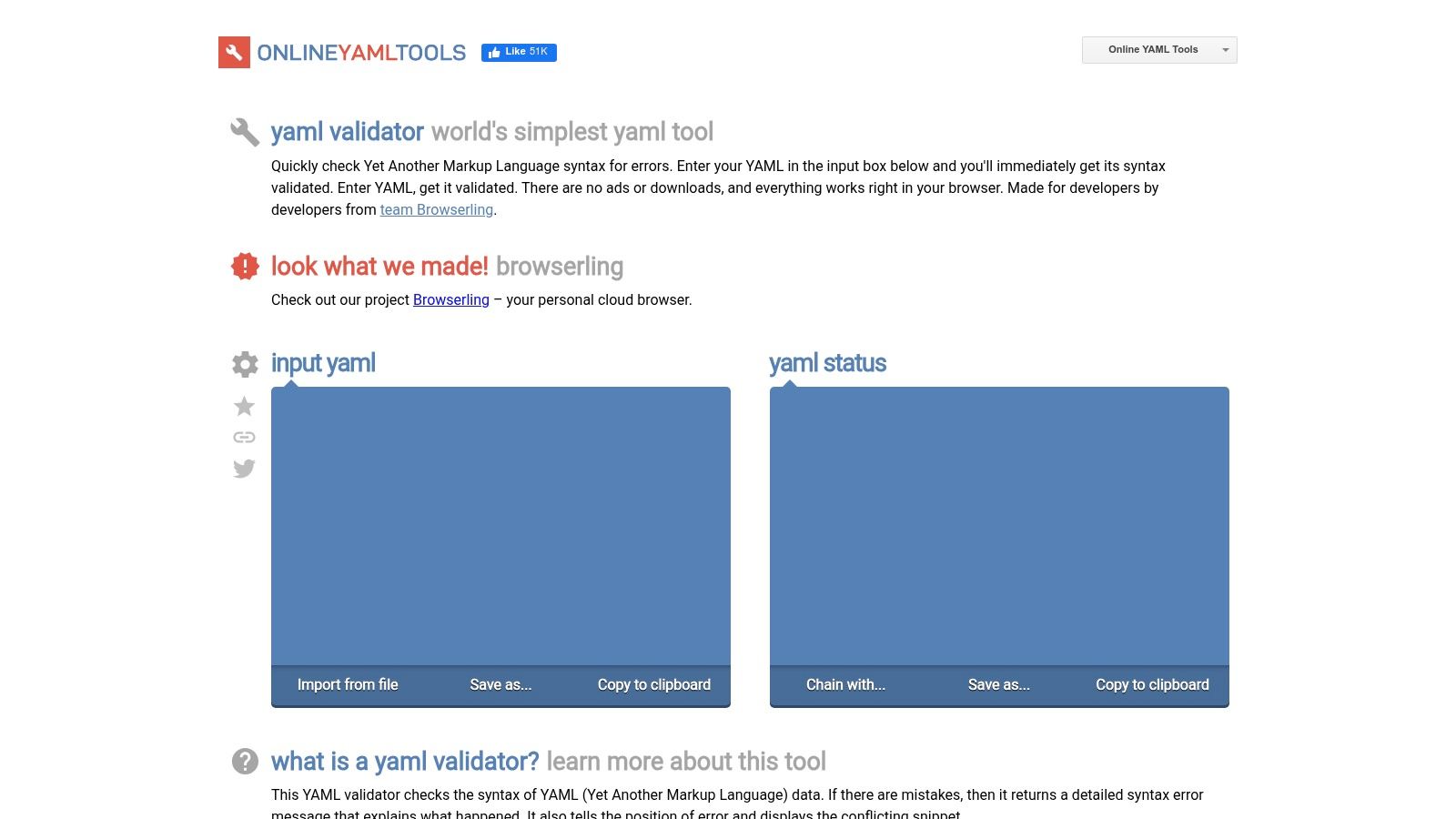
While the user interface is spartan, its strength lies in its integration with other YAML utilities on the same platform. Users can validate their code and then immediately chain it to another tool to format, convert, or minify it without leaving the site. This streamlined workflow is ideal for developers who need to perform multiple operations on a single YAML snippet quickly and securely.
Key Features and Usage
The platform is built for speed and privacy, providing a simple yet powerful environment for syntax checking. It operates entirely free of charge and without any ads, focusing solely on utility.
- Client-Side Validation: All processing happens in the browser, ensuring your data remains private and is never uploaded.
- Real-Time Error Highlighting: The tool instantly identifies and locates syntax errors, providing immediate feedback as you edit.
- Integrated Toolchain: Easily switch between validating, formatting, and converting YAML to other formats like JSON or XML within the same interface.
- File and Clipboard Support: Users can load YAML from a file, paste it from the clipboard, or download the validated code.
This tool is best for developers and security-conscious teams who prioritize privacy and need a quick, browser-based syntax check for sensitive data.
| Feature | Availability |
|---|---|
| Price | Free |
| Syntax Check | Yes |
| Schema Validation | No |
| Reformatting | Yes (Separate Tool) |
| File Upload | Yes |
Website: https://onlineyamltools.com/validate-yaml
6. Mockoon — Online YAML Validator
From the creators of the popular API mocking tool, Mockoon offers a clean and efficient online YAML validator as part of its free toolset. This validator stands out for its speed and user-friendly interface, providing clear, real-time error messages as you type. It is designed for developers who need a quick and reliable way to check YAML syntax without the overhead of a more complex platform.
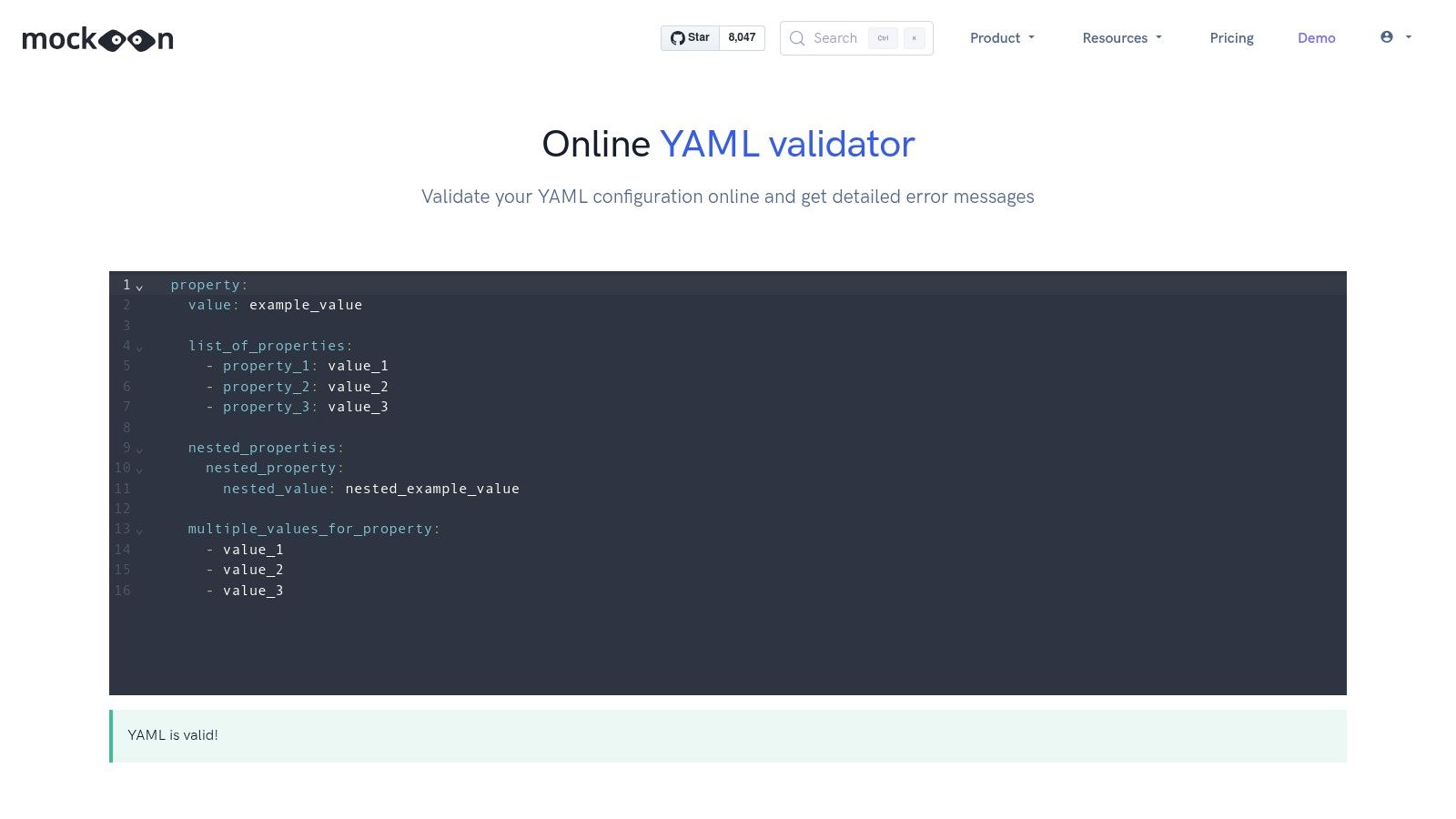
The tool is focused solely on syntax validation, confirming that your data structure, indentation, and formatting adhere to YAML specifications. It does not perform schema validation, making it best suited for verifying the correctness of configuration files, CI/CD pipeline definitions, or other simple YAML documents. The trust associated with the Mockoon brand gives users confidence in its reliability and performance.
Key Features and Usage
Mockoon's validator is entirely free and requires no sign-up. Its core strength is its immediate feedback loop, highlighting syntax problems with concise and actionable error descriptions that help users quickly pinpoint and fix issues in their code.
- Real-Time Validation: Errors are displayed instantly as you write or paste YAML, providing specific details on what went wrong and where.
- Clean, Minimalist UI: The interface is uncluttered, focusing entirely on the validation task without ads or unnecessary features.
- Trustworthy Publisher: Backed by the reputable Mockoon team, ensuring a high-quality and well-maintained tool.
This validator is an excellent choice for developers already familiar with the Mockoon ecosystem or anyone seeking a fast, no-frills tool for routine syntax checks.
| Feature | Availability |
|---|---|
| Price | Free |
| Syntax Check | Yes |
| Schema Validation | No |
| Reformatting | No |
| File Upload | No |
Website: https://mockoon.com/tools/yaml-validator/
7. YAMLValidator.org
YAMLValidator.org is a modern and privacy-focused online YAML validator designed with real-time feedback and client-side processing at its core. It distinguishes itself by handling YAML streams, which are multiple YAML documents separated by --- in a single file, a common format in Kubernetes configurations and other DevOps tooling. The platform's emphasis on in-browser validation means user data is never sent to a server, offering a significant privacy advantage for those working with sensitive information.
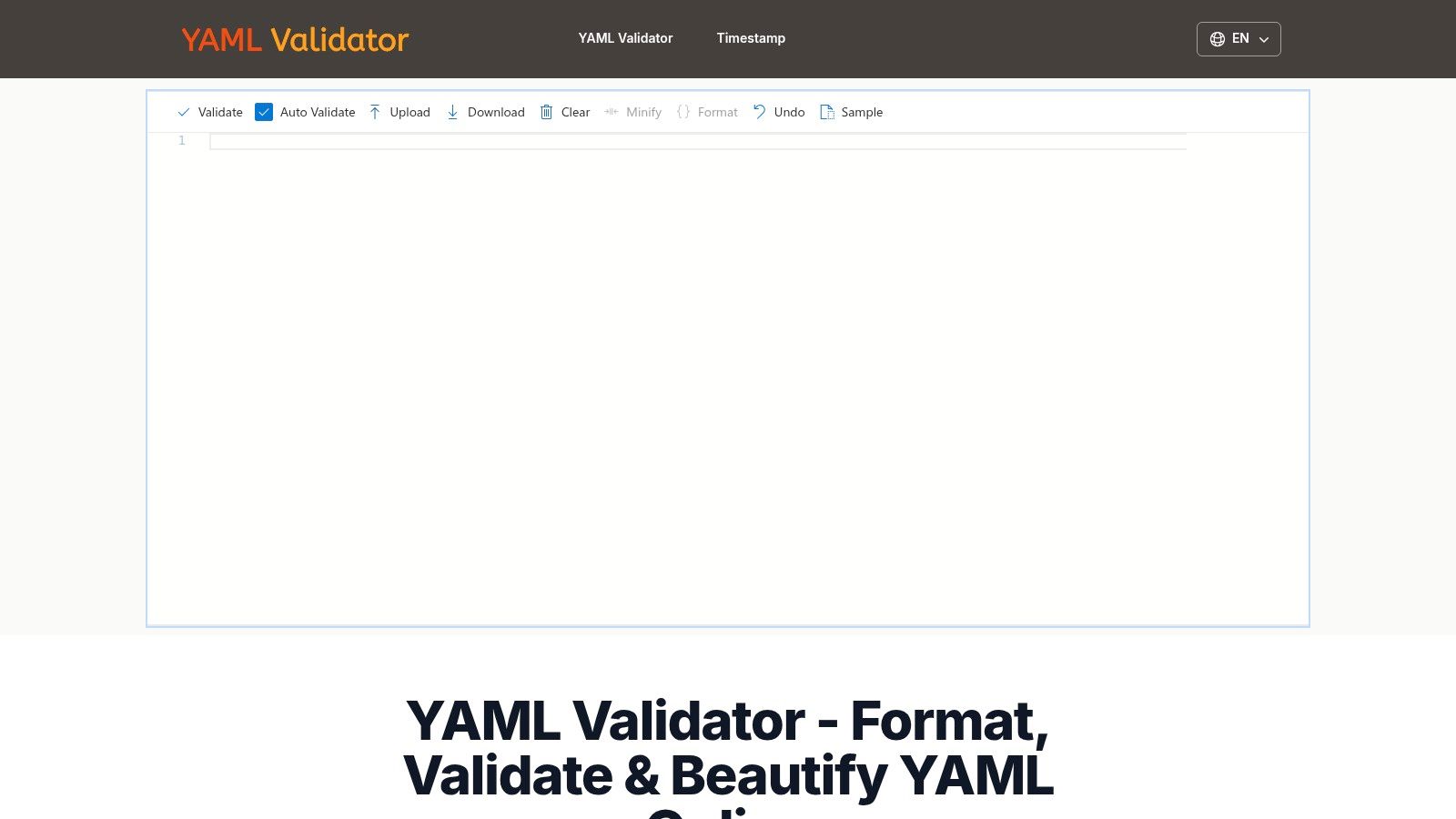
This tool is particularly useful for developers who need to quickly format or validate multi-document YAML without installing local software. While it doesn't support advanced schema validation against specifications like Kubernetes or JSON Schema, its strength lies in its excellent syntax checking, formatting capabilities, and intuitive user interface that feels responsive and reliable. It’s a great choice for quick, secure checks of standard YAML syntax.
Key Features and Usage
The platform provides a clean, editor-like experience with immediate feedback as you type, making it easy to catch errors on the fly. All features are available for free without any registration.
- Real-Time Validation: Errors are highlighted instantly with detailed line and column information, streamlining the debugging process.
- Multi-Document Support: Seamlessly validates and formats files containing multiple YAML documents separated by
---. - Client-Side Processing: All validation and formatting happen locally in your browser, ensuring your data remains private and secure.
- Advanced Formatting: Includes options to format or minify YAML while intelligently preserving comments, anchors, and aliases.
| Feature | Availability |
|---|---|
| Price | Free |
| Syntax Check | Yes |
| Schema Validation | No |
| Reformatting | Yes |
| File Upload | Yes |
Website: https://www.yamlvalidator.org/
8. YAMLFormat.com — YAML Formatter & Validator
YAMLFormat.com offers a streamlined, two-pane interface designed for both validating and formatting YAML code simultaneously. This online YAML validator provides immediate feedback, automatically cleaning up syntax and flagging errors in the output pane as you type in the input pane. Its dual-function approach makes it highly efficient for developers who need to quickly correct indentation or structural issues while also ensuring their code is syntactically correct.
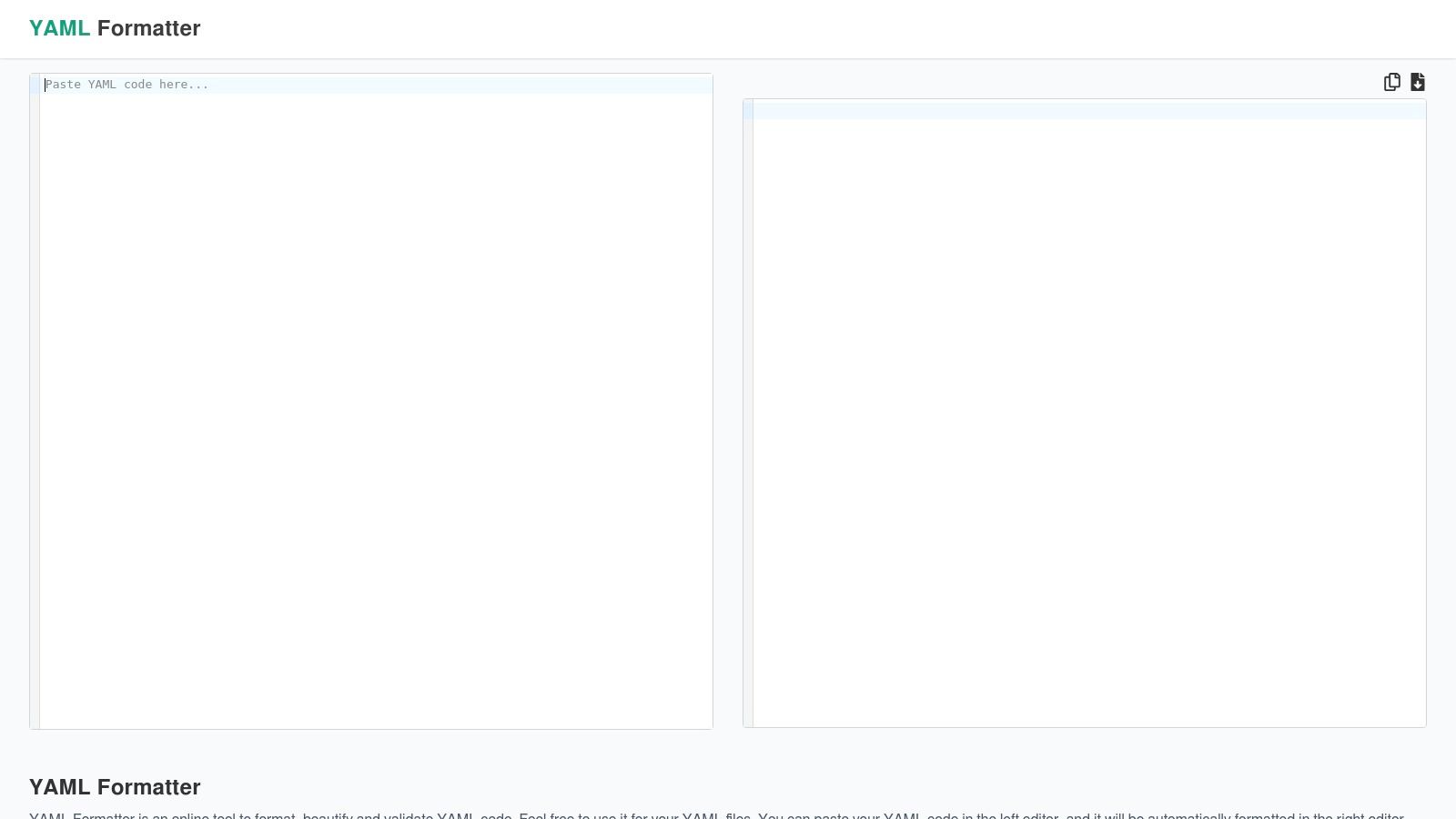
The platform is built for speed and simplicity, focusing exclusively on syntax checking and beautification. It lacks advanced features like schema validation, making it best suited for quick cleanups and sanity checks of configuration files, CI/CD pipeline scripts, or Kubernetes manifests. The live-updating nature of the tool eliminates the need to constantly click a "validate" button, creating a fluid and responsive user experience.
Key Features and Usage
The editor is free to use and requires no sign-up, providing instant access to its core functionality. Its strength lies in the interactive, real-time feedback loop between the input and output panes, supported by helpful syntax highlighting.
- Live Formatting and Validation: The tool automatically formats the input YAML and displays the clean version on the right, instantly highlighting any syntax errors.
- Syntax Highlighting: Both editor panes feature clear color coding, which helps in identifying data types, keys, and values for better readability.
- Copy and Download Options: Once the YAML is valid and formatted, users can easily copy the result to their clipboard or download it as a
.yamlfile.
YAMLFormat.com is an excellent choice for developers who prioritize formatting alongside basic validation and appreciate an interactive, real-time editing environment.
| Feature | Availability |
|---|---|
| Price | Free |
| Syntax Check | Yes |
| Schema Validation | No |
| Reformatting | Yes |
| File Upload | No |
Website: https://yamlformat.com/
9. ValidYAML.com — Online AI YAML Validator & Linter
ValidYAML.com offers a streamlined and visually-driven experience for developers needing a quick syntax check. This online YAML validator focuses on providing immediate, clear feedback by highlighting errors directly within the code editor. Its interface is clean and modern, designed to help users pinpoint issues like incorrect indentation or formatting errors with minimal effort, making it ideal for rapid debugging sessions.
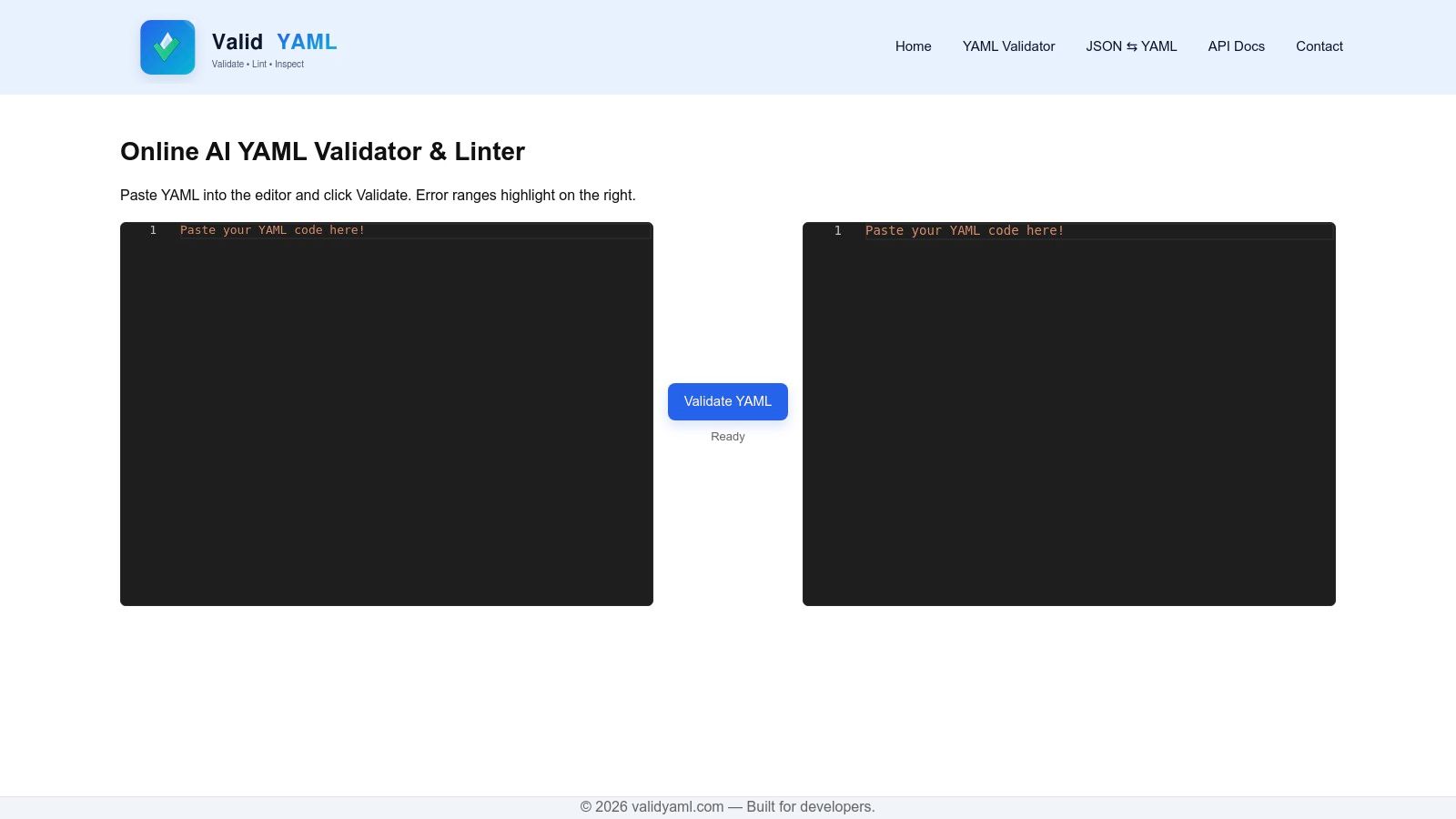
The platform's main advantage is its emphasis on visual cues. Instead of just returning a text-based error message, it marks the exact location of the problem, allowing for faster identification and correction. While it lacks advanced features such as schema validation or complex reformatting options, its strength lies in this focused, user-friendly approach to syntax linting. It is a solid choice for developers who value speed and clarity for day-to-day validation tasks.
Key Features and Usage
The tool is built around a simple paste-and-validate workflow, making it accessible to anyone without a learning curve. It operates entirely in the browser and is free to use.
- Real-Time Error Highlighting: As you paste or type your YAML, the linter instantly highlights the lines and specific characters causing syntax errors.
- Clear Error Messaging: Alongside the visual highlights, concise error messages explain the nature of the problem, such as "mapping values are not allowed here."
- Minimalist Interface: The single-panel editor is free from clutter, ensuring users can focus entirely on their YAML content and its validity.
This validator is best suited for quick checks of configuration files, CI/CD pipeline scripts, or any YAML snippet where immediate visual feedback is more valuable than deep schema analysis.
| Feature | Availability |
|---|---|
| Price | Free |
| Syntax Check | Yes |
| Schema Validation | No |
| Reformatting | No |
| File Upload | No |
Website: https://validyaml.com/
10. Octopus — Free YAML Validator (Octopus DevOps Tools)
Coming from a trusted name in the CI/CD and DevOps space, the Octopus Free YAML Validator offers a clean and reliable tool for developers. As part of a suite of free DevOps utilities, this online YAML validator provides a simple, no-frills interface focused entirely on syntax validation. Its main draw is the credibility of the Octopus brand, giving users confidence that the tool is well-maintained and built with an understanding of developer workflows.
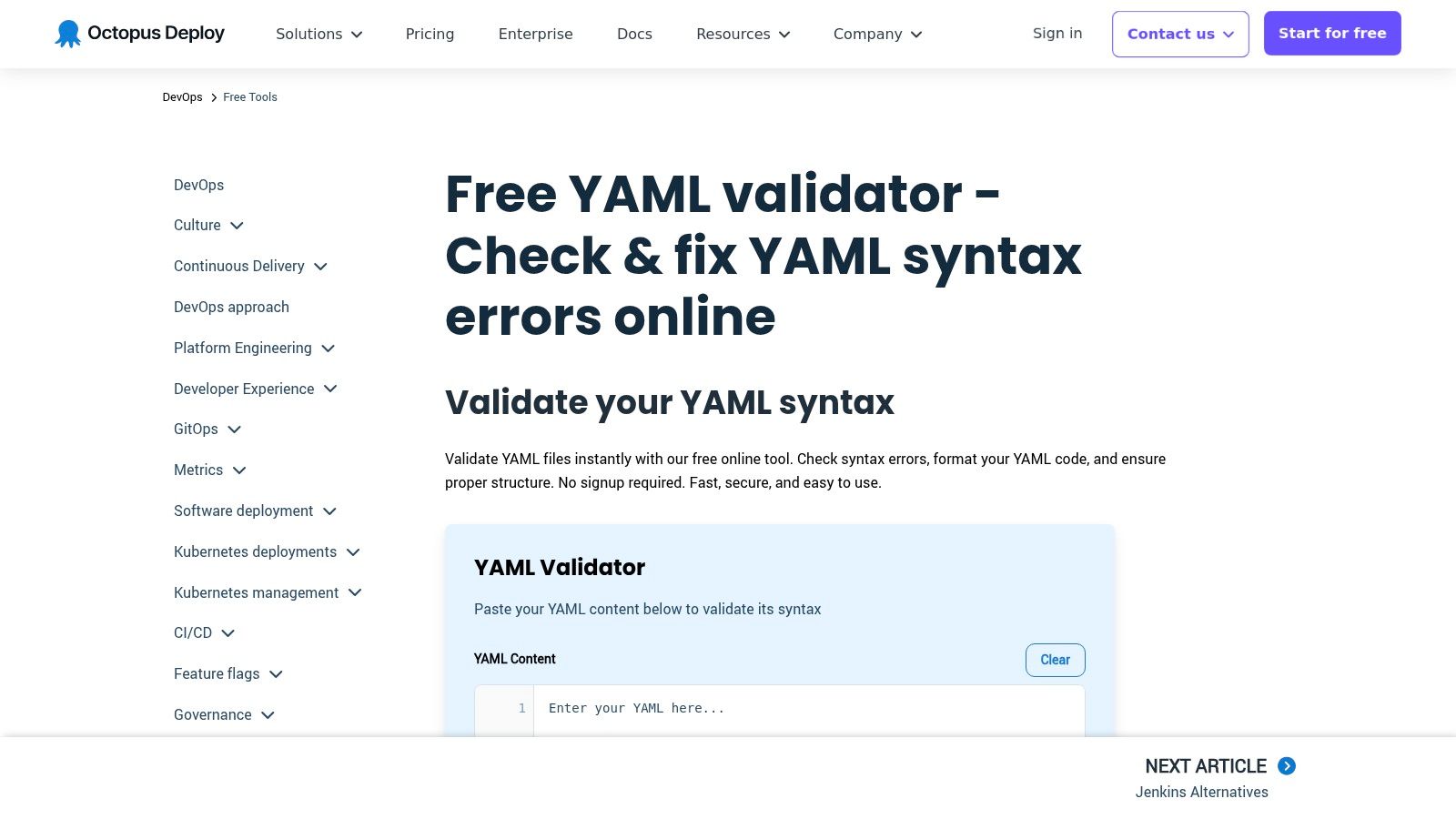
The platform is designed for quick checks of configuration files, such as those used in CI/CD pipelines, Kubernetes, or other DevOps automation. It lacks advanced features like schema validation or file uploads, prioritizing speed and simplicity instead. This makes it an excellent choice for a quick sanity check when you need a trustworthy tool to confirm your YAML syntax is correct without any added complexity. The uncluttered page and fast performance make it a go-to for immediate feedback.
Key Features and Usage
The tool is completely free and accessible without any form of registration. Its primary purpose is to take pasted YAML content and deliver a straightforward pass-or-fail result, highlighting errors with clear, actionable messages.
- Syntax-Focused Validation: Instantly checks for common YAML errors like incorrect indentation, mapping issues, and structural problems.
- DevOps-Oriented: Part of a larger collection of free tools from Octopus, a reputable company known for its deployment automation software.
- Clean, Ad-Free Interface: The user experience is straightforward and professional, free from the distractions found on many other single-purpose tool sites.
This validator is ideal for DevOps engineers and developers who are already familiar with the Octopus ecosystem or who value a tool backed by an established industry player.
| Feature | Availability |
|---|---|
| Price | Free |
| Syntax Check | Yes |
| Schema Validation | No |
| Reformatting | No |
| File Upload | No |
Website: https://octopus.com/devops/free-tools/yaml-validator
11. EZ Tools — YAML Validator
EZ Tools offers a straightforward and efficient online YAML validator that balances simplicity with the practical need to handle files. Designed as part of a larger suite of developer utilities, this tool provides a clean interface for pasting code or uploading files directly, making it a versatile choice for quick syntax verification. Its main appeal lies in its no-frills approach combined with the convenience of file handling.
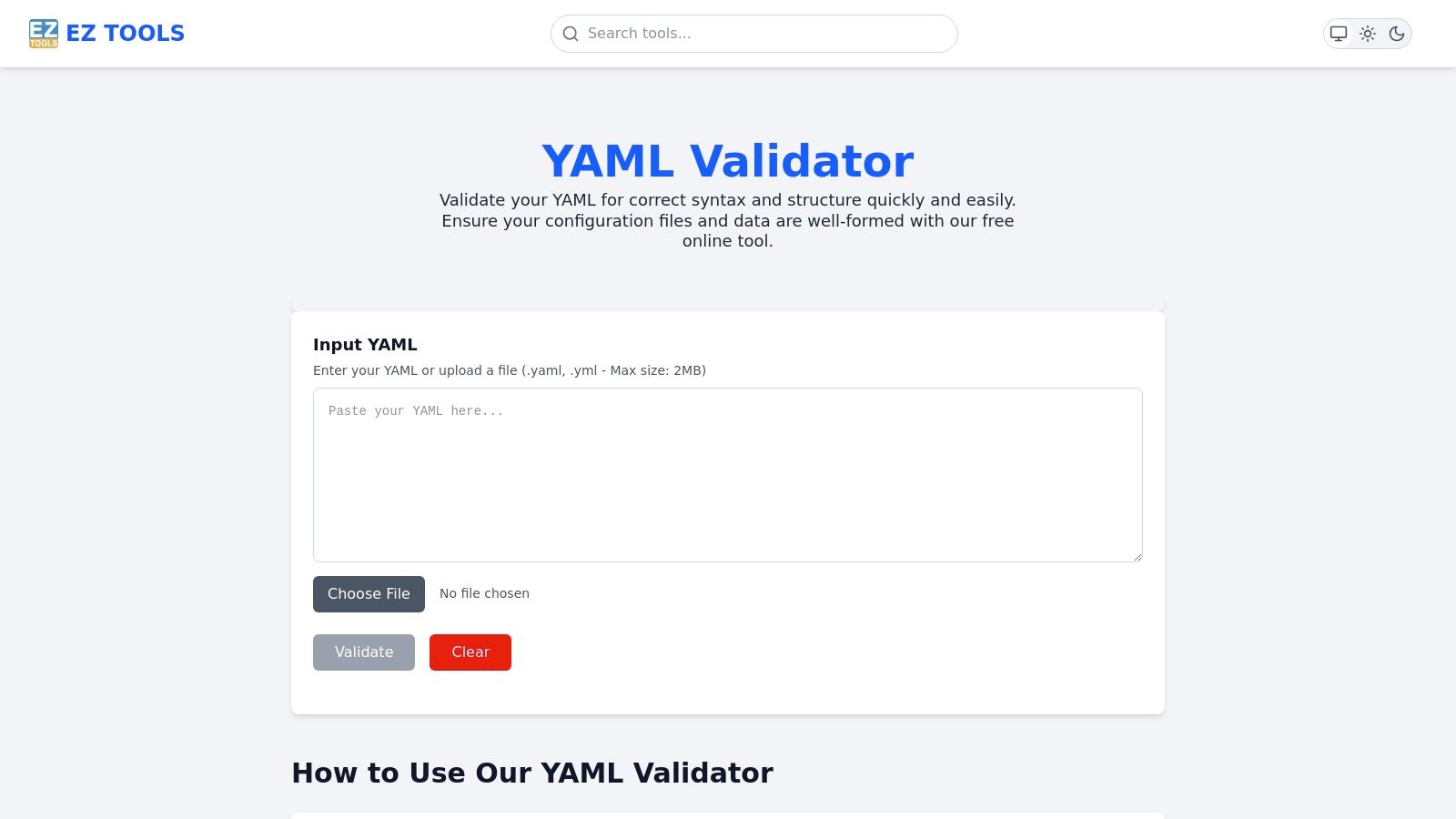
The platform is purely focused on syntax validation. It does not offer advanced features like schema checking, reformatting, or alias resolution. However, its error reporting is clear and specific, highlighting the line number and character where an issue is detected. This makes it a useful debugging tool for developers needing to quickly pinpoint a mistake in a configuration file or a CI/CD script without the overhead of a more complex application.
Key Features and Usage
The validator is free to use and operates entirely within the browser. Its standout feature is the file upload capability, which is not universally available among simpler online tools and supports both .yaml and .yml extensions.
- Dual Input Methods: Users can either paste their YAML directly into the text area or use the file upload function.
- Clear Error Messaging: When invalid YAML is detected, the tool provides a concise yet detailed error message that helps users quickly identify and fix the problem.
- Generous File Limit: The 2 MB file size limit is suitable for most common configuration files, including those for Kubernetes, Docker Compose, and various CI/CD platforms.
This tool is ideal for users who frequently work with local YAML files and need a fast way to check their validity online without installing dedicated software.
| Feature | Availability |
|---|---|
| Price | Free |
| Syntax Check | Yes |
| Schema Validation | No |
| Reformatting | No |
| File Upload | Yes (2 MB limit) |
Website: https://eztoolsonline.com/tools/yaml-validator
12. Swagger Editor (OpenAPI YAML validation)
While not a generic online YAML validator, the Swagger Editor is an indispensable tool for developers working with API specifications. This official editor from SmartBear is specifically designed to validate OpenAPI (formerly Swagger) definitions written in YAML or JSON. Its primary purpose is to ensure that your API specification adheres to the strict OpenAPI Schema, providing real-time feedback and error highlighting directly in the browser.
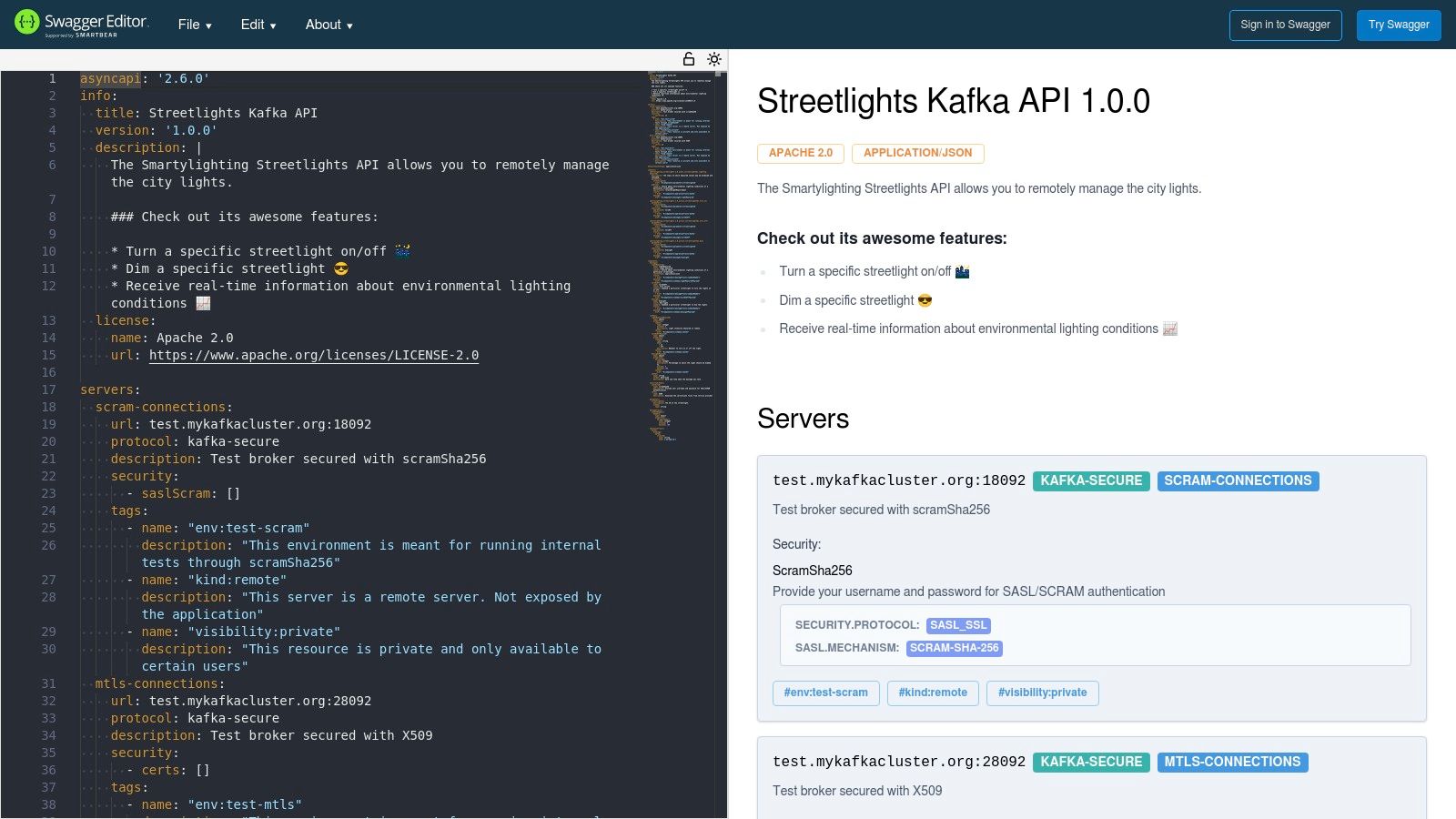
The platform's key advantage is its live preview pane, which automatically generates interactive API documentation as you type. This makes it an excellent choice for API-first development teams who need to validate their specifications and visualize the end result simultaneously. For those working with API specifications, you might also want to explore alternatives for OpenAPI Swagger testing to complete your validation and testing workflow.
Key Features and Usage
The editor is the industry-standard tool for creating and validating OpenAPI specifications. It provides a rich, integrated development environment focused entirely on the API lifecycle. Because many API tools use either YAML or JSON, knowing how to convert between YAML and JSON is a valuable skill.
- Live Schema Validation: Instantly highlights errors and warnings specific to the OpenAPI 3.x or Swagger 2.0 specification.
- Auto-Generated Documentation: A split-screen view shows a live, interactive preview of your API documentation as you edit the YAML.
- Import from URL: Allows you to load and validate an existing specification directly from a web address.
- Menu-Driven Conversions: Easily convert your valid YAML specification into different formats, including JSON and other server/client stubs.
| Feature | Availability |
|---|---|
| Price | Free |
| Syntax Check | Yes |
| Schema Validation | Yes (OpenAPI) |
| Reformatting | No |
| File Upload | Yes |
Website: https://editor.swagger.io/
Top 12 Online YAML Validators — Feature Comparison
| Tool | Core features ✨ | UX & Quality ★ | Price & Privacy 💰 | Target / Best for 👥🏆 |
|---|---|---|---|---|
| Free Powerful Online YAML Validator & Editor (Digital ToolPad) | ✨ Real-time linting, syntax highlight, offline-capable | ★★★★★ · deterministic, instant | 💰 Free · Client-side only, no uploads | 👥 Devs (K8s/CI) · 🏆 Privacy-first & offline workflows |
| YAML Lint (yamllint.com) | ✨ One-click validation, reformat, minimal UI | ★★★★☆ · very fast, distraction-free | 💰 Free · No explicit privacy guarantees | 👥 Quick checks · 🏆 Fast pass/fail validator |
| Code Beautify — YAML Validator | ✨ Paste/file/URL input, beautify, save snippets | ★★★☆☆ · flexible but ad-supported | 💰 Free · Ad-supported, possible tracking | 👥 Casual devs & learners · 🏆 Flexible I/O options |
| JSONFormatter.org — YAML Validator | ✨ Paste/upload/URL, shareable links, recent list | ★★★☆☆ · familiar, multi-tool site | 💰 Free · Ad-supported; share features vary | 👥 Devs wanting format+share · 🏆 Many related tools |
| Online YAML Tools (Browserling) | ✨ Client-side validation, file import/export, chaining | ★★★★☆ · privacy-forward, many ops | 💰 Free · Client-side; explicit no-server processing | 👥 Privacy-minded devs · 🏆 Local-only conversions & tools |
| Mockoon — Online YAML Validator | ✨ Real-time validation, clear error messages | ★★★★☆ · clean UI, reliable | 💰 Free · Lightweight page, trusted publisher | 👥 API/DevOps users · 🏆 Trusted brand & accurate errors |
| YAMLValidator.org | ✨ Real-time validation, format/minify, multi-doc support | ★★★★☆ · client-side + undo/redo | 💰 Free · Client-side only | 👥 Editors handling streams · 🏆 Preserves anchors & aliases |
| YAMLFormat.com — Formatter & Validator | ✨ Auto-format & validate, two-pane editor, copy/download | ★★★☆☆ · simple, effective | 💰 Free · Syntax-focused tool | 👥 Quick cleanup users · 🏆 Two-pane editing workflow |
| ValidYAML.com — AI YAML Validator & Linter | ✨ Paste-and-validate, visual error highlighting | ★★★☆☆ · fast, strong visual cues | 💰 Free · Smaller ecosystem | 👥 Fast visual debugging · 🏆 Clear error visualization |
| Octopus — Free YAML Validator | ✨ Paste-to-validate with tips, DevOps context | ★★★★☆ · uncluttered, fast | 💰 Free · Backed by reputable DevOps vendor | 👥 DevOps engineers · 🏆 Vendor-backed reliability |
| EZ Tools — YAML Validator | ✨ Paste & file upload (≤2MB), detailed errors | ★★★☆☆ · simple and quick | 💰 Free · 2 MB upload cap | 👥 Users with small files · 🏆 Clear error messages |
| Swagger Editor (OpenAPI) | ✨ OpenAPI 3.x validation, live preview, load via URL | ★★★★☆ · industry-standard, rich docs | 💰 Free · Purpose-built for OpenAPI specs | 👥 API teams & spec authors · 🏆 Best for OpenAPI validation |
Choosing Your Go-To Validator: Final Recommendations
We have navigated the landscape of YAML validation, exploring a dozen distinct tools, each with its own strengths, quirks, and ideal use cases. From quick syntax checks to comprehensive schema enforcement, the right online YAML validator can dramatically reduce configuration errors, streamline development cycles, and prevent frustrating deployment failures. The key takeaway is clear: there is no single "best" tool for everyone. The optimal choice is fundamentally tied to your specific context, priorities, and the nature of the data you are handling.
Making a deliberate choice is crucial. Relying on the first search result without considering security implications or feature depth can lead to inefficient workflows or, in a worst-case scenario, data exposure. By understanding the trade-offs between browser-based convenience, client-side processing, and server-side feature richness, you can arm yourself with a validator that truly enhances your productivity.
Persona-Based Recommendations
To help you solidify your decision, let's distill our findings into actionable recommendations based on common developer personas and needs:
For the Security-Conscious Enterprise Developer: If you handle sensitive data, proprietary configurations, or operate within a strict compliance framework, the choice is unambiguous. An offline, client-side tool is non-negotiable. While many tools claim client-side processing, verifying this and ensuring no data leaves your browser is paramount. This is where a trusted, local-first solution becomes the cornerstone of a secure workflow.
For the API-Focused Backend Engineer: When your YAML is destined to define API contracts, particularly OpenAPI or Swagger specifications, your needs are highly specialized. The Swagger Editor is purpose-built for this task. Its real-time validation against the OpenAPI Specification, coupled with interactive documentation rendering, provides an integrated development environment that a generic online YAML validator simply cannot match. It’s less a validator and more a complete API design studio.
For the DevOps and SRE Professional: Your world revolves around CI/CD pipelines, Kubernetes manifests, and infrastructure-as-code. While a quick online YAML validator like YAML Lint is great for a sanity check, your primary tool should be integrated into your pipeline. For ad-hoc checks, a tool with strong Kubernetes schema support or the ability to handle complex, multi-document files, such as the one from Octopus, offers significant value.
For the Quick-Fix Scripter and Hobbyist: When you just need to know if your syntax is correct right now, speed and simplicity are king. YAML Lint (yamllint.com) and Code Beautify excel here. They load instantly, provide immediate feedback, and require zero setup. These are the workhorses for rapid, low-stakes validation where privacy is not the primary concern.
Final Selection Criteria
As you bookmark your preferred tools, consider these final implementation factors:
- Speed vs. Features: Do you need a lightning-fast linter or a feature-rich editor with schema validation and formatting? It’s often wise to have one of each bookmarked for different tasks.
- Data Sensitivity: This is the most critical factor. Before you paste any YAML, ask yourself: "Would I be comfortable if this configuration was publicly leaked?" If the answer is no, you must use a verified client-side or fully offline tool.
- Use Case Specificity: Are you writing a GitHub Actions workflow, a Docker Compose file, or an Ansible playbook? Some validators offer built-in schemas or templates for these specific use cases, saving you immense time and effort.
Ultimately, integrating a reliable online YAML validator into your daily habit is about discipline. It’s about catching a misplaced indent or a syntax error in seconds, rather than debugging a failed deployment for hours. By selecting the right tool for the job, you elevate the quality of your configurations and build a more resilient, efficient, and error-free development practice.
Ready to embrace a secure, offline-first approach to validation and other development tasks? The entire suite of tools at Digital ToolPad is engineered for privacy, processing all data exclusively in your browser. Check out the 100% client-side Digital ToolPad for a powerful, privacy-guaranteed alternative to traditional online utilities.