
YAML configuration files are the backbone of modern infrastructure as code, CI/CD pipelines, and application settings. However, their strict syntax, particularly with indentation and data types, means a single misplaced space or a missing colon can halt deployments and trigger cryptic errors. Debugging these issues manually is a time-consuming and frustrating process that pulls developers away from more critical tasks. This is where an online YAML validator becomes an essential part of any developer's toolkit, providing instant feedback to catch syntax errors before they cause problems.
This guide simplifies the search for the right tool. We have curated a comprehensive list of the best online YAML validators, evaluating each for its core features, schema validation capabilities, and unique strengths. You will find detailed comparisons, screenshots, and direct links to help you quickly identify the ideal platform for your specific workflow, whether you are drafting a simple configuration file or managing complex Kubernetes manifests. Ensuring flawless YAML is a key part of maintaining code quality, a principle that extends to the entire development lifecycle. For a broader perspective on improving code integrity, consulting an ultimate code review checklist can provide a structured framework for teams. Let's dive into the tools that will help you write perfect YAML every time.
1. Free Powerful Online YAML Validator & Editor — Digital ToolPad
Digital ToolPad’s YAML Validator & Editor sets the standard for privacy-first, client-side validation. This powerful browser-based utility delivers an immediate, secure, and reliable experience, making it a top choice for developers, DevOps engineers, and security-conscious teams who need a dependable yaml validator online without compromising data integrity. Its core strength lies in its 100% offline functionality; all processing happens directly in your browser, ensuring sensitive configuration data never leaves your machine.
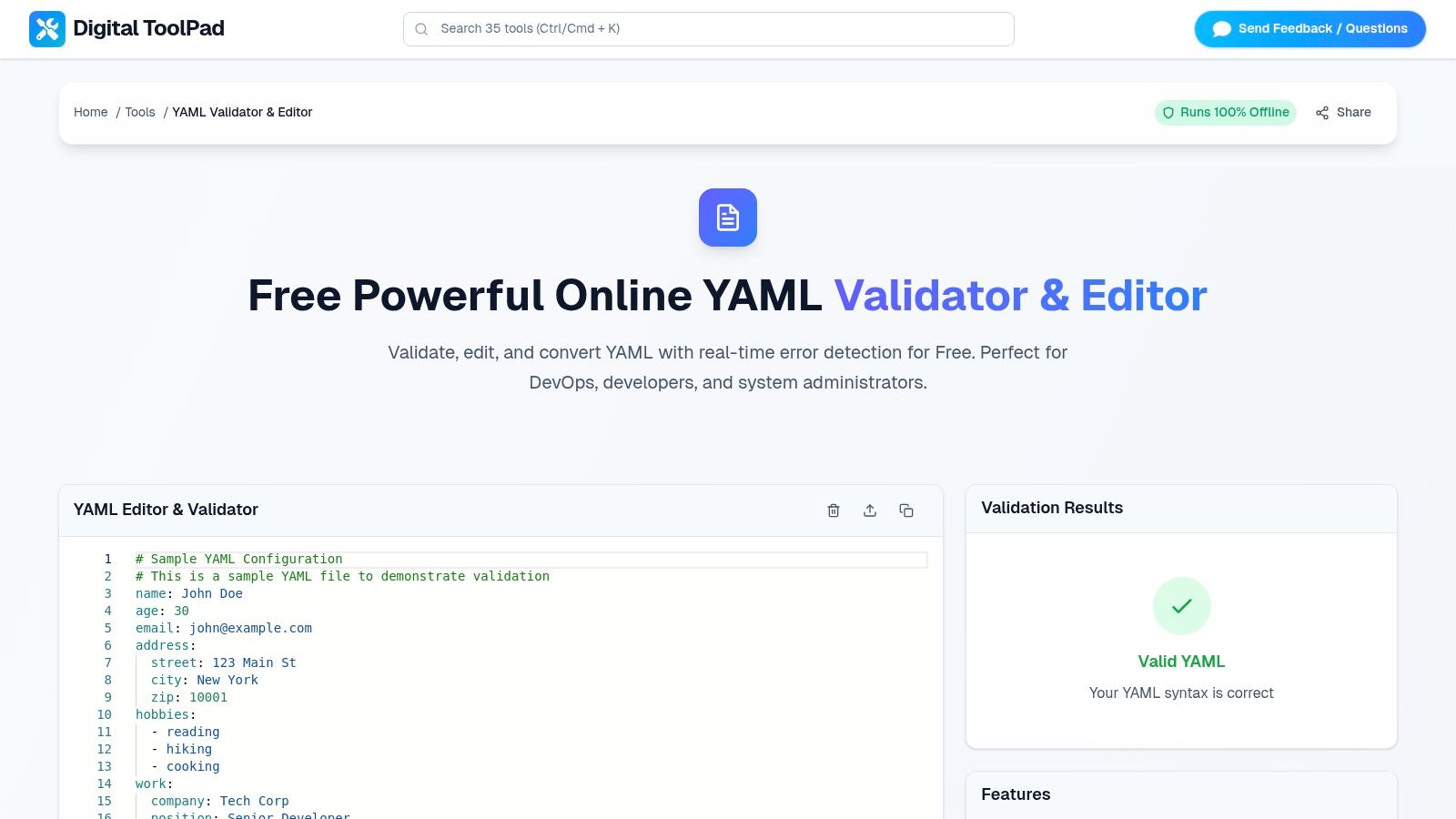
This tool excels with its real-time feedback loop. As you write or paste YAML, it provides instant syntax highlighting and identifies errors with precise line and column numbers. This immediate validation streamlines debugging for complex files like Kubernetes manifests, CI/CD pipelines, or application configurations, drastically reducing the time spent hunting for misplaced hyphens or incorrect indentation.
Key Features and Use Cases
- Privacy and Security: Since no data is ever uploaded to a server, it is an ideal solution for validating proprietary configurations, API secrets, or infrastructure-as-code files that are subject to strict compliance or privacy policies.
- Instantaneous Feedback: The live editor immediately flags syntax errors, providing clear, actionable messages that help you fix issues on the spot. This is perfect for quick sanity checks before committing code.
- No Dependencies: As a zero-installation tool, it requires no signup, software downloads, or dependencies. It runs seamlessly in any modern browser on both desktop and mobile devices.
Our Take: Digital ToolPad is the definitive choice for professionals who prioritize security and speed. Its commitment to client-side processing makes it a standout, trustworthy utility in a landscape where data privacy is paramount.
Pros & Cons
| Strengths | Limitations |
|---|---|
| Completely Client-Side: Ensures maximum privacy and security with zero server interaction. | No Cloud Features: Lacks native collaboration, sharing, or persistent server-side storage. |
| Real-Time Validation: Provides immediate, precise error feedback with syntax highlighting. | Lacks Advanced Integrations: Does not support custom schema validation or direct CI/CD pipeline hooks. |
| Free and Accessible: No cost, no signup, and works flawlessly on desktop and mobile browsers. | Manual File Handling: Requires users to manually copy, paste, or download their work. |
| Part of a Tool Suite: Integrated within the broader Digital ToolPad collection of offline developer utilities. |
Website: Digital ToolPad YAML Validator & Editor
2. YAML Lint (yamllint.com)
For developers who prioritize speed and simplicity, YAML Lint is a top-tier choice. This free, browser-based tool offers a minimalist, distraction-free interface focused exclusively on core syntax validation and formatting. You simply paste your YAML code into the editor, click the "Go" button, and receive immediate feedback on its validity. It’s an ideal yaml validator online for quick, on-the-fly checks without the overhead of advanced features.
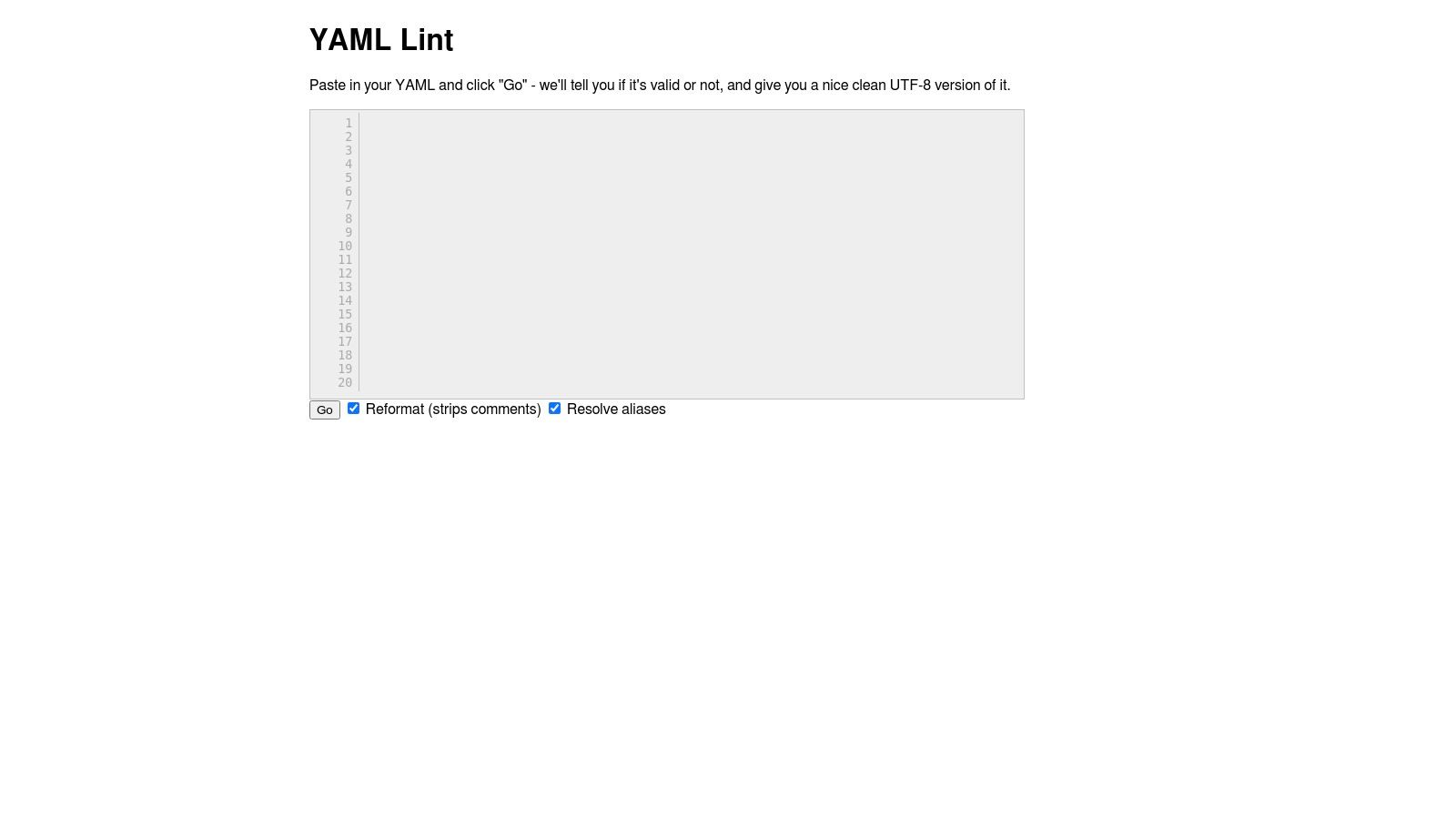
Its primary strength lies in its performance and accessibility; no sign-in or setup is required. Beyond basic validation, it can reformat your code into clean UTF-8 and resolve YAML aliases, which is useful for simplifying complex configurations. However, its simplicity is also its main limitation. It lacks schema-based validation and customizable linting rules, making it less suitable for enforcing project-specific standards or catching semantic errors. Choose this tool when your only goal is to confirm that your YAML structure is syntactically correct.
| Feature | Availability |
|---|---|
| Price | Free |
| Sign-Up | Not required |
| Schema Support | No |
| Linting Rules | No |
| Key Use Case | Instant syntax verification and reformatting. |
Website: https://www.yamllint.com/
3. JSONFormatter.org – YAML Validator
JSONFormatter.org offers a highly versatile yaml validator online that stands out for its multiple input methods. It caters to various developer workflows by allowing users to paste YAML directly, upload a file, or fetch YAML content from a URL. This flexibility makes it an excellent choice for validating configurations hosted remotely or for checking local files without having to copy and paste large blocks of text. The tool provides clear, actionable feedback on syntax errors, helping you debug your code efficiently.
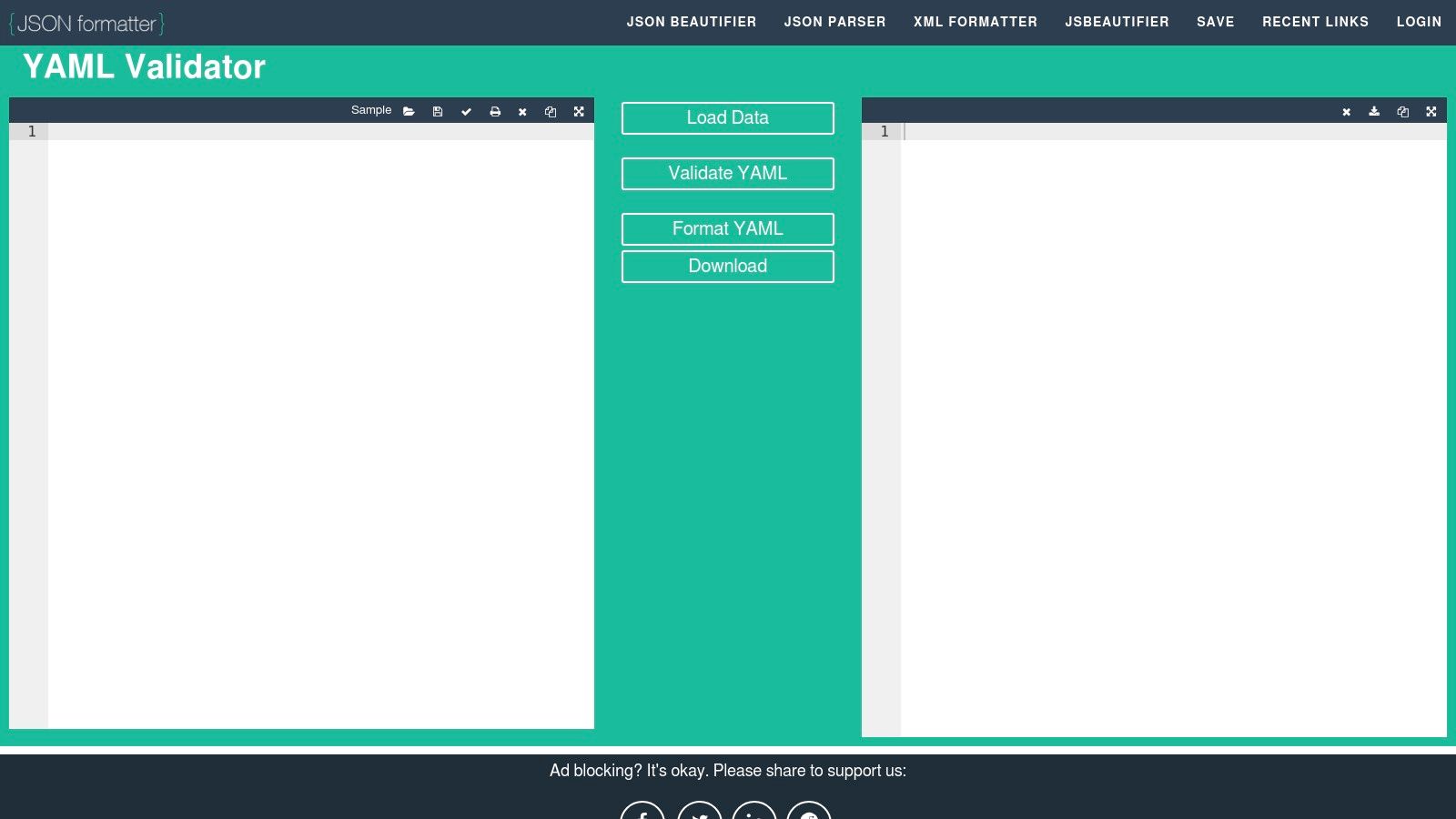
Its key differentiator is the ability to generate a shareable link to your validation results, which is incredibly useful for team collaboration. A developer can validate a file and send the link directly to a colleague for review. The tool also includes formatting and download options, much like an online JSON formatter. However, its ad-supported interface can be slightly distracting, and the save/share functionality may occasionally be limited during content-safety updates. It’s best suited for developers who need to validate YAML from diverse sources and share the results quickly.
| Feature | Availability |
|---|---|
| Price | Free (Ad-supported) |
| Sign-Up | Not required |
| Schema Support | No |
| Linting Rules | No |
| Key Use Case | Validating from URLs or files and sharing results. |
Website: https://jsonformatter.org/yaml-validator
4. CodeBeautify – YAML Validator
CodeBeautify offers a versatile yaml validator online that functions as part of a larger suite of developer utilities. It stands out by providing multiple ways to input data, including direct paste, file upload, and fetching content from a URL. This flexibility makes it a practical choice for developers working with YAML stored in various locations, from local files to remote repositories. Beyond validation, the platform integrates tools for beautifying, minifying, and converting YAML to other formats like JSON or XML, creating a comprehensive workbench for data manipulation.
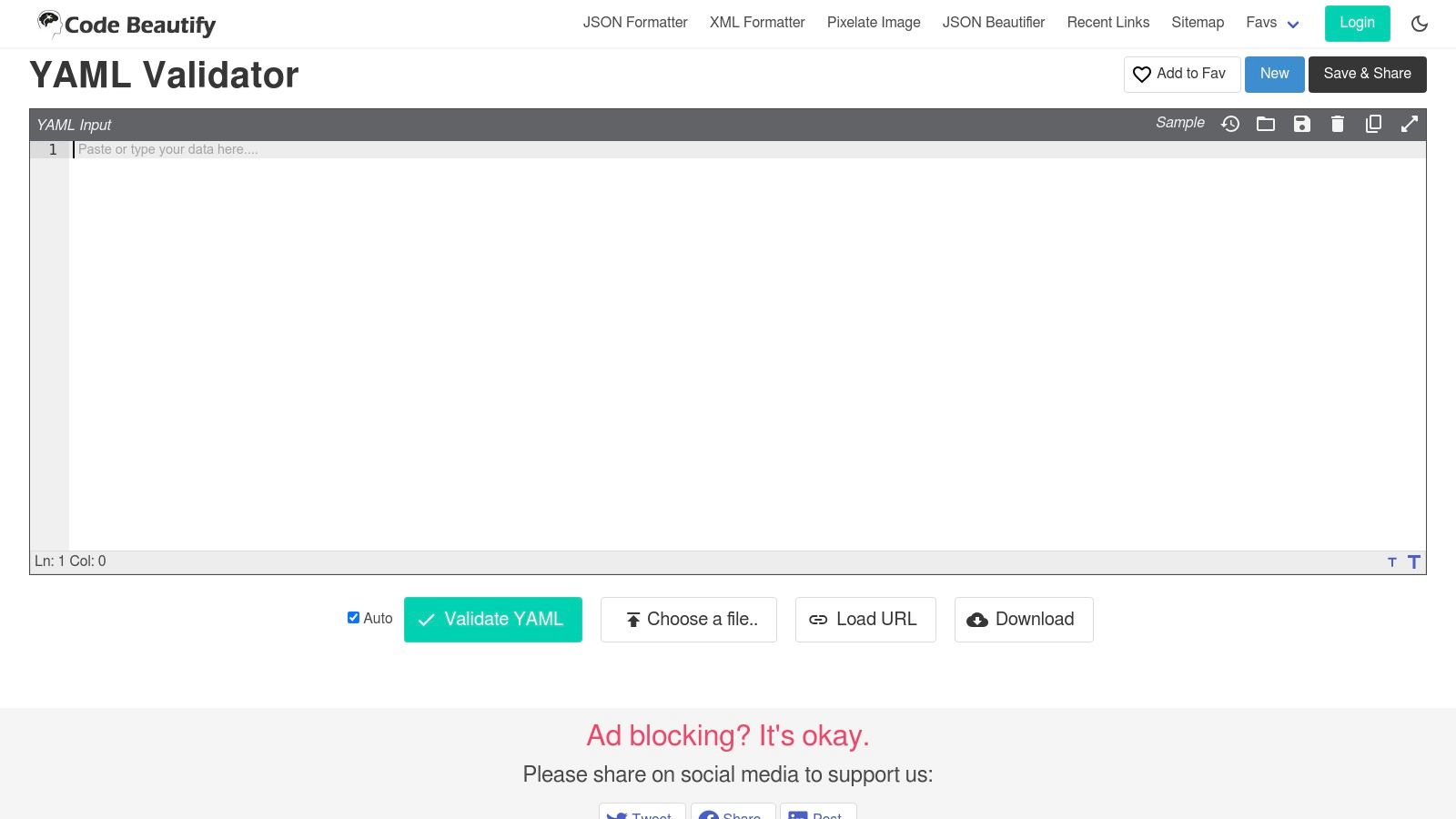
The platform’s strength lies in its ecosystem of interconnected tools, allowing you to validate, reformat, and convert your data without leaving the site. You can also save and share your work via a unique URL, which is useful for collaboration. The main trade-off for this rich feature set is a busier user interface with advertisements, which can feel cluttered compared to more minimalist validators. It also lacks support for custom schema validation or configurable linting rules, positioning it as a powerful tool for general-purpose syntax checking and data transformation rather than strict standards enforcement.
| Feature | Availability |
|---|---|
| Price | Free (Ad-supported) |
| Sign-Up | Not required |
| Schema Support | No |
| Linting Rules | No |
| Key Use Case | All-in-one validation, formatting, and conversion with flexible input options. |
Website: https://codebeautify.org/yaml-validator
5. Online YAML Tools (by Browserling)
Developed by Browserling, Online YAML Tools is not just a single utility but a comprehensive suite of client-side YAML instruments. Its standout feature is its commitment to privacy; all validation, formatting, and conversion operations happen directly in your browser, so your data is never sent to a server. This makes it an excellent yaml validator online for users who need a quick syntax check but are cautious about pasting sensitive configuration data into a web form. The platform offers a clean, straightforward interface for validation, prettifying, and converting YAML.
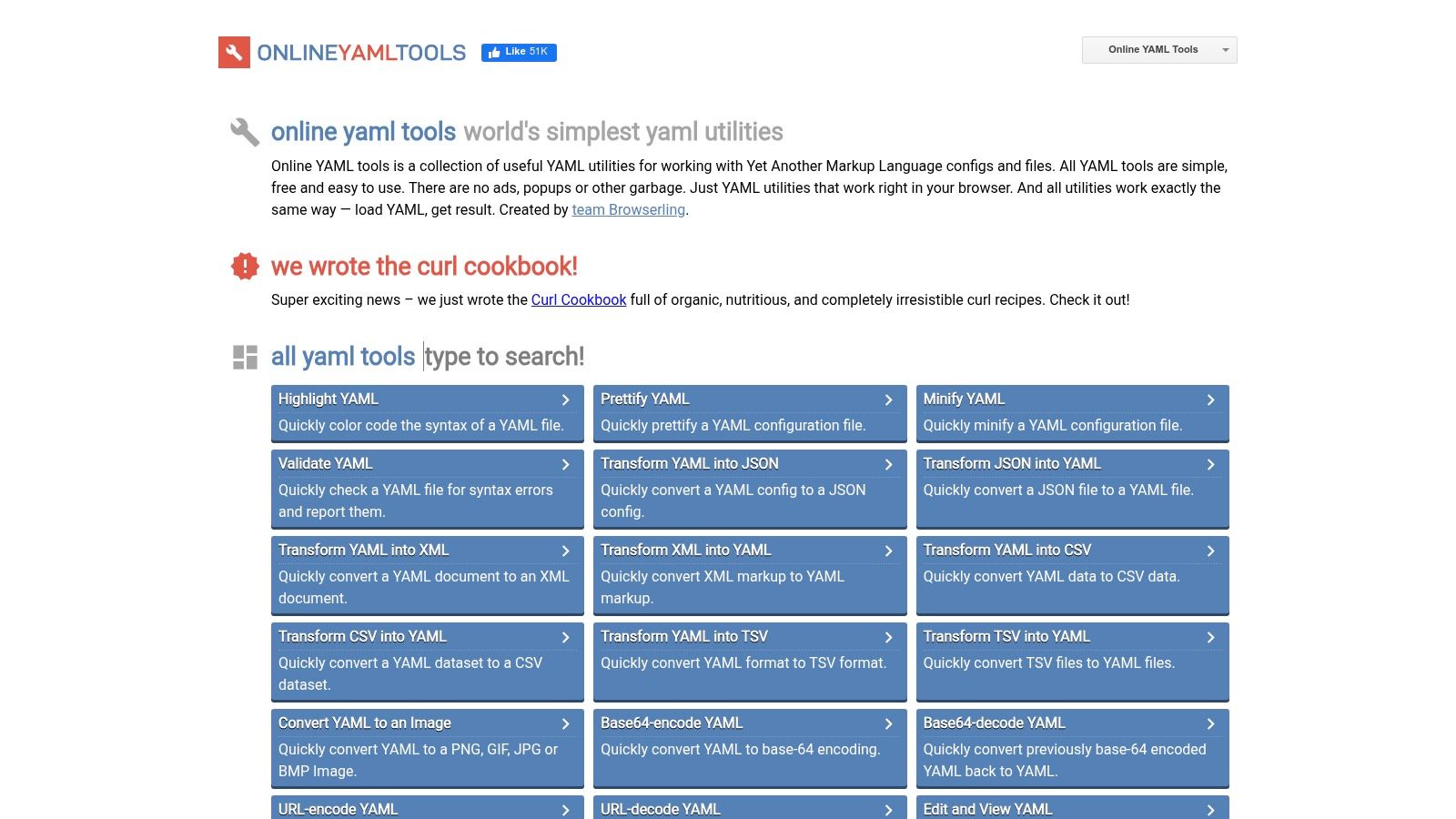
The platform’s strength lies in its versatility. Beyond validation, it provides tools to convert YAML to JSON, XML, or CSV, all within the same ecosystem. This collection of utilities is ideal for developers who frequently work with multiple data formats. However, the suite focuses on syntactical correctness and data transformation rather than code quality or standards enforcement. It lacks schema validation and customizable linting rules, limiting its use for projects requiring strict adherence to specific structural or stylistic guidelines. Choose this tool when you need a privacy-focused, multi-functional toolkit for basic YAML tasks.
| Feature | Availability |
|---|---|
| Price | Free |
| Sign-Up | Not required |
| Schema Support | No |
| Linting Rules | No |
| Key Use Case | Client-side validation and data conversion. |
Website: https://onlineyamltools.com/
6. Mockoon – Online YAML Validator
From the creators of the popular Mockoon API mocking tool, this validator offers a clean and reliable experience for syntax checking. It features a straightforward, dual-pane interface where you paste your YAML on the left and receive instant validation feedback on the right. This yaml validator online is particularly effective for those who appreciate tools from trusted developer brands, ensuring a high-quality, no-frills user experience focused solely on structural correctness.
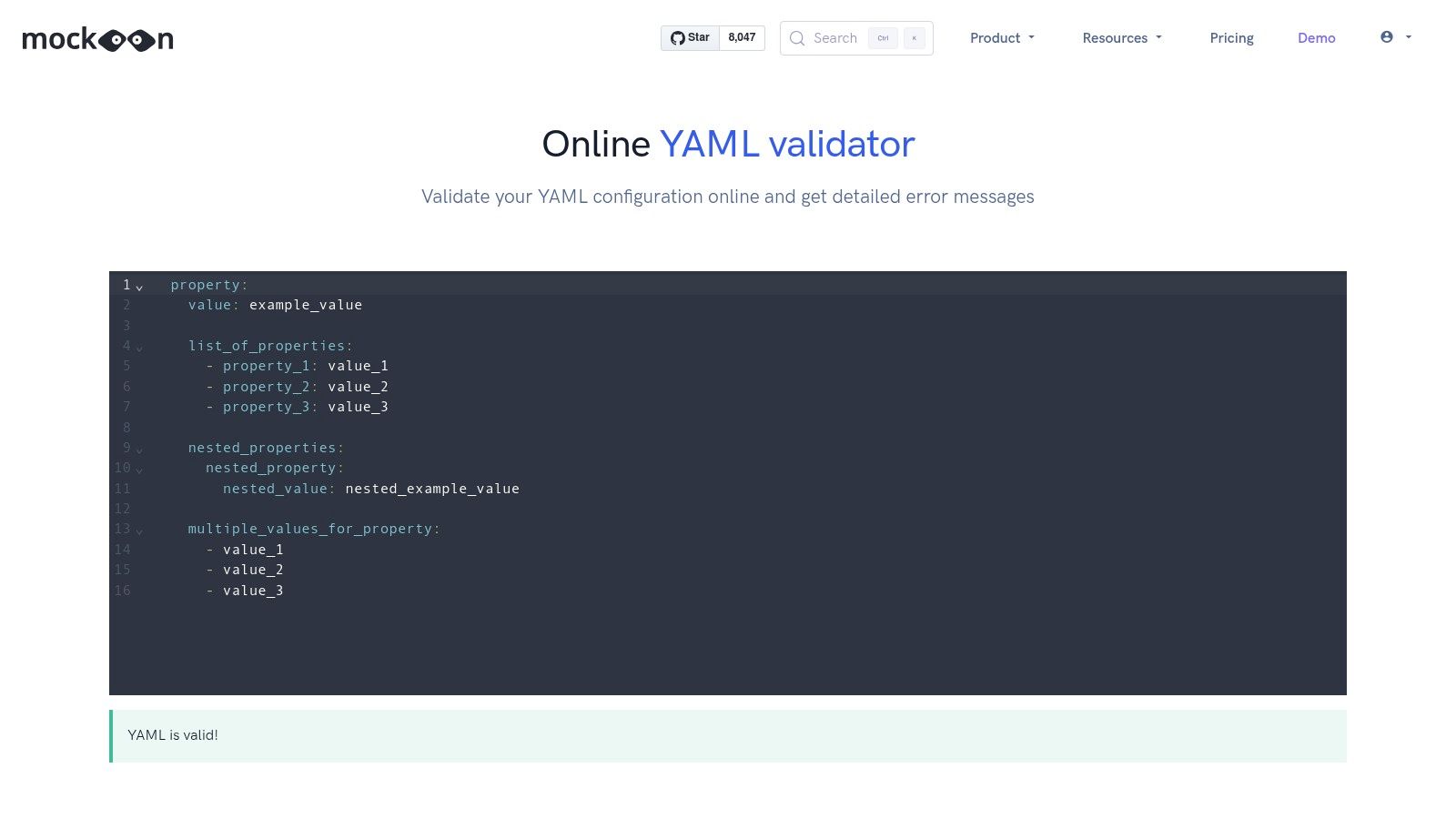
What sets Mockoon's tool apart is its integrated educational component. Below the validator, it provides a concise yet helpful guide to fundamental YAML syntax, making it an excellent resource for beginners or for anyone needing a quick refresher on the rules. While it provides clear error messages for syntax problems, it doesn't support schema validation or configurable linting rules. It is best suited for developers looking for a simple, fast, and trustworthy tool for basic validation tasks backed by a reputable name in the developer community.
| Feature | Availability |
|---|---|
| Price | Free |
| Sign-Up | Not required |
| Schema Support | No |
| Linting Rules | No |
| Key Use Case | Quick syntax validation with integrated learning resources. |
Website: https://mockoon.com/tools/yaml-validator/
7. Swagger Editor (editor.swagger.io)
For professionals working with APIs, Swagger Editor is an indispensable tool that doubles as a powerful, context-aware yaml validator online. While its primary function is authoring OpenAPI specifications, it provides live, schema-based validation specifically for this purpose. It instantly highlights syntactical errors and deviations from the OpenAPI standard, ensuring that your API definitions are not only well-formed YAML but also functionally correct according to spec.
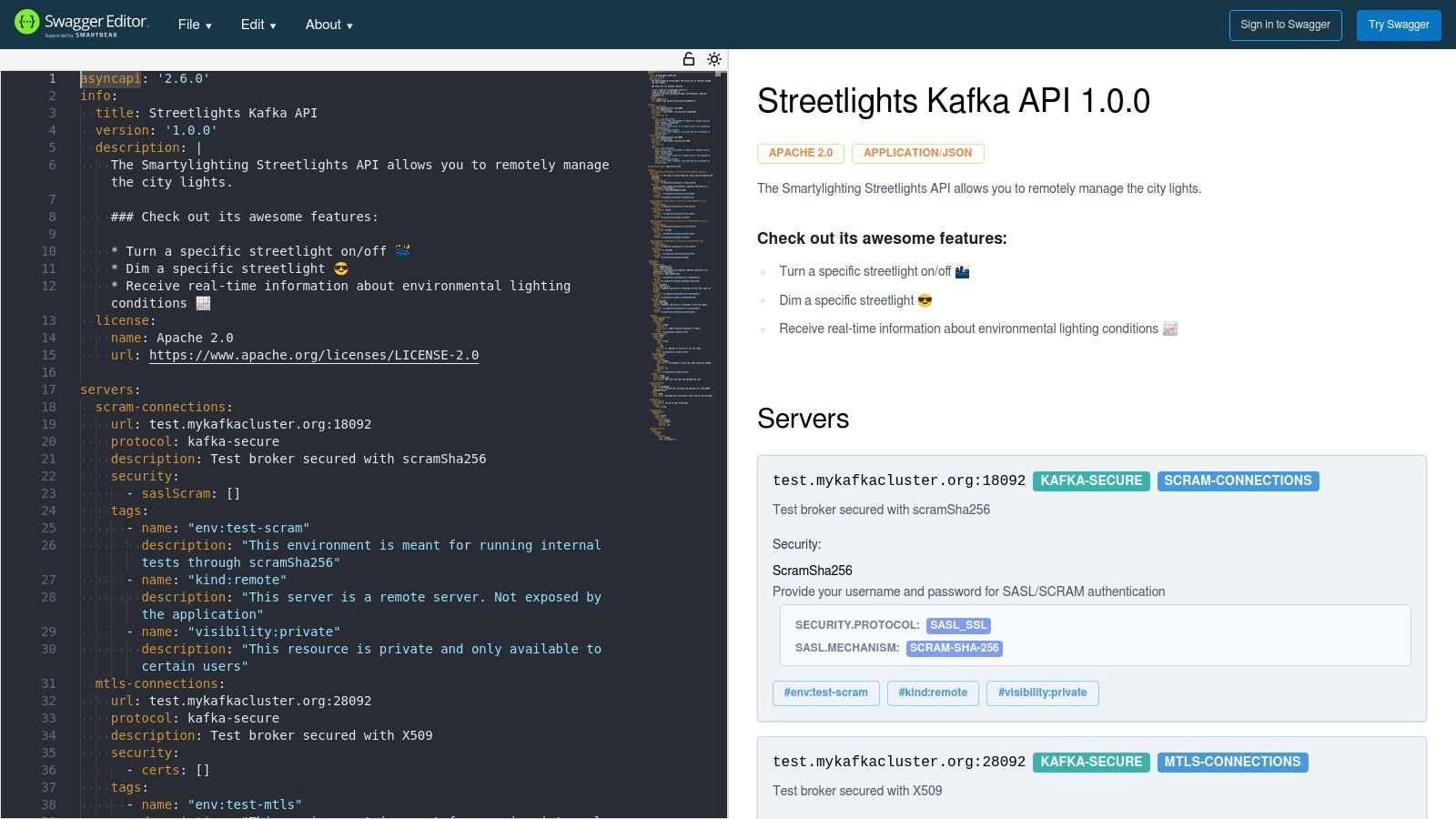
Its strength lies in its specialization. Unlike general-purpose validators, it understands the intricate rules of the OpenAPI ecosystem, offering intelligent feedback that generic tools cannot. This focus, however, is also its main limitation; it is not designed for validating generic YAML files like CI/CD pipelines or configuration manifests. The editor is ideal for API-first development workflows where strict adherence to the OpenAPI specification is paramount. For those working with different API schemas, a GraphQL schema validator offers similar specialized validation for that ecosystem.
| Feature | Availability |
|---|---|
| Price | Free |
| Sign-Up | Not required |
| Schema Support | Yes (OpenAPI Specification) |
| Linting Rules | Yes (Built-in for OpenAPI spec) |
| Key Use Case | Authoring and validating OpenAPI definitions. |
Website: https://editor.swagger.io/
8. SwaggerHub (SmartBear) – Code Editor for OpenAPI
For teams building APIs with the OpenAPI Specification, SwaggerHub offers an integrated development platform where YAML validation is a core component of a much larger workflow. While not a standalone yaml validator online, its in-browser editor provides real-time syntax checking and validation specifically tailored for OpenAPI definitions. This ensures that your API contracts are not only syntactically correct YAML but also compliant with the OpenAPI standard, preventing issues before they reach production.
SwaggerHub excels in collaborative environments, offering version control, style governance, and reusable domains. This makes it ideal for organizations needing to enforce consistency across multiple API projects. After ensuring your YAML is flawless, the next logical step is rigorous testing. Exploring the best API testing tools for developers can streamline this process. However, for users who only need a quick syntax check on a generic YAML file, SwaggerHub is overkill. Its power lies in its comprehensive, API-first development ecosystem.
| Feature | Availability |
|---|---|
| Price | Free & Paid Tiers |
| Sign-Up | Required |
| Schema Support | Yes (OpenAPI Specification) |
| Linting Rules | Yes (Customizable style rules) |
| Key Use Case | Collaborative OpenAPI/Swagger development. |
Website: https://support.smartbear.com/swaggerhub/docs/en/edit-apis/code-editor-for-openapi.html
9. Stoplight Studio / Stoplight Platform
For teams working within an API-first development lifecycle, Stoplight offers a comprehensive platform where YAML validation is just one part of a larger design and governance workflow. While not a generic yaml validator online, it excels at validating and linting OpenAPI (Swagger) specifications written in YAML. The platform’s strength is its integration of validation with powerful features like visual editing, API documentation generation, and mock servers. It uses the open-source Spectral linter to enforce style guides and best practices.
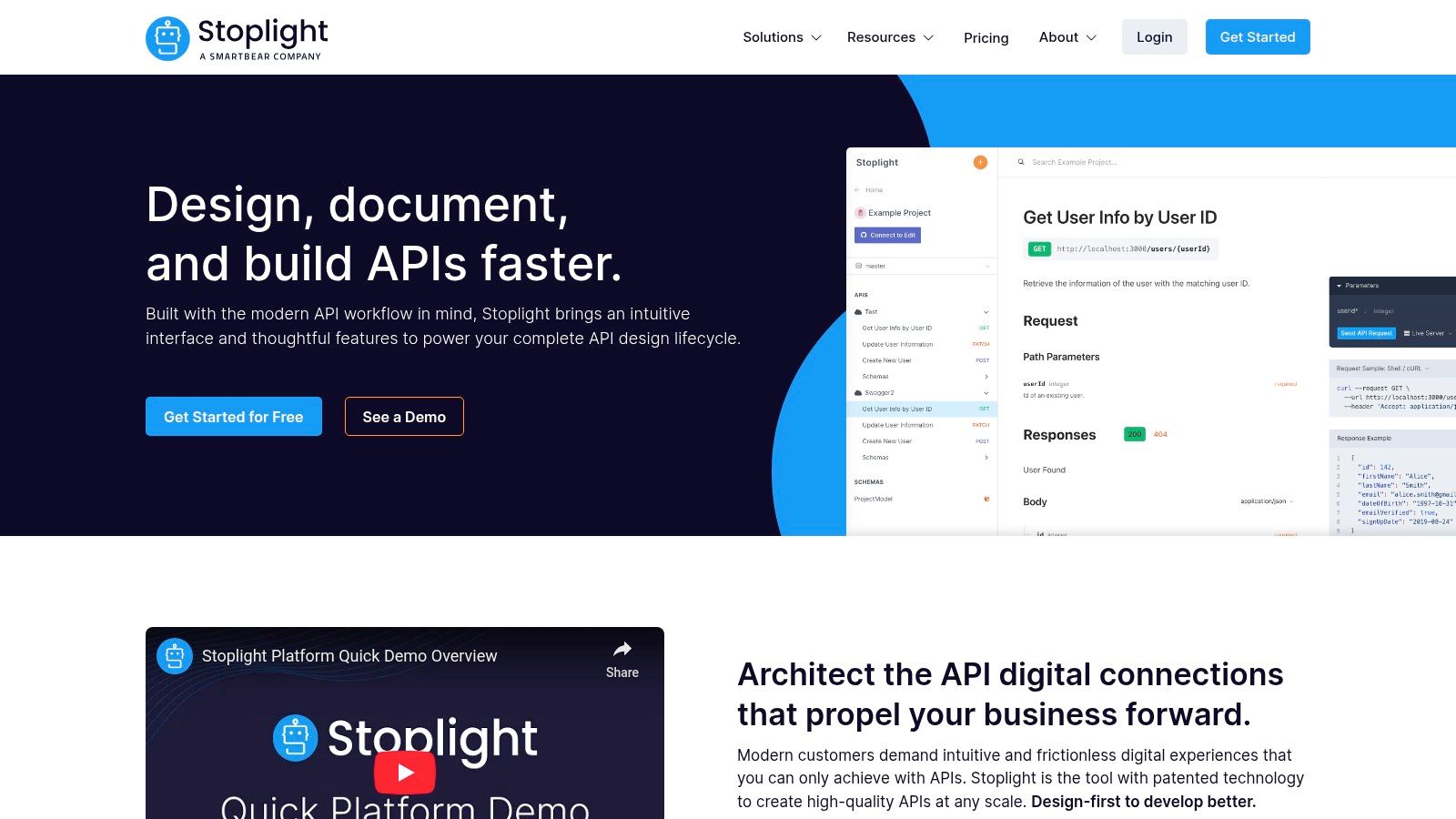
Stoplight is ideal for organizations that need to maintain consistency and quality across multiple APIs. Its built-in Git integration streamlines collaboration, making it a central hub for API design. However, its specialized focus on OpenAPI makes it overkill for validating simple YAML files like CI/CD pipelines or application configurations. While a free plan is available for individuals and small teams, many of the advanced governance and collaboration features that make Stoplight powerful are reserved for paid tiers.
| Feature | Availability |
|---|---|
| Price | Free & Paid plans |
| Sign-Up | Required |
| Schema Support | Yes (OpenAPI-specific) |
| Linting Rules | Yes (customizable via Spectral) |
| Key Use Case | API design, governance, and OpenAPI validation. |
Website: https://stoplight.io/
10. ExtendsClass – YAML/JSON Converter
ExtendsClass offers a unique approach to validation by integrating it into a conversion workflow. While its primary function is to convert YAML to JSON and vice-versa, the tool inherently parses and validates your YAML syntax during the process. This makes it an excellent yaml validator online for developers who frequently work with both formats and need a quick way to confirm validity while simultaneously transforming the data. You can paste code directly, upload a file, and instantly see the converted output, which only appears if the input is valid.
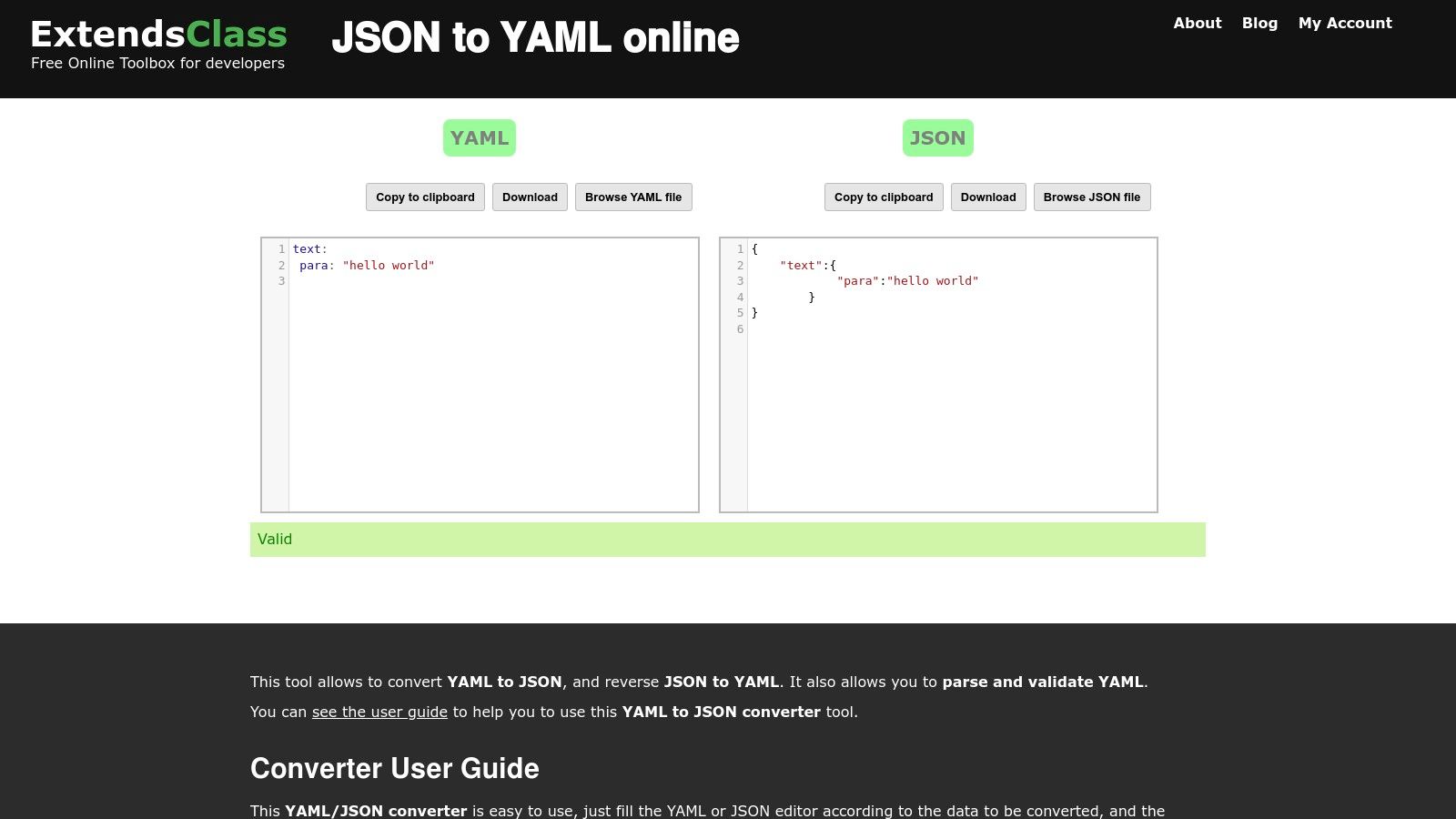
The platform’s strength is its simplicity and dual-purpose nature. If your goal is not just validation but also translation between configuration languages, ExtendsClass streamlines the task into a single step. For those interested in the intricacies of this process, you can learn more about how to convert YAML to JSON and why it's a common need in modern development. However, the tool is not a dedicated linter; it lacks schema support and customizable rules for enforcing coding standards, making it unsuitable for complex policy enforcement. It’s best used for quick syntax checks within a conversion context.
| Feature | Availability |
|---|---|
| Price | Free |
| Sign-Up | Not required |
| Schema Support | No |
| Linting Rules | No |
| Key Use Case | Validating YAML syntax as part of a JSON conversion. |
Website: https://extendsclass.com/json-to-yaml.html
11. FreeCodeFormat – YAML Validator & Tester
FreeCodeFormat offers a suite of developer tools, and its YAML Validator & Tester is a solid entry for those needing more than just a yes-or-no answer. This yaml validator online excels at guiding users, especially newcomers, by not only checking syntax but also providing clear, helpful error messages and tips related to common pitfalls like indentation mistakes. Its straightforward interface allows you to paste your code and get instant validation feedback.
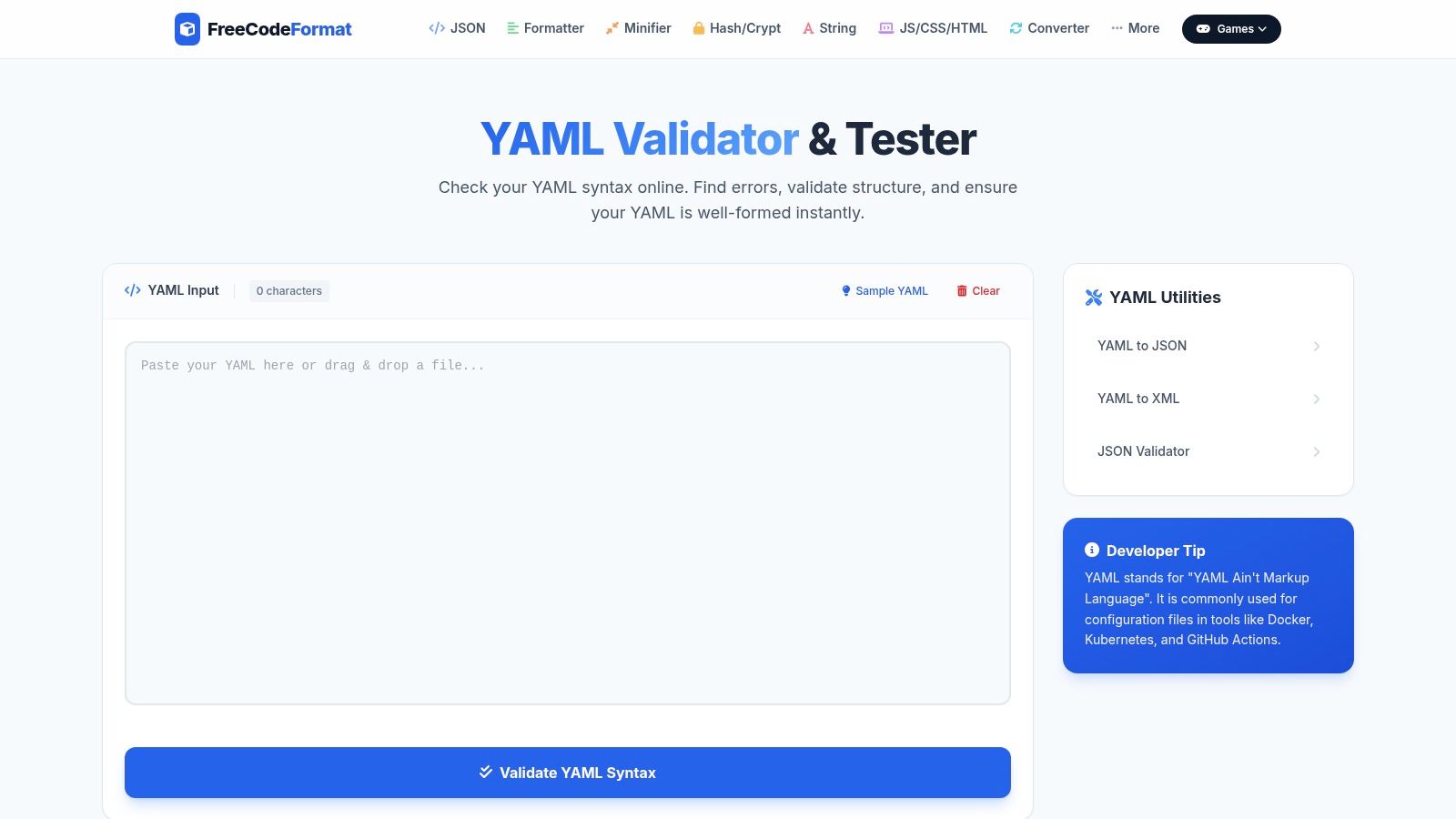
The platform’s strength lies in its educational approach and its collection of related tools, such as YAML-to-JSON or XML converters, accessible directly from the same page. This makes it a convenient hub for quick data transformations alongside validation. However, the user experience is slightly hampered by on-page advertisements, and the editor itself is quite basic, lacking features like advanced syntax highlighting or autocompletion. It’s best suited for developers who appreciate contextual help with their syntax errors or need to perform a quick format conversion after validating their code.
| Feature | Availability |
|---|---|
| Price | Free |
| Sign-Up | Not required |
| Schema Support | No |
| Linting Rules | No |
| Key Use Case | Quick syntax checks with helpful error messaging. |
Website: https://www.freecodeformat.com/yaml-validator.php
12. GenerateIt.net – YAML Validator
GenerateIt.net offers a free, no-frills YAML validator that excels at one thing: providing fast, straightforward syntax checks. The interface is exceptionally lightweight, ensuring immediate results without any setup or configuration. You simply paste your YAML code, click "Validate," and the tool instantly reports whether the syntax is valid or invalid. Its key differentiator is providing the specific line number where an error occurs, which is incredibly helpful for quickly debugging malformed files.
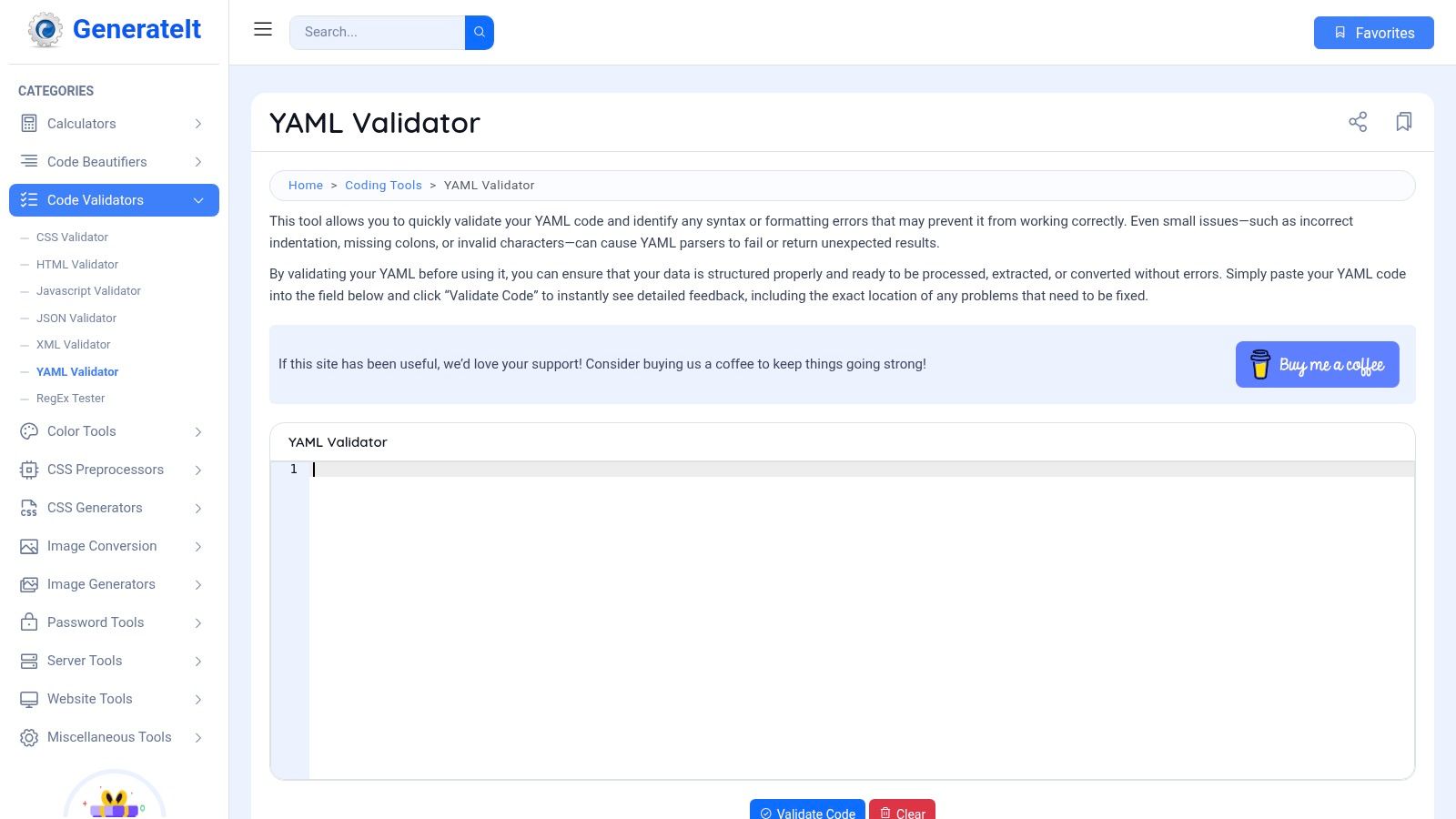
This tool is designed for users who need a quick, hassle-free yaml validator online for simple verification. It strips away all advanced features like schema validation, linting rules, and formatting options to focus purely on structural correctness. While this minimalism makes it unsuitable for enforcing complex coding standards or team-wide policies, it's perfect for developers who need to confirm syntax validity on the fly. The immediate, line-specific feedback makes it a highly efficient choice for quick debugging tasks.
| Feature | Availability |
|---|---|
| Price | Free |
| Sign-Up | Not required |
| Schema Support | No |
| Linting Rules | No |
| Key Use Case | Rapid syntax checks with line-specific error reporting. |
Website: https://www.generateit.net/yaml-validator/
Top 12 Online YAML Validators — Feature Comparison
| Tool | Core features | UX/Quality (★) | Value (💰) | Target (👥) | Unique selling points (✨) |
|---|---|---|---|---|---|
| 🏆 Digital ToolPad — YAML Validator & Editor | Real-time validation, syntax highlighting, precise line/col errors, 100% client-side | ★★★★★ | 💰 Free; enterprise available | 👥 Devs & teams needing privacy/compliance | ✨ Offline, deterministic tools; no data leaves browser |
| YAML Lint (yamllint.com) | One-click validate, reformat, resolve aliases | ★★★★ | 💰 Free, minimal | 👥 Fast syntax checkers | ✨ Minimal, distraction-free workflow |
| JSONFormatter.org – YAML Validator | Paste/file/URL input, shareable result links, format & download | ★★★★ | 💰 Free, ad-supported | 👥 Users needing multiple input methods & sharing | ✨ Shareable result links & multiple inputs |
| CodeBeautify – YAML Validator | File/URL upload, save/share, related converters & examples | ★★★ | 💰 Free, ad-supported | 👥 Users wanting many adjacent developer utilities | ✨ Large toolset + import/export options |
| Online YAML Tools (Browserling) | Validate, prettify, converters (JSON/XML/CSV), client-side conversions | ★★★★ | 💰 Free; browser-side privacy | 👥 Users preferring in-browser processing | ✨ Multiple converters with stated client-side privacy |
| Mockoon – Online YAML Validator | Real-time syntax validation, detailed error outputs, YAML basics docs | ★★★★ | 💰 Free | 👥 Users who want clear errors + learning resources | ✨ Educational YAML guidance + reputable tooling brand |
| Swagger Editor (editor.swagger.io) | OpenAPI YAML editing, spec conformance validation, live error highlighting | ★★★★★ | 💰 Free (OpenAPI-focused) | 👥 API authors & spec maintainers | ✨ Official OpenAPI validation and live preview |
| SwaggerHub (SmartBear) | In-browser editor, live preview/docs, collaboration, governance | ★★★★ | 💰 Paid tiers for teams | 👥 Enterprises & API teams needing governance | ✨ Team collaboration, versioning, integrations |
| Stoplight Studio / Platform | Visual/code OpenAPI editor, Spectral linting, mock servers, Git integration | ★★★★ | 💰 Freemium; paid for advanced features | 👥 API teams needing style rules & Git workflows | ✨ Built-in Spectral linting + mocks & docs |
| ExtendsClass – YAML/JSON Converter | Two-way YAML↔JSON conversion, parse & validate, download results | ★★★ | 💰 Free | 👥 Quick format conversion/debugging | ✨ Fast, lightweight two-way converter |
| FreeCodeFormat – YAML Validator & Tester | Syntax checker, highlights indentation pitfalls, related converters | ★★★ | 💰 Free, ad-supported | 👥 Beginners & quick syntax checks | ✨ Beginner-friendly tips and common-error highlights |
| GenerateIt.net – YAML Validator | Paste & validate, line-specific error reporting, very lightweight | ★★★ | 💰 Free | 👥 Users wanting no-friction syntax checks | ✨ Extremely simple & fast interface |
Choosing the Right Validator for Your Task
Navigating the landscape of online YAML validators reveals a clear truth: the ideal tool is not a one-size-fits-all solution. Instead, your choice hinges directly on the specific demands of your project, the sensitivity of your data, and the complexity of your workflow. We've explored a dozen powerful options, from simple syntax checkers to comprehensive API design platforms, each with its own distinct strengths and limitations.
The central theme is the trade-off between convenience and control. For a quick, non-sensitive check of a configuration file, public-facing tools like YAML Lint or CodeBeautify offer immediate, browser-based feedback without any setup. They are perfect for students, hobbyists, or developers working on open-source projects where data privacy is not a primary concern. However, their utility diminishes when dealing with proprietary information or complex validation needs.
Key Takeaways for Selecting Your Tool
Making an informed decision requires evaluating your needs against a few critical factors. The right yaml validator online isn't just about finding one that works; it's about finding one that works for you.
- Security and Privacy First: If your YAML contains API keys, database credentials, or any proprietary business logic, using a public online tool introduces unnecessary risk. For these scenarios, a client-side, offline-first validator like Digital ToolPad is non-negotiable. It ensures your data never leaves your machine, eliminating the security gamble.
- Context-Specific Validation: Basic syntax validation is just the starting point. For specialized tasks like creating OpenAPI or AsyncAPI specifications, tools like Swagger Editor, SwaggerHub, and Stoplight are purpose-built. They provide schema-aware validation and contextual feedback that generic validators simply cannot offer.
- Workflow Integration: For DevOps and software engineering teams, validation must integrate seamlessly into the development lifecycle. Tools that offer CI/CD integrations or command-line interfaces (CLIs) provide a level of automation and consistency that browser-only tools cannot match.
- Feature Set vs. Simplicity: Do you need advanced features like linting against a custom ruleset, auto-formatting, or real-time collaboration? Or is a straightforward "valid" or "invalid" response sufficient? Overly complex tools can slow down simple tasks, while basic ones will fail to meet the needs of intricate projects.
Ultimately, the goal of any YAML validator is to enhance productivity and prevent errors before they reach production. By carefully considering your specific use case, you can select a tool that provides the right balance of features, security, and ease of use. This strategic choice empowers you to write clean, functional, and error-free YAML, saving invaluable time and preventing deployment headaches down the line. Your perfect validator is out there; use this guide to find it.
For developers and teams who prioritize security and performance, the choice is clear. Instead of pasting sensitive data into a public web form, use a tool built for privacy-first, client-side processing. Digital ToolPad offers a powerful, browser-based YAML validator that runs entirely on your local machine, ensuring your data remains confidential. Try the secure, offline-capable suite of developer tools at Digital ToolPad today.