Don't let the <tags> fool you—XML is far from a relic of the past. While it might look a bit old-school next to JSON, Extensible Markup Language is still the backbone for a ton of critical systems. The process of reading an XML file boils down to a few core steps: you pick a parser for your language, load the file, and then traverse its tree-like structure to pull out the data you need.
The fundamental logic is the same whether you're working in Python, JavaScript, or C#, even if the specific libraries and syntax feel a little different.
A Practical Primer on Decoding XML
So, where will you actually run into XML out in the wild? You'd be surprised how often it pops up. Its organized, hierarchical format makes it a reliable choice for exchanging data between different applications, especially in established enterprise environments.
You’ll find yourself needing to parse XML in a few common scenarios:
- Configuration Files: Many applications, from web servers to desktop software, rely on XML to manage settings.
- Legacy Systems: If you’re integrating with older enterprise software or government systems, chances are you'll be dealing with XML.
- Web Services: SOAP APIs, a workhorse in many corporate services, are built entirely on XML.
- Document Formats: Under the hood, familiar formats like SVG for graphics and even Microsoft Office documents (like .docx) are structured as a collection of XML files.
Before you even start writing code to parse these files, you'll need a way to handle them. Having a solid workflow for things like uploading XML files can save a lot of headaches down the line.
This flowchart gives you a high-level view of the typical workflow. It's a simple, repeatable process.
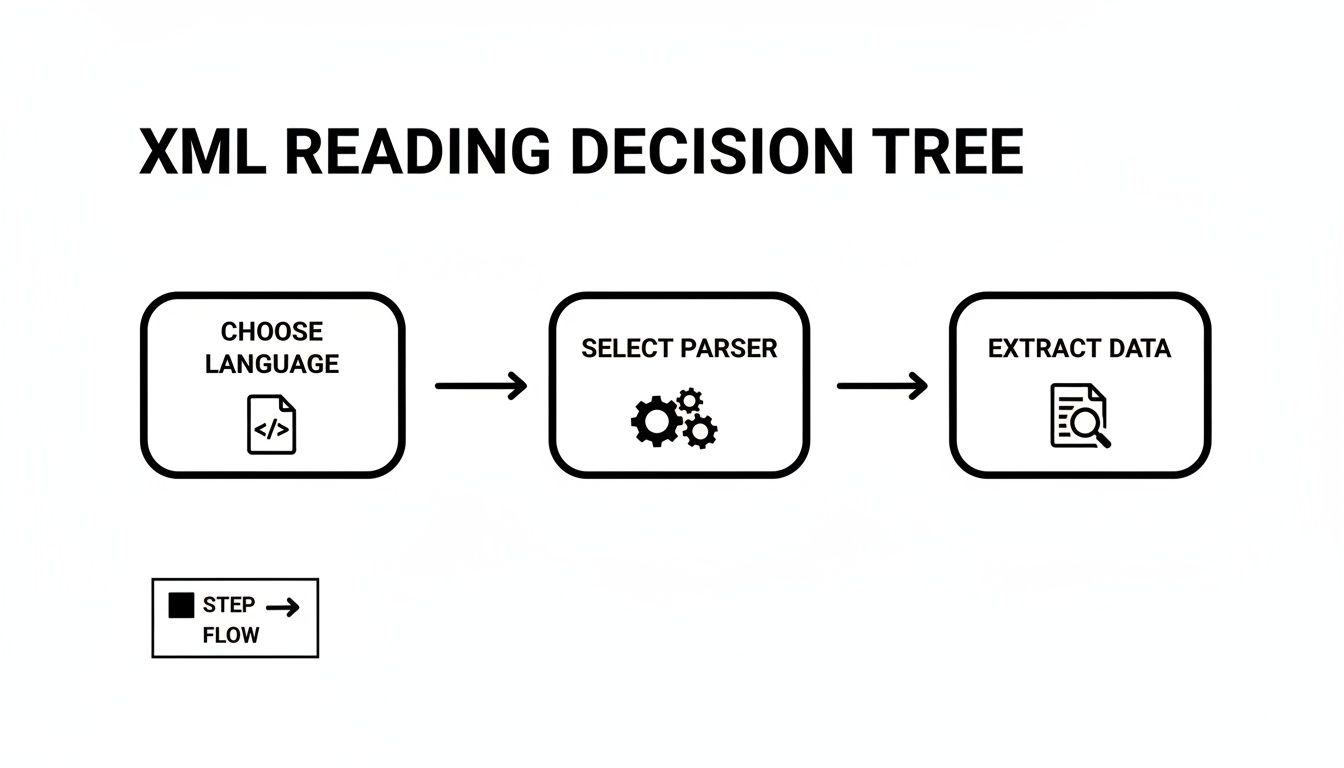
As you can see, it really comes down to three key stages: choosing your tools, loading the document, and then getting the data out.
Why Understanding XML Structure Is Non-Negotiable
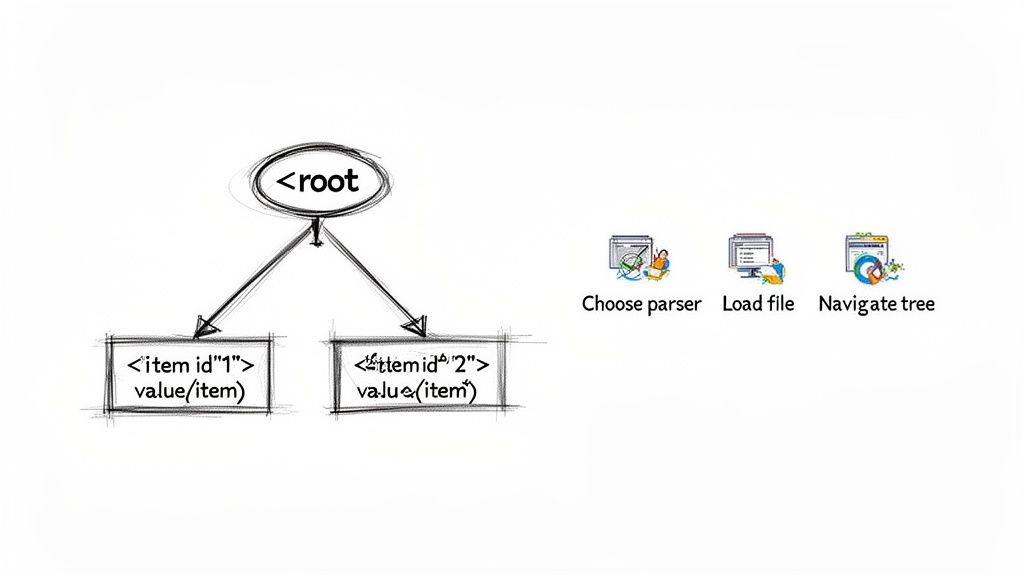
The real power of XML isn't just the tags; it's the structure they create. Think of an XML document less like a flat text file and more like a family tree. You have a single root element (the ancestor), which contains child elements (the branches), and those children can have their own children, all the way down to the text and attributes (the leaves).
This tree structure is what allows software to interpret complex, nested data reliably. It’s also platform-independent, meaning you can generate an XML file on a Linux server and have it be perfectly understood by a Windows desktop application without any compatibility drama.
Key Takeaway: Stop seeing XML as text and start seeing it as a tree. The top-level element is the trunk, nested elements are branches, and the data inside are the leaves. This mental model will make parsing infinitely more intuitive.
Before we jump into the code, it's helpful to have a quick reference for the key ideas and tools involved. This table summarizes the core concepts you'll need to get comfortable with.
Core XML Reading Concepts at a Glance
| Concept | What It Means for You | Common Tools and Libraries |
|---|---|---|
| Parser | This is the engine that reads the XML text and converts it into a data structure (like a tree) that your code can work with. | lxml (Python), DOMParser (JavaScript), XDocument (C#), JAXB (Java) |
| DOM (Document Object Model) | A tree-like representation of the entire XML document loaded into memory. Great for navigating and modifying, but can be memory-intensive for huge files. | Most standard libraries use a DOM approach. |
| SAX (Simple API for XML) | An event-based parsing model. It reads the file sequentially and triggers events (e.g., "start tag found") without loading everything into memory. Ideal for massive files. | xml.sax (Python), libraries in Java and C# support SAX. |
| XPath | A query language for selecting nodes from an XML document. Think of it like SQL for XML, allowing you to find specific elements quickly (e.g., //book[@id='bk101']). |
Supported by nearly all modern XML libraries. |
| Schema (XSD) | A file that defines the legal building blocks of an XML document, like a rulebook. It ensures the data's structure and types are correct. | Tools like xmllint for validation. |
Getting a handle on these concepts will make the practical examples in the following sections much easier to digest. Understanding the structure is also crucial for validation. If you're working with a defined data structure, you'll want to ensure your XML files conform to it. For that, you might want to use a tool like our XSD schema viewer to check for data integrity before you even start parsing.
Now, let's turn this theory into practice.
How to Read XML Files with Python
When it comes to processing XML, Python is a natural fit. Its "batteries-included" philosophy means you get powerful tools right out of the box, and the massive third-party library ecosystem fills in any gaps. This makes it a solid choice for anything from quick one-off scripts to enterprise-level data processing.
Let's walk through the two most common ways to get the job done.
Using the Built-in ElementTree Library
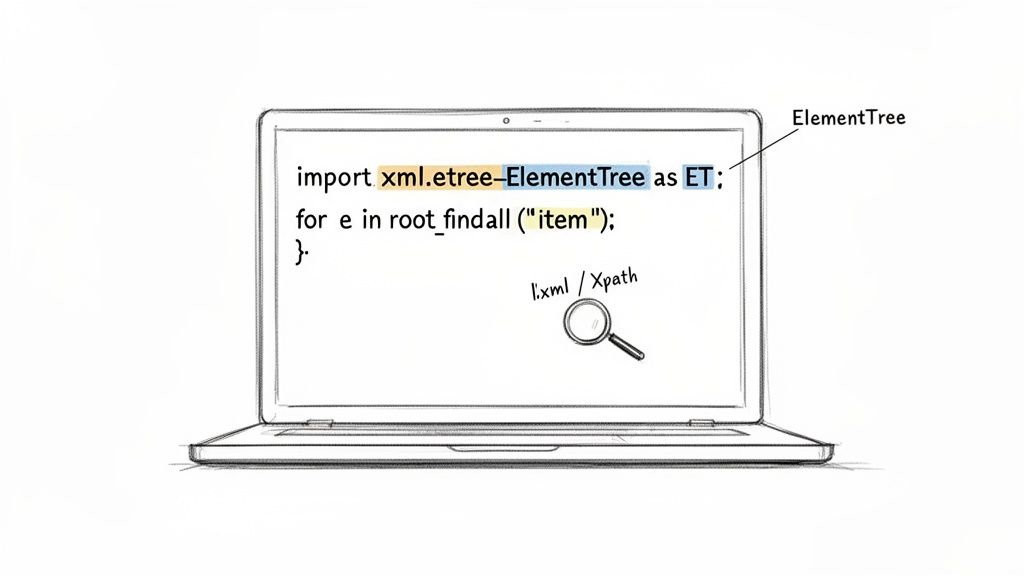
For most everyday tasks, you don't need to look any further than Python's built-in xml.etree.ElementTree module. It’s the perfect starting point. The module works by loading the entire XML document into a tree-like structure in your computer's memory, which is fantastic for smaller files where you might need to jump around between different parts of the data.
Let's say you have a simple config.xml file for storing database credentials:
Grabbing a piece of information like the username is incredibly straightforward. You just parse the file and then navigate the tree.
import xml.etree.ElementTree as ET
Load and parse the XML file
tree = ET.parse('config.xml') root = tree.getroot()
Find the user element and print its text content
user = root.find('database/user').text print(f"Database User: {user}")
The logic here is really intuitive because it directly mirrors the XML's nested structure. No complex setup, just parse and find.
Leveling Up with lxml and XPath
Now, if you find yourself working with massive, deeply nested XML files or needing to perform complex searches, it’s time to bring in the heavy artillery: the lxml library. It’s a high-performance library built on C, which makes it dramatically faster and more memory-efficient than the standard ElementTree.
One of the standout features of lxml is its complete support for XPath, a powerful language for querying XML documents.
Pro Tip: Think of XPath as being for XML what SQL is for databases. It lets you write highly specific queries to pinpoint exactly the nodes or attributes you need, saving you from writing messy, fragile loops and conditional logic.
Let’s use lxml to grab the type attribute from our database element. First, you’ll need to get it installed with a quick pip install lxml.
Once it’s installed, you can use an XPath expression to select the element and pull out the attribute’s value.
from lxml import etree
Parse the XML document
tree = etree.parse('config.xml')
Use an XPath expression to find the 'type' attribute
db_type = tree.xpath("/configuration/database/@type")[0] print(f"Database Type: {db_type}")
See that "/configuration/database/@type" expression? That's XPath in action. It’s a clear, concise instruction to find the database element under the root and grab its type attribute.
So, how do you choose? It really boils down to the job at hand.
ElementTree: Your best bet for simple tasks, smaller files, and situations where you want to avoid adding external dependencies.lxml: The definitive choice for performance-critical applications, huge XML files, and when you need the surgical precision of XPath.
My advice for most developers is to start with ElementTree to get comfortable with the concepts. When you hit a wall—either with performance or query complexity—that’s your cue to graduate to lxml.
Parsing XML in JavaScript for the Browser and Node.js
JavaScript’s flexibility makes it a go-to for handling data, and that absolutely includes reading XML files. Whether you're working on a front-end app pulling in an RSS feed or a backend service dealing with configuration files, JavaScript has you covered. The tools you'll use are different for the browser versus a Node.js environment, but both approaches are straightforward and powerful.
When you're in a web browser, you have a fantastic built-in tool at your disposal: the DOMParser API. This native interface takes an XML or HTML string and transforms it into a standard DOM Document. The beauty of this is that you can then navigate the XML using the exact same methods you already know from working with HTML, like querySelector and getElementById.
Browser-Side Parsing with DOMParser
Let's say you're building a simple news aggregator that fetches an RSS feed (which is really just a specific type of XML). You can use the fetch API to grab the XML text and then pass it directly to DOMParser.
Here’s a quick look at how you might pull the title out of each item in a feed:
const xmlString = <rss version="2.0"> <channel> <title>Tech News</title> <item> <title>New Gadget Released</title> <link>http://example.com/gadget</link> </item> <item> <title>AI Breakthrough Announced</title> <link>http://example.com/ai-news</link> </item> </channel> </rss>;
// Create a new parser instance const parser = new DOMParser(); const xmlDoc = parser.parseFromString(xmlString, "application/xml");
// Always a good idea to check for parsing errors
const parseError = xmlDoc.querySelector("parsererror");
if (parseError) {
console.error("Error parsing XML:", parseError);
} else {
// Use querySelectorAll to find all 'item' elements
const items = xmlDoc.querySelectorAll("item");
items.forEach(item => {
const title = item.querySelector("title").textContent;
console.log(Article Title: ${title});
});
}
Any front-end developer will find this approach incredibly familiar. It's clean and requires no outside libraries. On a related note, developers often find themselves converting data between formats. If you're working with JSON and need to quickly generate TypeScript interfaces, a good JSON to TypeScript converter can be a massive time-saver.
Server-Side Parsing in Node.js
Once you move to the server side with Node.js, you lose access to browser-native APIs like DOMParser. But that’s no problem, because you gain the entire NPM ecosystem. My go-to library for this task is fast-xml-parser. As the name implies, it's incredibly performant and, more importantly, it converts XML directly into a plain JavaScript object.
Working with an object is often far more intuitive than navigating a DOM tree. You can access your data with simple dot or bracket notation, which feels perfectly natural in a JavaScript environment.
Key Insight: Converting XML to a JavaScript object abstracts away the complexities of the XML structure. You no longer think in terms of nodes and elements; you just work with a familiar object, making your code cleaner and easier to maintain.
First, you'll need to install the library: npm install fast-xml-parser.
With that installed, you can parse an XML string and interact with its data right away. You’ll notice how much cleaner this makes data access.
import { XMLParser } from "fast-xml-parser";
const xmlString = <config><port>8080</port><enabled>true</enabled></config>;
const parser = new XMLParser();
const jsonObj = parser.parse(xmlString);
// Access data just like a regular JavaScript object
console.log(Port: ${jsonObj.config.port}); // Outputs: Port: 8080
console.log(Enabled: ${jsonObj.config.enabled}); // Outputs: Enabled: true
This method is perfect for chewing through configuration files or API responses on your server, keeping your back-end code for reading XML files both concise and highly readable.
Handling XML Data in Java and C#
For developers working in the enterprise world, Java and C# are mainstays. Knowing how to read XML files isn't just a "nice-to-have"—it's a fundamental skill. These languages have powerful, mature tools for parsing and working with XML, which you'll find everywhere from simple config files to complex integrations with legacy systems.
And this isn't a niche skill, either. The market for software that manages XML data is on a serious growth trajectory. Valued at USD 3.2 billion in 2024, the global XML Databases Software market is expected to more than double, hitting USD 7.5 billion by 2033. Much of this growth is fueled by digital transformation projects, with North America leading the charge, holding about 40% of the market share.
Reading XML with Java
Java gives you a few different APIs for XML processing, and choosing the right one often depends on the job at hand. For most modern applications, my go-to is usually the Java Architecture for XML Binding (JAXB).
JAXB is fantastic because it lets you map XML directly to your Java objects—a process known as unmarshalling. This is a huge time-saver and makes your code much cleaner and type-safe.
Let's say you're working with a simple customer.xml file like this:
With JAXB, you’d create a Customer class with annotations that mirror this XML structure. Then, the unmarshaller does the heavy lifting, automatically creating and populating a Customer object for you. No more manual parsing or guesswork.
Of course, sometimes you need more direct control. For those cases, Java offers two classic models:
- DOM (Document Object Model): This approach loads the entire XML file into memory as a tree of nodes. It’s perfect when you need to jump around the document or make changes to its structure, but it can be a memory hog with large files.
- SAX (Simple API for XML): This is a lean, event-based parser. It reads the file from start to finish and fires off events (like
startElementorendElement) as it encounters different parts of the XML. It’s incredibly memory-efficient and the right choice for processing massive datasets.
Expert Tip: My rule of thumb is to start with JAXB for most object-oriented tasks. If you run into a performance bottleneck or an
OutOfMemoryErrorbecause the file is huge, that's your cue to switch to a SAX parser. I only use DOM when I absolutely need to manipulate the XML structure itself.
Using LINQ to XML in C#
Over in the C# world, the most elegant and productive way to handle XML is with LINQ to XML (System.Xml.Linq). This API beautifully integrates XML processing right into the C# language using LINQ (Language Integrated Query). If you've ever used LINQ to query a list or a database, you'll feel right at home.
Instead of writing clunky foreach loops to dig through nodes, you can write expressive queries to pull out exactly the data you need.
Imagine you have a products.xml file for a catalog:
Want to find the names of all the electronic products? With LINQ to XML, it’s incredibly straightforward.
using System.Xml.Linq;
var doc = XDocument.Load("products.xml");
var electronics = from p in doc.Descendants("product") where (string)p.Attribute("category") == "Electronics" select p.Element("name").Value;
foreach (var name in electronics) { Console.WriteLine(name); // Outputs: Laptop }
This query-based syntax isn't just powerful; it's also highly readable and much easier to maintain than older, more verbose methods. For any new XML work in C#, this is definitely the way to go.
Beyond Parsing: Validation, Security, and CLI Tools
So, you’ve managed to read an XML file. That's a huge first step, but for any real-world application, just getting the data out isn't enough. You need to think about data integrity, plug security holes, and find efficient ways to poke around files without having to write a whole new script every time.
These practices aren't just academic. XML is still a major player in data management, with the global XML Databases Software market expected to grow from USD 404.44 million in 2025 to nearly USD 431.94 million in 2026. With that much data flowing, making sure it's valid and secure isn't just a good idea—it's often a requirement for compliance with regulations like GDPR and HIPAA.
Ensuring Data Integrity with XSD Validation
How can you be sure that the XML file you just received actually has the data you expect, in the structure you need? This is where an XML Schema Definition (XSD) comes in. Think of it as a strict rulebook for your XML. It defines everything: what elements are allowed, what kind of data they can hold (like numbers or text), and how they should all be nested together.
Validating your XML against an XSD before you start processing it is a lifesaver. It catches malformed data and structural mistakes early, preventing nasty runtime errors that are a pain to debug later. Most mature XML libraries, like Python's lxml, have simple, built-in functions to handle this validation for you. A few extra lines of code can save you hours of headaches.
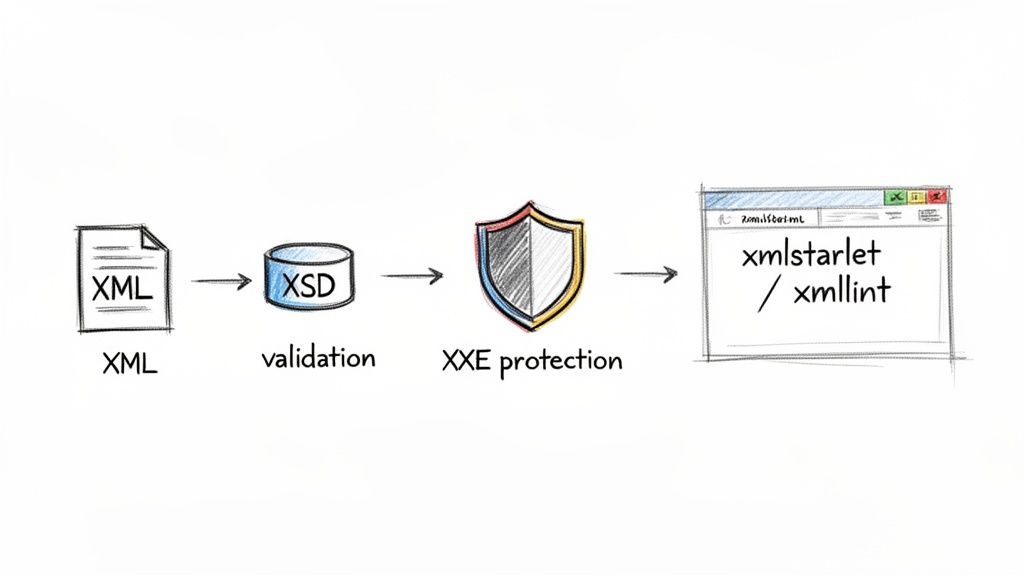
Preventing XXE Security Vulnerabilities
One of the scariest security risks you'll face with XML is the XML External Entity (XXE) attack. It's a nasty vulnerability where an attacker can sneak malicious code into an XML document through external entities. If your parser is set up to process these entities, it can be tricked into leaking sensitive files from your server or making network requests to places you don't want it to.
The fix is surprisingly simple but absolutely critical: always disable external entity processing in your XML parser. Many modern libraries do this by default, but you should never just assume. Always explicitly configure your parser to ignore DTDs (Document Type Definitions) and block external entities.
Mastering Command-Line XML Tools
Sometimes you just need to quickly check a value, reformat a file, or extract a small piece of data without firing up your full development environment. This is where command-line interface (CLI) tools become your best friend, letting you work with XML right from the terminal.
There are two tools I find myself using all the time:
xmllint: A fantastic utility for "pretty-printing" ugly, one-line XML files to make them readable. Its real power, though, is in validation. You can point it at an XML file and its XSD to get a quick pass/fail confirmation on its structure.xmlstarlet: This thing is the Swiss Army knife for XML on the command line. It lets you run XPath queries to select data, edit elements, and even transform entire documents without writing a single line of application code.
Getting comfortable with these tools will seriously speed up your workflow, especially when you're debugging or doing quick data checks. This kind of data handling is often a key part of larger data acquisition efforts. For more on that, you might want to look into some Web Scraping Best Practices.
And if your ultimate goal is to get this XML data into a more modern, web-friendly format, our guide on how to convert XML to JSON is the perfect next step.
Common Questions About Reading XML Files
Even after you've got the basics down, working with XML in a real project always brings up new questions. Let's walk through some of the most common ones I hear from developers, so you can get straight to the answers you need.
What Is the Easiest Way to Read a Simple XML File
For straightforward files, don't overcomplicate it. The quickest path is to use a library that maps the XML structure directly to a native object or dictionary. This way, you can avoid messing with manual tree traversal.
- In Python, the
xmltodictlibrary is a gem. It lets you treat XML like a dictionary, so you can access data with simple syntax likedata['root']['element']. - If you're in a Node.js environment, check out
fast-xml-parserorxml2js. They do the same thing, turning your XML into a plain old JavaScript object.
These tools are perfect for things like configuration files or basic API responses where you just need to pluck out a few values and get on with your day.
How Do I Handle Very Large XML Files Without Running out of Memory
This is a big one. When you’re staring down an XML file that’s several gigabytes in size, loading the whole thing into memory is a recipe for disaster. This is where stream-based parsing, specifically using something like SAX (Simple API for XML), becomes your best friend.
Unlike a DOM parser that builds a full in-memory tree of your document, a SAX parser reads the file sequentially, piece by piece. It fires off events as it hits different parts of the document (like "found a start tag" or "here's some text"), letting you react to the data as it flows by. This keeps memory usage incredibly low.
Most languages have a built-in SAX implementation, from Python's xml.sax module to Java's SAXParser.
Key Takeaway: For large files, think "stream," not "tree." A SAX parser processes data as it arrives, preventing the memory overloads that DOM parsers can cause.
What Is the Difference Between an Element and an Attribute
This is a fundamental concept that trips up a surprising number of people. The main difference is about what kind of information they're meant to hold.
An element is your primary data container, defined by opening and closing tags, like <name>John Doe</name>. It holds the actual content.
An attribute, on the other hand, is metadata about that element. It lives inside the element's opening tag, like <person id="123">. Here, person is the element, and id is an attribute that gives you extra information about it.
My rule of thumb is this: put your core data in elements. Use attributes for identifiers, flags, or other descriptive details that aren't really part of the content itself.
Can I Use an Online Tool to Read an XML File Instead of Code
You bet. Plenty of online XML viewers will format, validate, and even help you query XML data. They’re fantastic for a quick look at a file's structure or for debugging a tricky bit of data. Just paste your XML, and you’ll get a clean, color-coded, collapsible tree view.
One word of caution: if you're working with sensitive data, make sure the tool is client-side. Many modern web utilities do all the processing right in your browser, meaning your data never leaves your machine. You get all the convenience of an online tool with the security of an offline one.
At Digital ToolPad, we build tools for exactly these kinds of tasks. Our entire suite of browser-based utilities runs 100% offline, giving you the power to process, convert, and analyze data with complete privacy. Check out our tools at https://www.digitaltoolpad.com and see how you can streamline your workflow without ever sending your data to a server.