
If you've ever dealt with an API response, you know the feeling. You get back a giant, single line of text—a chaotic mess of brackets and quotes. Trying to make sense of it, let alone debug it, is a nightmare. This is where a good JSON object formatter becomes a developer's best friend.
A formatter takes that jumbled stream of data and instantly transforms it into a neatly organized structure with proper indentation and line breaks. This process, often called "prettifying," isn't just about making things look nice; it's a fundamental part of a productive development workflow.
Why You Can't Afford to Skip the Formatter
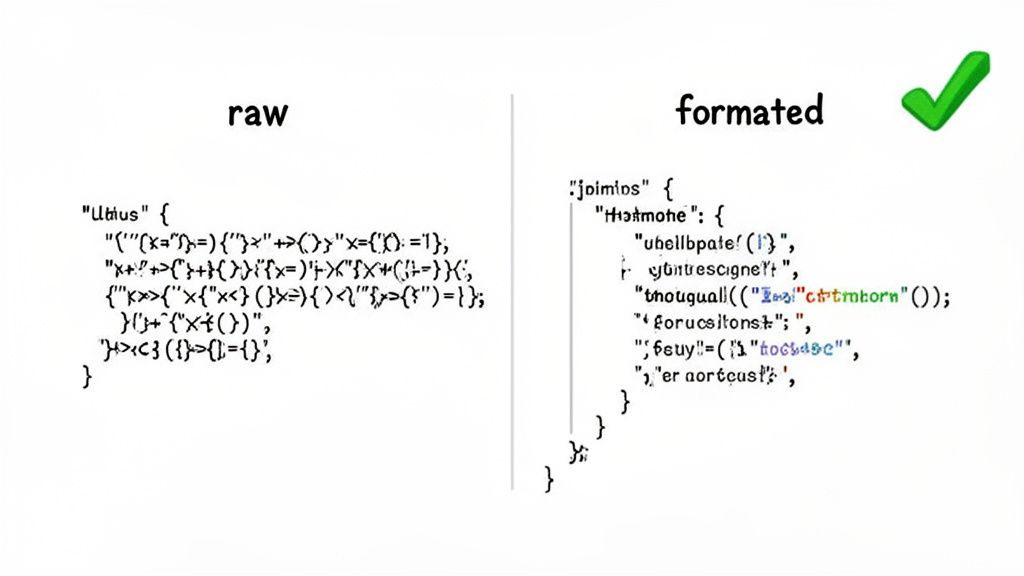
Wrestling with a minified JSON object is more than just frustrating. It's an indecipherable wall of characters where finding a specific key or tracing a nested object feels like searching for a needle in a haystack. This isn't just inefficient—it’s how mistakes happen.
A dedicated json object formatter brings immediate clarity. It's a productivity multiplier. By structuring the data logically, you can instantly see the hierarchy, spot a missing comma, or identify a malformed entry that might have otherwise taken you hours to track down.
The Hidden Costs of a Messy JSON
Working with raw, unformatted JSON isn't just a minor annoyance; it actively slows you down and introduces real risk. Think about these everyday situations:
- Debugging an API: An API throws an error or sends back unexpected data. The first thing you do is inspect the payload. A formatter makes it scannable in seconds.
- Managing Config Files: Many applications use
.jsonfiles for settings. A clean, consistent format ensures that you and your teammates can read and modify configurations without accidentally breaking something. - Conducting Code Reviews: When you share a structured JSON snippet in a pull request, your colleagues can immediately grasp the data context, leading to much better feedback.
The little bits of time wasted manually parsing messy data add up. Poorly formatted JSON is a constant drag on productivity, forcing developers to burn valuable minutes and mental energy on a task that a tool can do instantly.
This isn't just anecdotal. By 2025, it's expected that over 95% of RESTful APIs will rely on JSON. On top of that, developers often report spending 2-4 hours every single week just on data formatting and validation tasks. Even more concerning, errors lurking in unformatted JSON are a root cause for up to 15% of API integration failures in production.
Here’s a quick look at everyday JSON frustrations and how a formatter provides an instant solution.
From Mess to Readable: Common JSON Problems Solved
| Common Challenge | Impact on Your Workflow | The Formatter's Solution |
|---|---|---|
| Single-Line API Response | Impossible to read or trace data relationships. | Instantly adds line breaks and indentation for clarity. |
| Missing Commas or Brackets | Causes silent failures or hard-to-find syntax errors. | Structured view makes it easy to spot missing syntax. |
| Inconsistent Indentation | Makes nested objects and arrays confusing to follow. | Applies consistent spacing, revealing the true data hierarchy. |
| Difficulty Comparing Objects | Hard to see differences between two large, messy objects. | Standardized format allows for quick visual or diff-tool comparison. |
A formatter isn't just about convenience; it's a crucial tool for maintaining code quality and managing technical debt.
But there's a catch. Pasting sensitive data like API keys or user information into a random online tool is a massive security risk. That's why using a secure, browser-based tool like Digital ToolPad's formatter is so important. It processes everything offline in your browser, ensuring your data never leaves your machine.
Making Sense of Your Data with Prettify and Minify
When you’re wrangling JSON, the first two tools you'll reach for are prettify and minify. They seem like opposites—and they are—but both are absolutely essential. One is for making data readable for you, the developer, and the other is for making it efficient for machines. Let's break down how these two simple functions can solve some very common headaches.
Ever get a response from an API, maybe from a payment gateway or a product database? It usually shows up as one long, impenetrable line of text. Trying to debug that is a nightmare. That’s exactly where prettifying saves the day.
Turning Chaos into Clarity with Prettify
The whole point of the prettify function is to take that mess of data and make it instantly understandable. It injects standard indentation and line breaks, laying out the object’s structure so you can actually see what’s going on.
For example, you might get this jumbled string from an e-commerce API for a product:
{"productId":78912,"productName":"Quantum Fusion Keyboard","price":159.99,"inStock":true,"specs":{"layout":"TKL","switchType":"Tactile","rgb":true,"connectivity":["USB-C","Bluetooth 5.1"]}}
Good luck finding a specific value in there quickly. But drop it into a formatter and hit "Prettify," and you get this:
{ "productId": 78912, "productName": "Quantum Fusion Keyboard", "price": 159.99, "inStock": true, "specs": { "layout": "TKL", "switchType": "Tactile", "rgb": true, "connectivity": [ "USB-C", "Bluetooth 5.1" ] } }
It’s like night and day, right? Now you can immediately spot the key-value pairs, see the nested specs object, and easily trace the connectivity array. This kind of clarity is non-negotiable when you’re debugging, checking data structures, or just trying to figure out what an API is actually sending you.
If you want to get a better feel for this, playing around with an online JSON formatter is a great way to see how different data structures look when they’re properly visualized.
Boosting Performance by Minifying
So, if prettifying is for us humans, minifying is for the machines. The minify function does the exact opposite: it surgically removes every bit of non-essential whitespace—all the spaces, tabs, and line breaks. This compacts the JSON into its smallest possible form without changing the actual data.
Why bother? Because smaller data means faster network requests.
When you're building a high-traffic application, every single byte matters. Minifying your JSON payloads cuts down on bandwidth and speeds up API response times. The result is a faster, more responsive experience for your users, which is especially crucial for anyone on a spotty mobile connection.
A good JSON tool makes it effortless to switch between these two views.
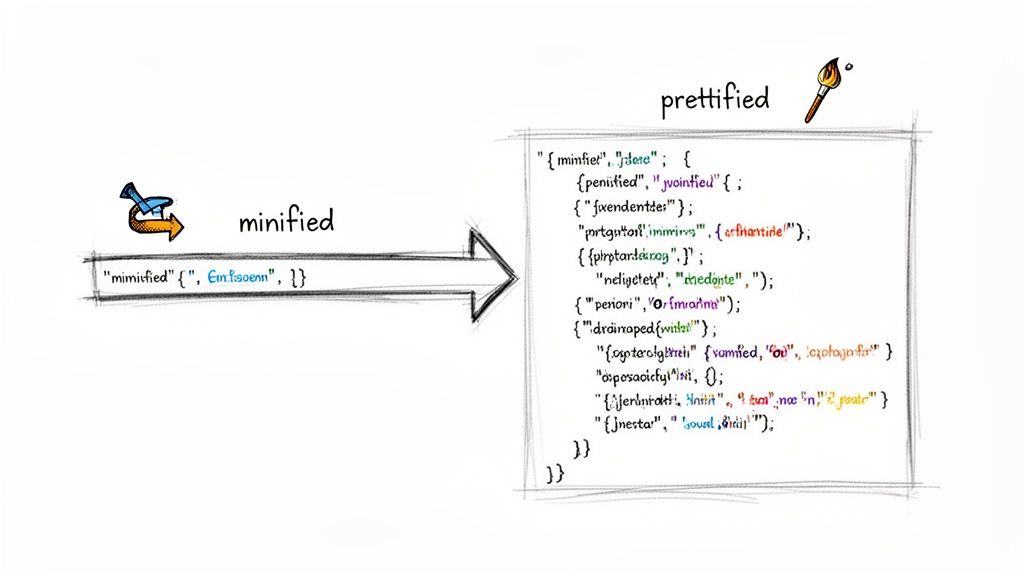
As you can see, the tool clearly separates your input from the beautifully structured and color-coded output, making it easy to confirm the transformation worked as expected.
My typical workflow is to keep JSON in a prettified format while I’m developing and debugging. Then, right before it’s sent over the wire or saved in production, I minify it. This simple two-step process is a core feature of any powerful JSON object formatter.
Catching Errors Before They Cause Headaches
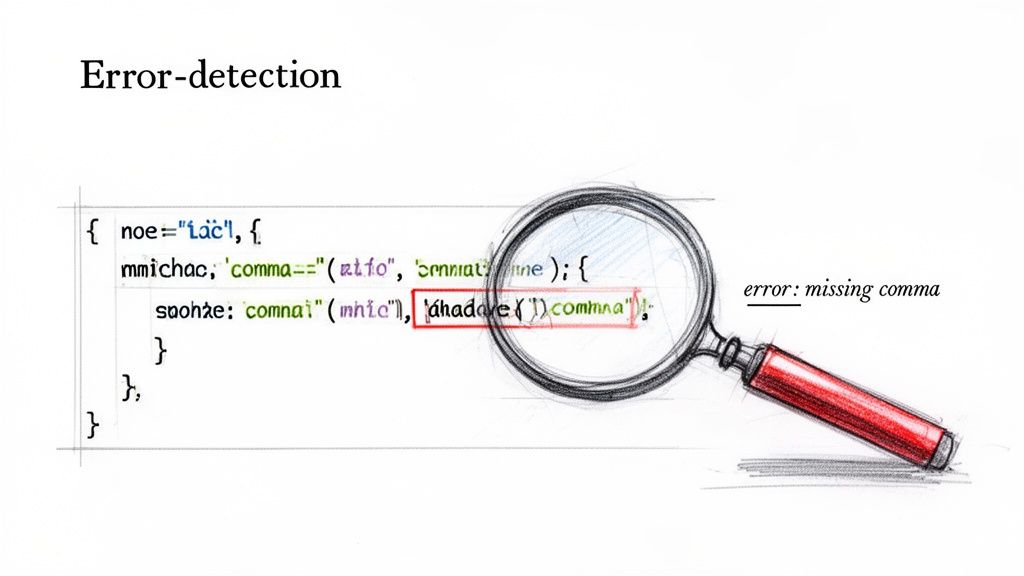
A clean, prettified JSON object is a great start, but it’s only half the battle. If the data isn't syntactically valid, it’s going to break your application, no matter how nicely it’s formatted. This is where a top-tier json object formatter moves beyond simple aesthetics and becomes a critical gatekeeper for data integrity.
Invalid JSON is a constant source of frustration. We've all been there—a single misplaced character sends you down a debugging rabbit hole for hours. The best formatters don't just beautify your code; they actively validate it in real-time, acting as your first line of defense against corrupted data.
Identifying Common Syntax Culprits
Most JSON errors aren't complex logical flaws. They're usually simple human mistakes that are incredibly hard to spot in a jumble of text. A smart formatter catches these instantly.
Here are the most frequent offenders I see all the time:
- The Trailing Comma: This classic happens when you add a comma after the last element in an object or array. While some JavaScript environments are forgiving, it’s invalid in strict JSON and will cause most parsers to choke.
- Missing Commas: Just as bad is forgetting a comma between key-value pairs. This immediately breaks the object’s structure and is another common slip-up.
- Mismatched Brackets: An unclosed
{or]can leave your entire data structure hanging, creating a syntax error that's a nightmare to trace in a large file. - Unquoted Keys or Strings: This one trips up a lot of people coming from JavaScript objects. JSON is stricter—it demands that all keys be wrapped in double quotes. Forgetting them, or using single quotes instead, is an immediate validation failure.
A quality tool doesn’t just tell you something is wrong; it shows you exactly where. Digital ToolPad, for instance, highlights the precise line and character of the error. This turns what could have been a painful debugging session into a quick, two-second fix.
From Annoyance to Outage: The Real Cost of Bad JSON
A minor syntax error might seem like a small inconvenience during development, but its impact can be massive in a production environment. With the sheer volume of data being transferred today, even tiny mistakes have huge consequences.
By 2025, it’s projected that global API traffic will surpass 100 trillion calls annually, with JSON representing 92% of those payloads. Formatting errors contribute to an astonishing 22% of downtime in cloud services, costing large companies an average of $9,000 per minute. You can see how JSON compares to other popular options on dev.to to understand why its integrity is so vital.
This brings home a crucial point: proactive validation isn’t optional. Catching a missing comma before it gets deployed can literally prevent a real-world service outage. A reliable json object formatter with built-in validation is your safety net, ensuring only clean, valid data makes it into your applications, APIs, and databases. It’s the difference between a minor typo and a major incident.
A top-tier JSON object formatter does more than just make your data look pretty. It's a powerful data manipulation tool, opening up workflows that solve tricky integration and development challenges. These advanced capabilities are what separate a good tool from a great one, saving you a ton of time and frustration.
One of the most powerful, yet often overlooked, features is the ability to sort JSON keys alphabetically. This process is called canonicalization, and it’s all about creating a standardized, predictable structure for your data.
The Power of Canonical JSON
So, why should you care about the order of keys? If you've ever tried to compare two JSON objects, you know the pain. A simple text comparison fails if the keys are in a different order, even when the actual data is identical. Sorting the keys establishes a consistent format every single time.
This has some huge real-world benefits:
- Generating Consistent Hashes: When you're caching API responses, you need a reliable way to create a hash from the request body. Sorting keys guarantees that two identical requests will produce the exact same hash, preventing frustrating and unnecessary cache misses.
- Version Control Clarity: Committing configuration files to Git? Sorted keys make the
diffoutput clean and focused. You’ll only see actual data changes, not just noisy reordering of lines. - Reliable Data Comparison: For writing automated tests that compare expected versus actual JSON outputs, sorting is a lifesaver. It makes your tests more accurate and dependable.
A canonical format turns your JSON from a simple data structure into a reliable, verifiable asset. It’s a foundational practice for building robust systems where data integrity and consistency are paramount.
Bridging Gaps with Data Conversion
A truly advanced formatter also doubles as a data translator, helping your JSON cooperate with other systems and languages. Let's be honest, converting data formats is a constant headache for developers, since different tools rarely speak the same language.
Think about advanced data processing. You might use a tool like a pdf parser for converting PDFs into structured data to pull information, but the output often needs to be refined. A good JSON formatter is perfect for cleaning up and validating that extracted data.
But you can take that workflow even further. The best tools let you convert your JSON into other popular formats right then and there. Maybe you need to turn a JSON object into YAML for a Kubernetes config file, or into XML for integrating with a legacy system. Each conversion closes a technology gap, turning a clunky, multi-step process into a single, smooth action.
Another game-changing feature is generating type definitions directly from a JSON object. You can learn more about how to convert JSON to TypeScript interfaces, which automates the creation of types, dramatically cutting down on boilerplate code and eliminating manual typing errors in your front-end projects.
Keeping Your Sensitive Data Safe with Offline Tools
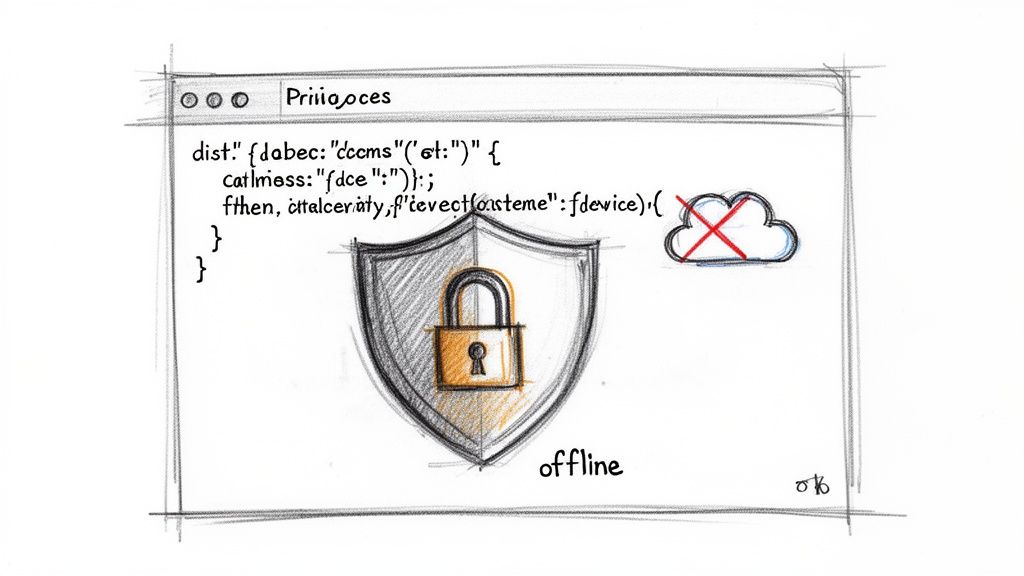
Let's be honest—pasting sensitive info into a random website is a developer's cardinal sin, yet it happens all the time. When you use a generic online json object formatter, you might be sending API keys, user PII, or internal business logic straight to a third-party server. It's a massive and completely unnecessary security hole.
Once that data leaves your machine, you've lost all control. You have no idea how it’s being stored, who can see it, or if it’s being logged indefinitely. Worse yet, many free online tools have a "save" or "share" feature that spits out a public, often guessable, URL for your formatted data. This isn't just a hypothetical risk; researchers regularly stumble upon troves of credentials and private information left exposed on these sites.
The Problem with Server-Side Processing
The real danger here is the architecture of most online tools. When you use one, the process typically looks like this:
- You paste your JSON into a web form.
- Your browser sends that data across the internet to the tool's server.
- The server does the work and sends the formatted result back to you.
- Your data might be stored on that server—temporarily or permanently.
For any team that takes data security seriously, this workflow is a non-starter. It’s especially dicey in regulated fields like finance and healthcare, where data residency and privacy aren't just suggestions—they're legally required. A simple act like formatting a customer record could accidentally trigger a major compliance violation.
Data privacy isn't just another feature; it's a foundational requirement. The only way to guarantee your sensitive information remains completely in your control is by using an offline-first tool, which eliminates the risk of third-party exposure.
Why Offline Tools Are the Only Secure Choice
An offline-first tool like Digital ToolPad's formatter sidesteps this threat entirely. It works completely inside your browser, using your own computer’s processing power. Your data is never sent over the network and never touches an external server. It all happens client-side, making it just as secure as a desktop app.
This local-first approach is quickly becoming the standard. In security-conscious sectors, 67% of IT admins now prefer local execution to prevent data leaks, especially since server-side formatters can inadvertently expose 12% of sensitive payloads during processing. Browser-based tools like ours can even format gigabyte-scale JSON objects in under two seconds, all without the network lag you get with cloud tools. You can read the full research about data format security trends here.
This offline capability gives you genuine peace of mind. You can confidently work with complex financial data, like the kind you'd process with a bank statement converter, knowing it never leaves your device. For any developer or organization handling sensitive information, choosing an offline json object formatter isn’t just a smart move—it’s a professional responsibility.
Common Questions About Using a JSON Object Formatter
When you're dealing with JSON day in and day out, a few questions always seem to surface about the tools you use. It's usually about security, performance, and what the tool actually does under the hood. Getting these answers straight helps you pick the right tool and use it without second-guessing yourself.
Let's break down some of the most common questions I hear.
Formatter vs. Validator: What’s the Difference?
This one trips people up all the time, but the distinction is pretty simple. Think of it like this: a formatter cares about looks, while a validator cares about rules.
- A Formatter is all about readability. Its main job is to take a jumbled mess of JSON and make it easy for a human to read. It does this by adding indentation and line breaks (prettifying) or stripping all that out to make the file smaller for sending over a network (minifying).
- A Validator is the strict rule-keeper. It doesn't care how the JSON looks. Its only concern is whether the syntax is perfect—are the commas in the right place? Are all the brackets and braces matched up? Are the keys properly quoted?
The best tools, though, don't make you choose. A good JSON formatter will automatically validate your code as it formats it. It'll beautify your JSON and instantly point out if you've got a syntax error. That's the combo you want—it saves you from a world of debugging headaches.
Can You Trust Online Formatters with Sensitive Data?
This is a huge one, and the short answer is no, unless the tool is explicitly 'offline' or 'client-side.'
It's tempting to just paste your code into the first Google result, but many of those free online tools send your JSON to their server to be processed. The second your data leaves your machine, you've lost control. It could be stored, logged, or worse.
Don't just take my word for it. There are countless documented cases where thousands of credentials, API keys, and private customer details have been exposed on public "pasting" platforms that save user-submitted data. This isn't a theoretical risk; it's a real, ongoing problem.
This is why an offline tool like the one from Digital ToolPad is a must-have for any serious work. It runs entirely in your web browser, using your computer's resources. Your API keys, configuration secrets, and user data are processed locally and never, ever transmitted over the internet. For professional use, this is the only truly safe way to go.
Will a Browser Tool Choke on Massive JSON Files?
You'd be surprised. A modern, well-built formatter that runs in your browser can chew through massive JSON files, often many megabytes in size, without breaking a sweat. Because they use your computer's local processing power, they can be incredibly quick.
In many cases, an offline browser tool is actually more reliable for big files than a server-based one. You don't have to worry about upload size limits, network lag, or a remote server getting overloaded and timing out. Your browser is less likely to crash or slow to a crawl, even when you're working with seriously complex data.
And most importantly, a proper formatter will never change the actual data. Prettifying just adds whitespace. Minifying just removes it. Even advanced features like sorting keys only reorder the elements—the key-value pairs themselves are untouched. Your data's integrity is always safe.
Ready to format your JSON the smart, secure way? Give the offline formatter at Digital ToolPad a try. You'll get the efficiency you need with the peace of mind that comes from knowing your data stays right where it belongs—on your machine. Check it out at https://www.digitaltoolpad.com.