Navigating the world of bank statement conversion can be a complex task, especially when dealing with sensitive financial data. Whether you're a developer needing a local-first solution, a small business owner streamlining bookkeeping, or an individual organizing personal finances, finding the right free bank statement converter is crucial. Manually transcribing transaction data from PDF statements into structured formats like Excel or CSV is not only tedious and time-consuming but also highly prone to errors. This process creates significant bottlenecks in financial workflows, from accounting and reconciliation to data analysis and application development.
This guide is designed to solve that problem by providing a comprehensive, hands-on review of the best free tools available. We cut through the noise to give you a direct comparison of offline software, browser-based utilities, and open-source libraries. Our goal is to help you quickly identify the ideal solution for your specific requirements, whether your priority is data privacy, processing volume, or ease of use.
Inside, you will find a detailed breakdown of each free bank statement converter, complete with:
- Direct links to each tool for immediate access.
- Step-by-step usage snippets and screenshots to guide you.
- An honest assessment of security, privacy implications, and limitations.
- Clear categorizations to help you choose between offline, cloud, and developer-focused options.
We have tested and analyzed each platform to provide practical insights, ensuring you can make an informed decision without sifting through countless websites. This resource is your definitive starting point for efficiently and securely converting bank statements into usable data.
1. Free Bank Statement Converter — Convert PDF to Excel & CSV
Digital ToolPad’s Free Bank Statement Converter stands out as a powerful and privacy-centric choice for professionals who need to convert PDF bank statements into structured data. Its defining feature is its 100% client-side processing engine. This means your sensitive financial documents are never uploaded to a server; all extraction and conversion happen directly and securely within your web browser, making it an ideal tool for accountants, financial analysts, and compliance-conscious teams.
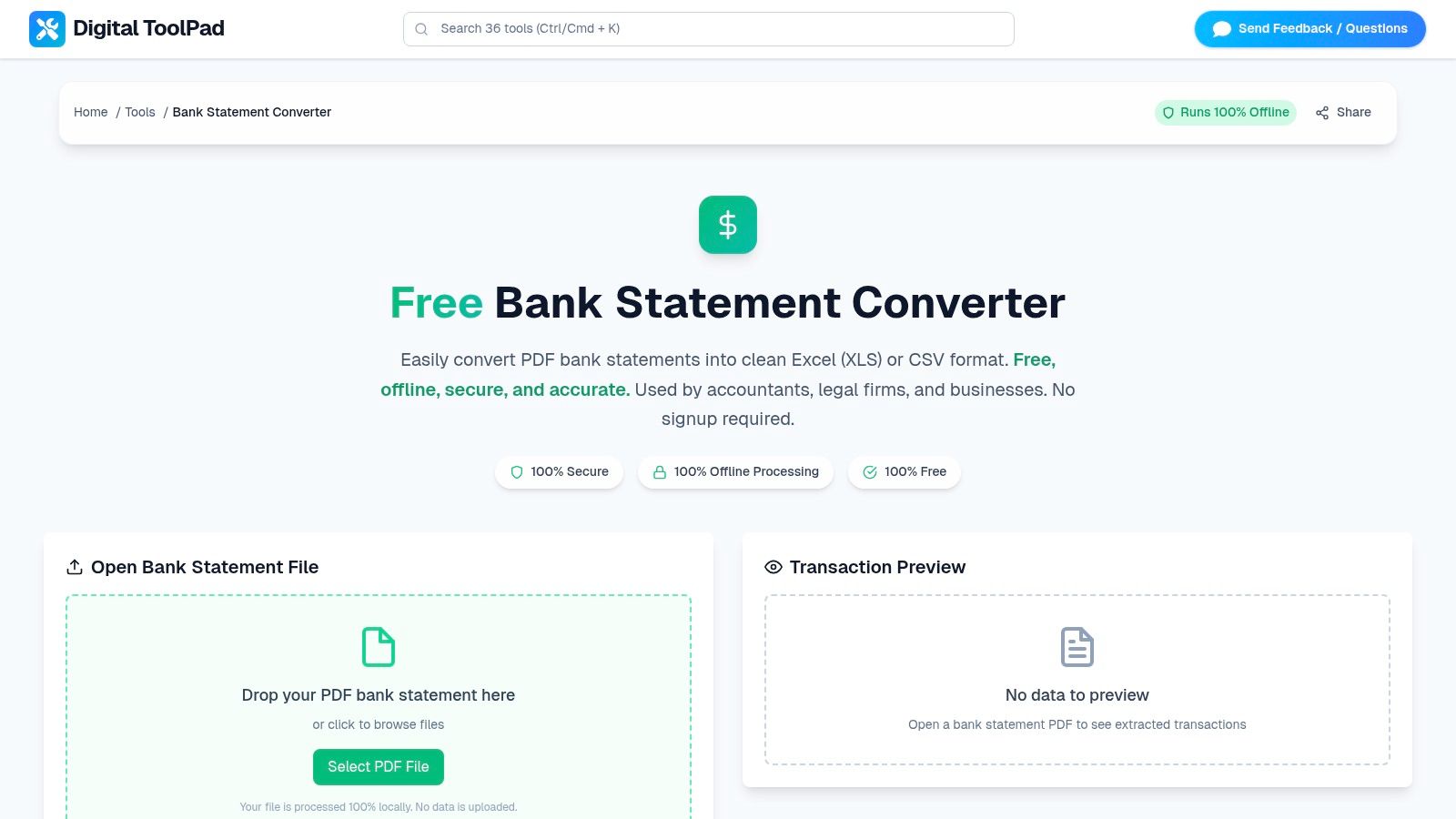
This free bank statement converter is designed for immediate use with no sign-up or software installation required. The user experience is clean and direct: you simply drag and drop your PDF statement, and the tool automatically parses the transaction data. It presents a clear preview of the extracted rows, allowing you to verify the accuracy of dates, descriptions, and amounts before exporting the final file. This validation step is crucial for minimizing manual cleanup and ensuring data integrity.
Core Features and Limitations
| Feature | Details |
|---|---|
| Processing Location | 100% client-side (in-browser); no data is ever uploaded. |
| Output Formats | Excel (XLS) and CSV, ensuring compatibility with virtually all accounting and spreadsheet software. |
| Access Requirements | Completely free with no registration or account needed. |
| Key Advantage | The built-in transaction preview allows for instant data validation before export. |
| Main Limitation | Lacks Optical Character Recognition (OCR), so it cannot process scanned or image-based PDFs. |
Practical Use Cases
The tool excels in scenarios where data privacy is non-negotiable. For instance, a freelance accountant can use it to prepare client financials without risking data exposure, or a small business owner can quickly analyze monthly expenses without relying on third-party cloud services. Its deterministic performance also makes it a reliable utility for developers who need a quick way to convert statement data for testing or analysis without complex setups. For a deeper look into how different tools compare, you can refer to a comprehensive guide to bank statement converter software.
While it doesn't support batch processing or have an API, its speed and security make it a top-tier option for one-off conversions. You can try the browser-based converter to see how it handles your specific statement formats.
2. Adobe Acrobat Online — PDF to Excel
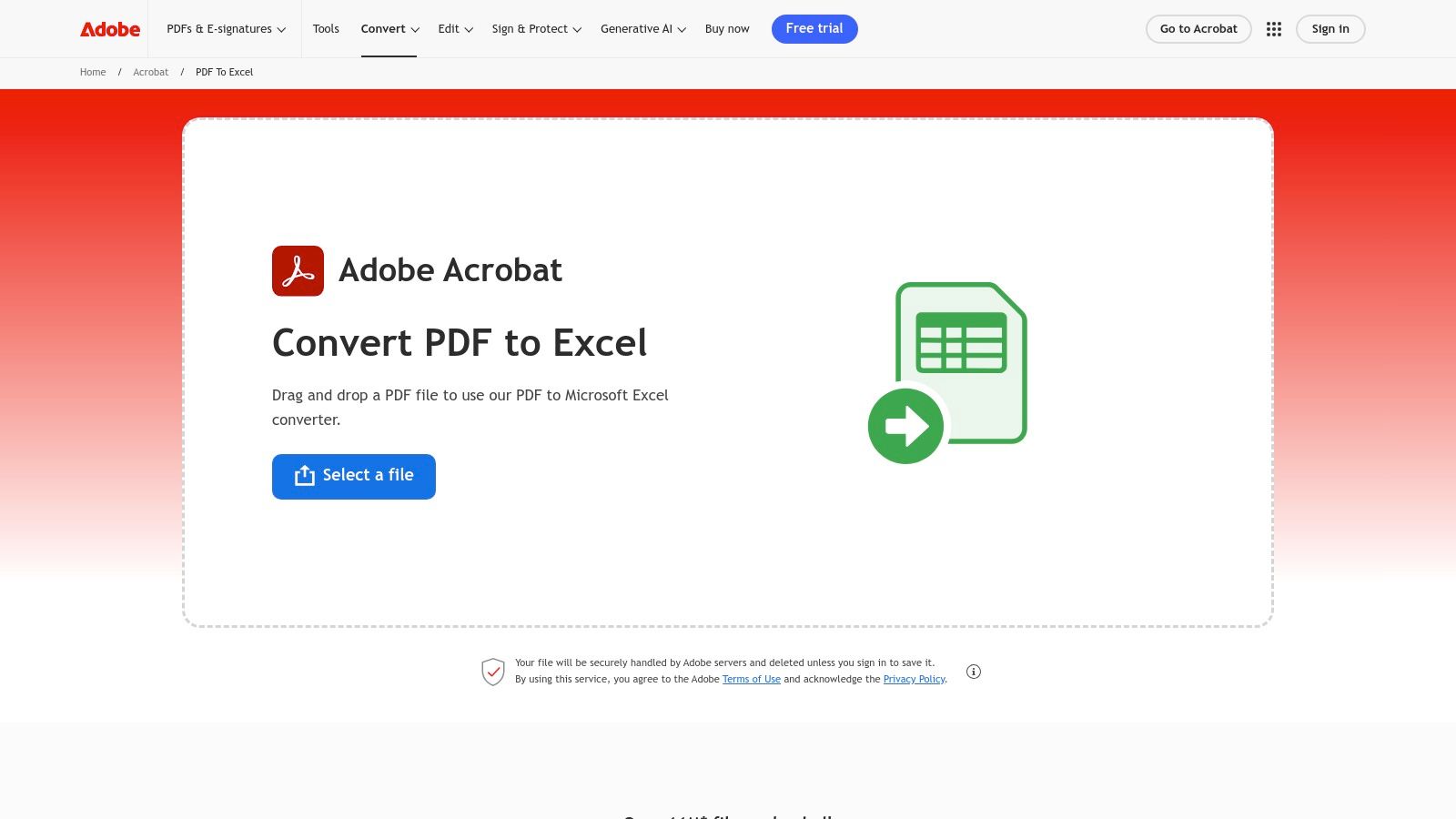
When data accuracy and table integrity are non-negotiable, Adobe’s own online tool is a top-tier choice. As the creators of the PDF format, their conversion engine is exceptionally reliable, making it an excellent free bank statement converter for users who prioritize precision. It excels at preserving complex table structures, columns, and rows from your original bank statement, a common pain point with less sophisticated tools.
The platform's optical character recognition (OCR) is a significant advantage. It can accurately extract tabular data even from scanned, image-based PDF statements, turning previously un-copyable text into a fully editable Excel spreadsheet. This capability is invaluable for digitizing paper records or dealing with older, non-digital bank documents.
Key Features and User Experience
The user experience is clean and straightforward, guiding you to upload your PDF and download the resulting XLSX file. While the initial conversion is free, repeated use or accessing advanced features often requires an Adobe account sign-in. This can introduce a bit of friction but also integrates your files with the Adobe cloud ecosystem.
- Conversion Quality: High-fidelity table and layout preservation.
- OCR Technology: Best-in-class for converting scanned or image-based statements.
- Accessibility: Fully browser-based, requiring no software installation.
- Limitations: Free usage is limited. Heavy users will eventually encounter a paywall or be prompted to subscribe to Acrobat Pro.
For those frequently working with PDFs beyond simple conversions, exploring a wider range of PDF utilities and tools can provide more comprehensive solutions. Ultimately, Adobe’s tool is ideal for users needing a high-quality, trustworthy conversion for critical financial documents.
Website: Adobe PDF to Excel Converter
3. Smallpdf — PDF to Excel
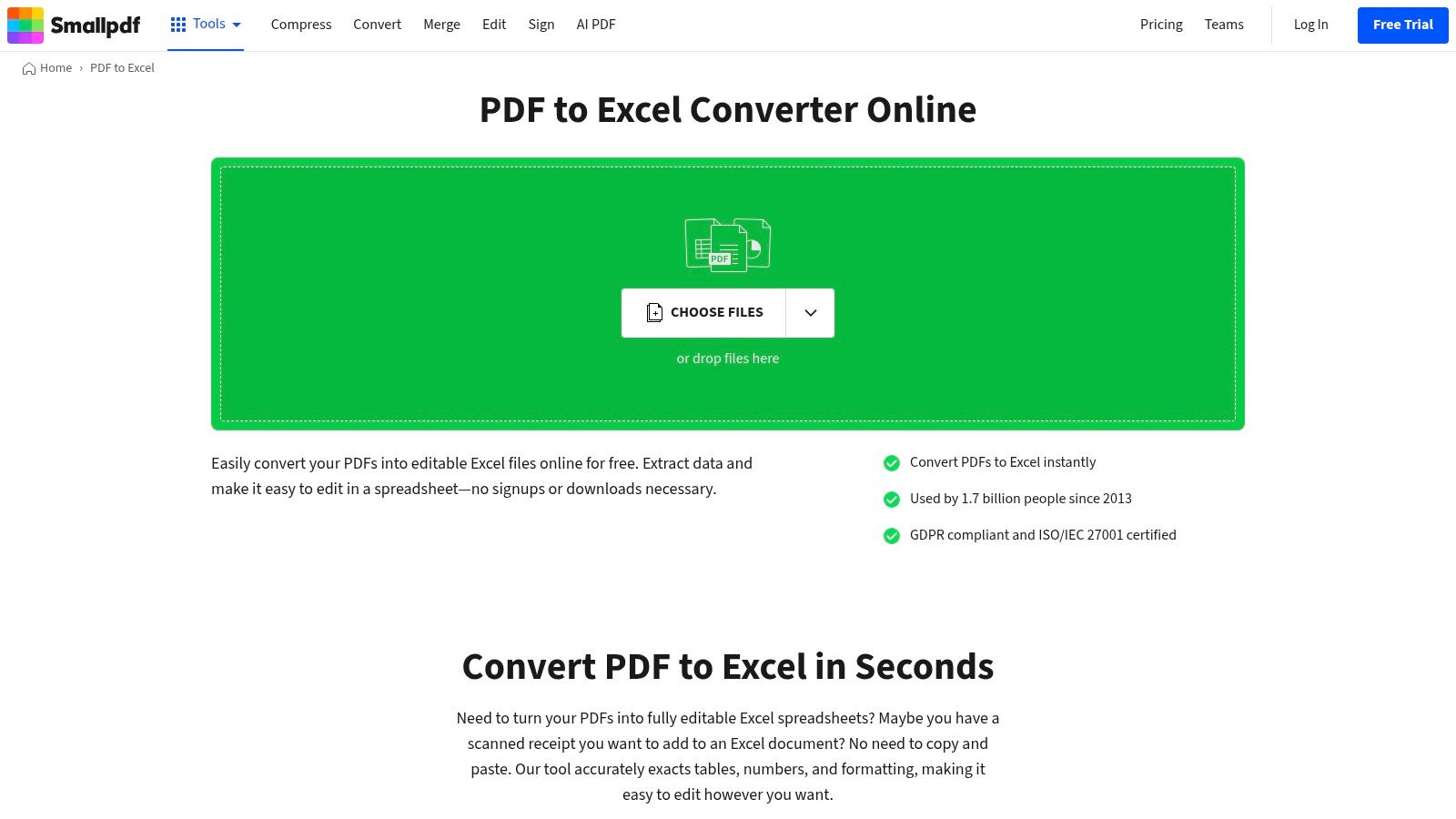
Smallpdf offers a user-friendly and approachable suite of online tools, making it a popular choice for quick and easy conversions. Its dedicated PDF to Excel tool is a highly effective free bank statement converter for users who need a balance of simplicity and power. It handles both digitally native and scanned PDF statements, making it versatile for various document types, from modern e-statements to older, digitized paper records.
The platform is known for its clean, drag-and-drop interface that simplifies the conversion process down to a few clicks. It also includes optical character recognition (OCR) technology, which allows it to process scanned documents and credit card statements, extracting the tabular data into an organized Excel file. This feature is particularly useful for users who need to digitize physical financial records without manually retyping information.
Key Features and User Experience
The user experience is designed for speed and efficiency, appealing to those who need to perform a conversion without a steep learning curve. While the free tier is generous for occasional tasks, frequent users will quickly encounter daily limits, prompting an upgrade to a Pro subscription for unlimited access. For businesses, Smallpdf offers team plans and compliance with standards like ISO/IEC 27001 and GDPR.
- Conversion Quality: Reliable performance for standard bank statement layouts.
- OCR Technology: Includes OCR to handle scanned and image-based PDFs.
- Accessibility: Completely web-based with an intuitive, minimalist interface.
- Limitations: The free version imposes a strict limit on the number of documents you can process per day. Unlimited access requires a Pro subscription.
Smallpdf strikes an excellent balance between a no-frills free tool and a powerful paid service, making it ideal for users with moderate conversion needs who value a straightforward workflow.
Website: Smallpdf PDF to Excel Converter
4. PDFTables
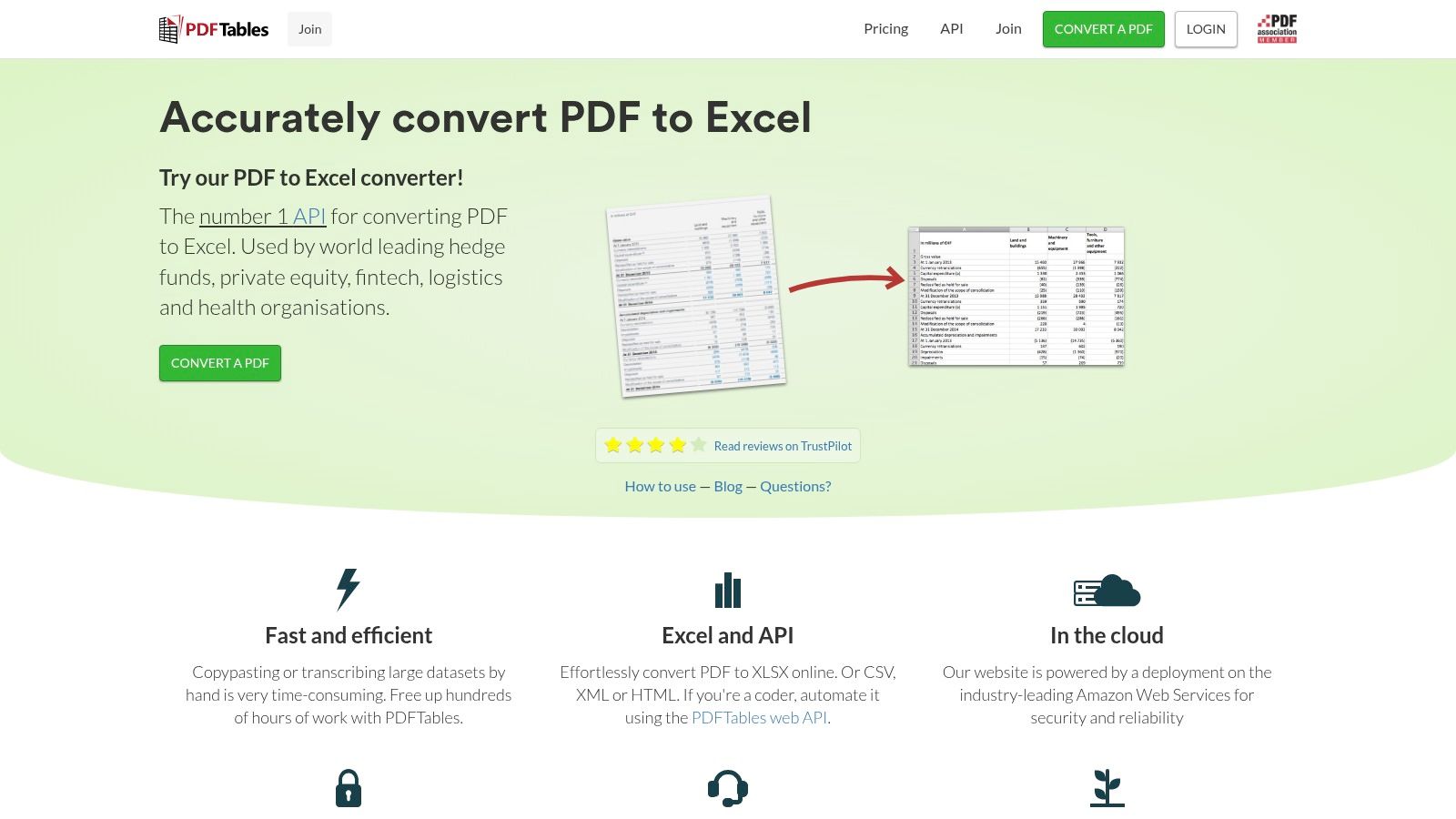
PDFTables is a specialized, developer-friendly service built for one primary purpose: extracting tabular data from PDFs with high accuracy. For users whose main goal is to pull transaction grids from financial documents, it stands out as a powerful free bank statement converter, particularly for automated workflows. Its engine is finely tuned to recognize and preserve the structure of complex tables, making it a reliable choice for converting statements into usable formats like Excel, CSV, or even XML.
The platform is designed with both individual users and developers in mind. While it offers a simple web interface for manual uploads, its real strength lies in its robust API, which allows for programmatic conversion of bank statements in bulk. This makes it an ideal solution for businesses, fintech applications, or researchers who need to process a large volume of documents efficiently and integrate conversion capabilities directly into their software.
Key Features and User Experience
The user experience on the website is minimalistic, focusing entirely on the upload-and-convert process. The free offering is essentially a demo, allowing you to test the conversion quality before committing. For regular use, PDFTables operates on a credit-based system where you purchase pages in advance. This model provides flexibility, as credits are valid for a full year.
- Conversion Quality: Excellent at recognizing and maintaining the integrity of table structures.
- Automation: Best-in-class API support for integrating into custom applications and batch processing.
- Accessibility: Offers a simple browser-based tool and a powerful API for different use cases.
- Limitations: The free version is for trial purposes only. The pay-per-page model can become costly for users processing lengthy, multi-page statements.
Ultimately, PDFTables is less of a casual, one-off tool and more of a specialized utility for those who need reliable, scalable, and automatable table extraction from bank statements and other structured documents.
Website: PDFTables
5. ProperSoft — ProperConvert (Desktop)
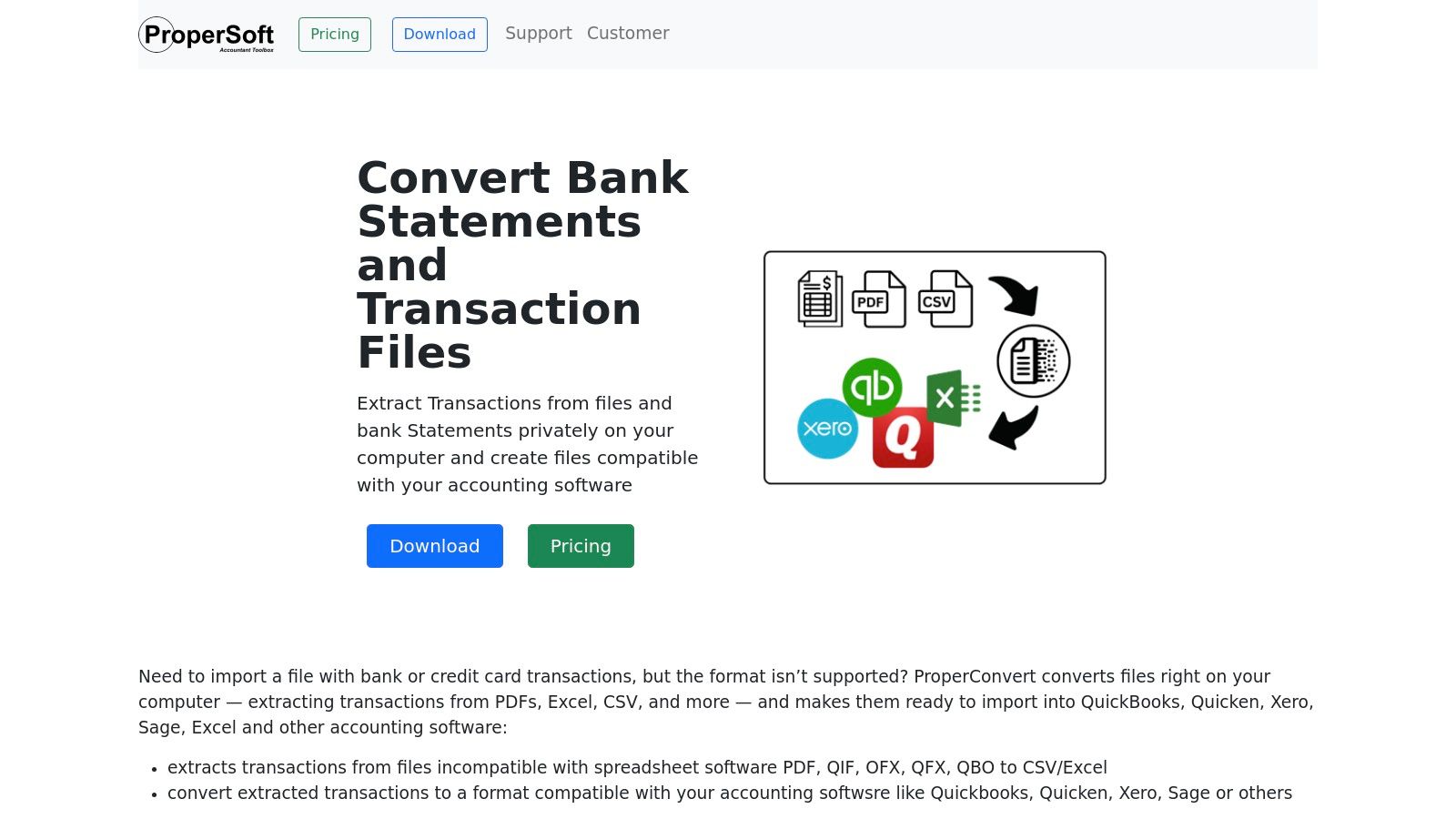
For users who prioritize data privacy and need direct integration with accounting software, ProperSoft’s ProperConvert offers a robust desktop-based solution. Unlike cloud-based tools, this software runs entirely on your local machine, ensuring your sensitive financial data never leaves your computer. This offline functionality makes it an excellent free bank statement converter for professionals, businesses, and privacy-conscious individuals who cannot risk uploading documents to third-party servers.
The application specializes in extracting transaction data from PDF statements and converting it not just to standard formats like CSV and Excel, but also to specialized accounting files such as QBO, OFX, and QIF. This direct compatibility with platforms like QuickBooks, Quicken, and Xero is a significant advantage, streamlining the entire bookkeeping workflow from statement to software import.
Key Features and User Experience
The user experience is geared towards functionality over aesthetics, providing a clear interface for mapping statement data to the correct output fields. While it requires a software installation, the process is straightforward. The free trial version is fully functional for reviewing and mapping transactions, but it limits the number of transactions you can export, encouraging users to purchase a license for full capabilities.
- Conversion Quality: High-quality transaction extraction tailored for accounting software imports.
- Security: Best-in-class for privacy as all processing is done offline on your desktop.
- Accessibility: Requires download and installation on Windows or macOS.
- Limitations: The free trial has export limitations. A paid license is required for unlimited conversions, making it more of a "freemium" tool than a completely free one.
ProperSoft is the ideal choice for users needing a secure, offline converter that bridges the gap between PDF bank statements and accounting software, offering a level of format support that most online tools lack.
Website: ProperSoft ProperConvert
6. MoneyThumb — Online and Desktop Converters
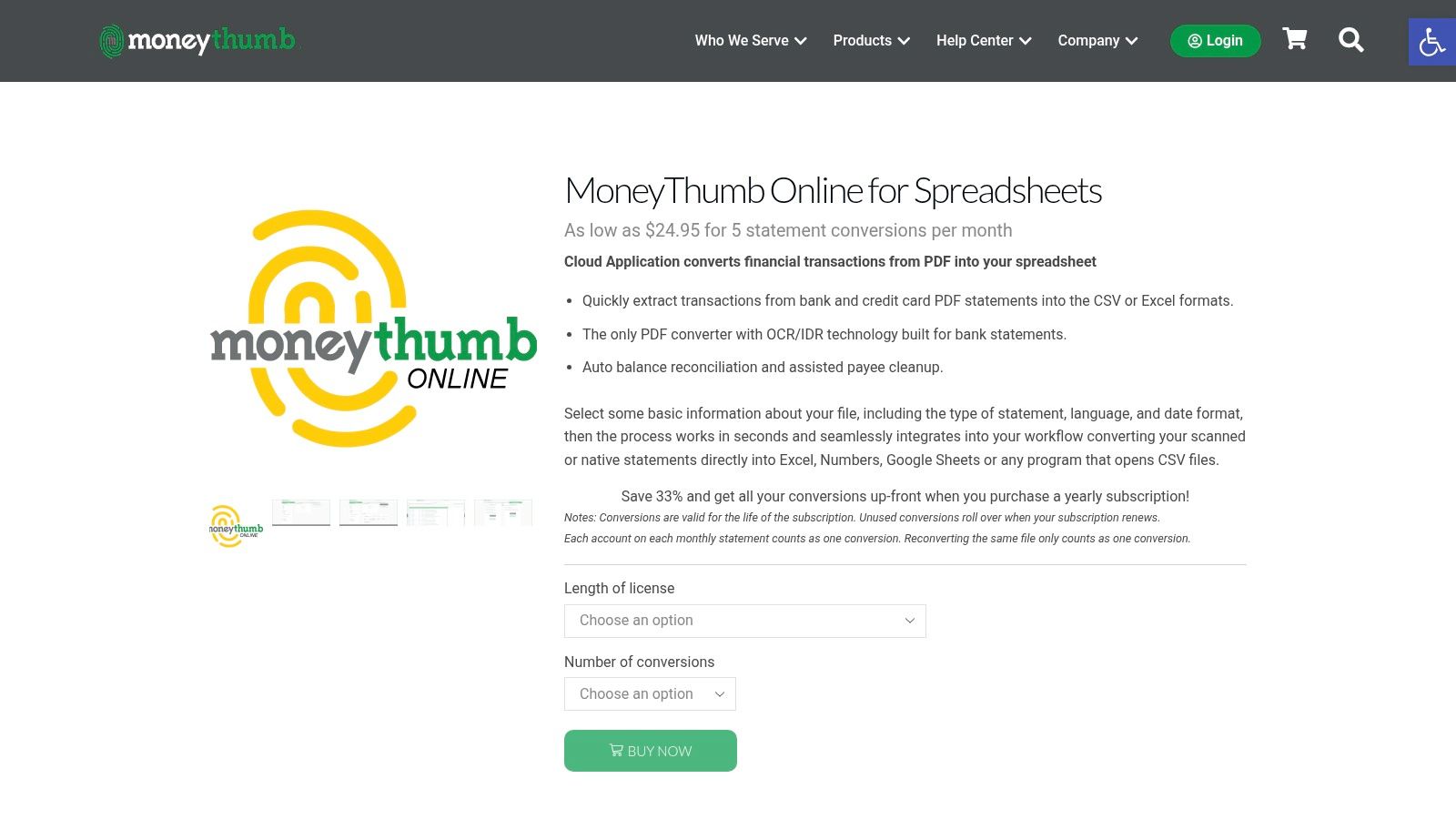
MoneyThumb is a specialized service designed for professionals and individuals who need high-precision financial data extraction. It offers a suite of dedicated converters (pdf2csv, pdf2ofx, pdf2qbo) available both online and as desktop software, making it a powerful free bank statement converter for initial tests. The platform's strength lies in its OCR and Intelligent Document Recognition (IDR), which are specifically tuned for the unique formats of bank and credit card statements.
This focus on financial documents means it can often succeed where more generic converters fail, accurately identifying transaction dates, descriptions, and amounts. It is particularly well-suited for accountants, bookkeepers, and small business owners who need to import statement data directly into accounting software like QuickBooks or Quicken. The desktop versions also offer robust batch processing, a critical feature for handling large volumes of documents efficiently.
Key Features and User Experience
The user experience is functional and geared toward specific outcomes rather than a sleek, modern design. Users choose their desired output format first and then upload their PDF. While the online version offers a free trial conversion to demonstrate its capabilities, continued use and access to the full feature set, including the desktop applications, require purchasing a license or subscription.
- Conversion Quality: Excellent accuracy for financial statements due to specialized OCR/IDR.
- Specialized Exports: Best-in-class for generating accounting-specific formats like QBO and OFX.
- Accessibility: Offers both cloud-based and offline desktop options for enhanced security and privacy.
- Limitations: The free offering is a trial. Full functionality and volume processing are locked behind a paywall, and the cloud option involves uploading sensitive data to their servers.
MoneyThumb is the ideal solution for users with complex accounting and reconciliation workflows who find general-purpose converters inadequate. Its precision and direct integration with financial software justify the cost for professional use.
Website: MoneyThumb Converters
7. Tabula (Open-source)
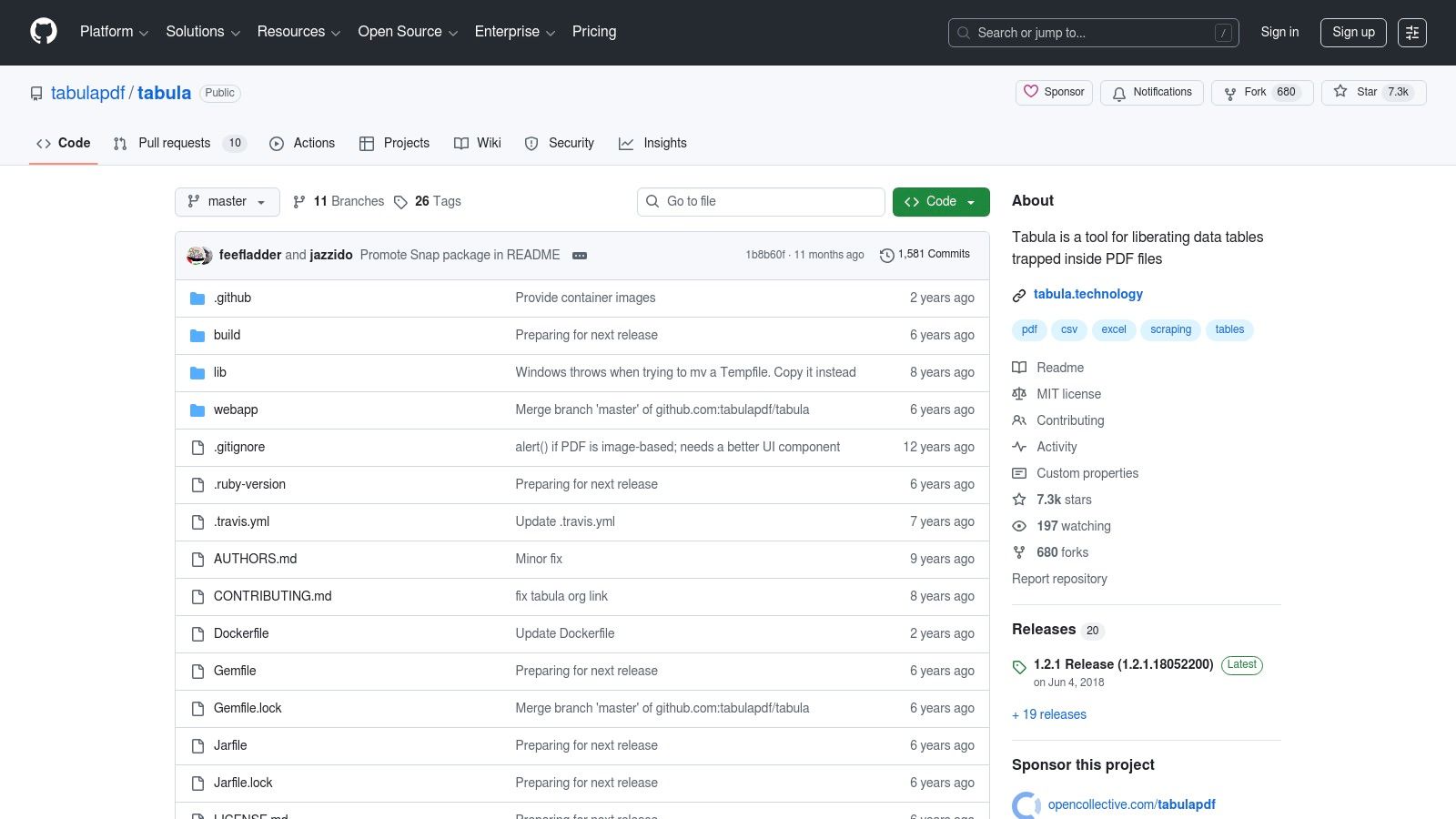
For users who prioritize privacy, security, and granular control, Tabula stands out as a powerful open-source solution. Unlike cloud-based services, this free Java application runs entirely on your local machine, ensuring your sensitive financial data never leaves your computer. It is a highly effective free bank statement converter specifically designed for extracting tabular data from text-based (digital) PDF files, making it ideal for developers, data journalists, and privacy-conscious professionals.
Tabula gives you precise control to manually select the exact table areas you want to extract. This is incredibly useful for statements with complex or non-standard layouts where automated tools might fail. It empowers you to handle tricky formatting and isolate only the transactional data you need, exporting it cleanly to CSV or other spreadsheet-friendly formats.
Key Features and User Experience
After installing the Java-based application, you access Tabula through your local web browser in a simple, no-frills interface. The workflow involves uploading a PDF, drawing a box around the data table you want to capture, and then previewing and exporting the results. While straightforward, it requires a more hands-on approach than fully automated tools and has a slight learning curve.
- Conversion Quality: Excellent for text-based PDFs; data integrity is very high.
- Privacy: Best-in-class for security as all processing is done offline.
- Accessibility: Cross-platform (Windows, macOS, Linux) but requires Java installation.
- Limitations: It has no built-in OCR. It cannot process scanned or image-based statements unless they are pre-processed with another OCR tool.
Tabula is the perfect choice for users handling highly sensitive bank statements who need a transparent, auditable, and completely offline conversion process. Its manual selection feature offers unparalleled precision for difficult digital documents.
Website: Tabula on GitHub
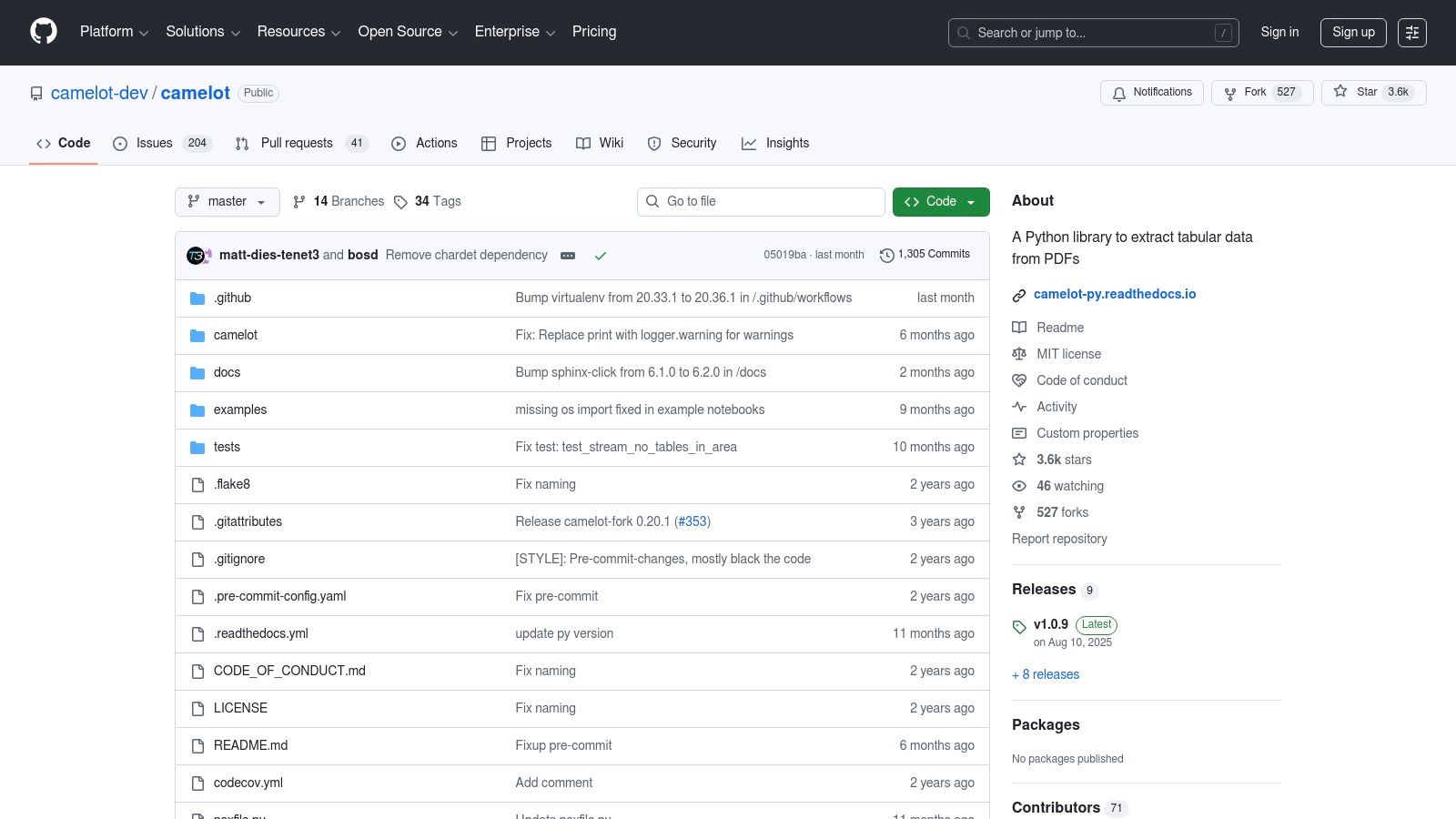
8. Camelot + Excalibur (Open-source)
For developers and technical users building automated data extraction pipelines, Camelot offers a powerful, code-driven solution. This Python library is engineered specifically for extracting tables from PDFs, making it an exceptional free bank statement converter for programmatic use. Paired with Excalibur, its user-friendly web interface, it provides a highly customizable and reproducible workflow for parsing transaction data with precision.
Camelot’s strength lies in its configurable extraction modes ("Lattice" and "Stream"), which allow users to fine-tune the parsing logic for different bank statement layouts. This is a critical feature for developers who need to reliably process documents from various financial institutions without manual intervention. It offers a level of control and scalability that most browser-based tools cannot match.
Key Features and User Experience
While Camelot itself is a command-line tool, the Excalibur web UI makes it more accessible. Users can upload a PDF, adjust settings, and visualize the extracted tables before exporting to formats like CSV, Excel, or JSON. This combination serves both developers who need to script batch jobs and analysts who require a visual tool for tweaking extraction parameters.
- Conversion Quality: High accuracy for text-based PDFs with adjustable modes.
- Automation: Ideal for scripting and integrating into automated data processing workflows.
- Accessibility: Requires a Python environment setup, which is a barrier for non-technical users.
- Limitations: Lacks built-in OCR, meaning it cannot process scanned or image-based PDF statements without pre-processing them with another tool. It is strictly for text-based PDFs.
Camelot is the perfect choice for users with programming skills who need to build a robust, offline, and free system for handling large volumes of bank statements.
Website: Camelot on GitHub
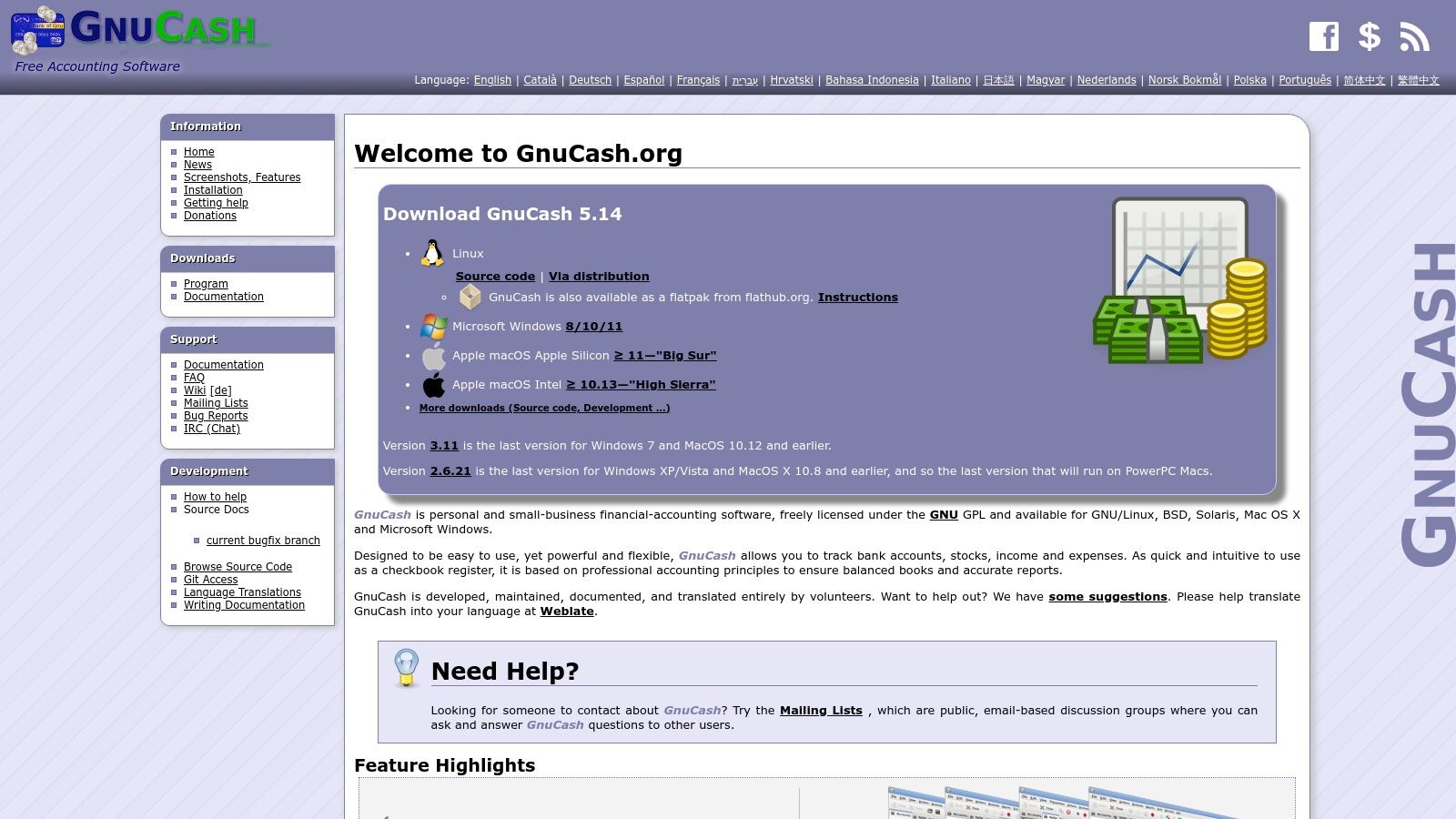
9. GnuCash
While not a direct PDF-to-CSV tool, GnuCash is a powerful endpoint for your financial data management. As a free, open-source accounting software, it excels at importing transaction files in formats like CSV, QIF, OFX, and QFX. Think of it as the crucial next step after using another free bank statement converter to get your data into a usable format. It's an ideal solution for personal finance enthusiasts and small businesses who need to reconcile accounts, track budgets, and generate reports.
The platform is designed for serious accounting, offering double-entry bookkeeping and robust transaction matching capabilities. Once you have converted your bank statement to a CSV or a similar format, GnuCash provides a structured environment to import, categorize, and reconcile every entry against your records. This makes it a vital tool in a multi-step financial workflow where conversion is just the beginning.
Key Features and User Experience
GnuCash operates as a desktop application, offering a comprehensive but somewhat dated interface. The initial setup and learning curve can be steep for those unfamiliar with accounting principles, as you must correctly map columns from your CSV file during the import process. However, its power lies in its stability and the control it gives you over your financial data without relying on cloud services.
- Conversion Quality: Does not convert PDFs but offers robust import options for already-converted CSV, QIF, and OFX files.
- Workflow Integration: Serves as the destination for converted statements, enabling professional-grade reconciliation and reporting.
- Accessibility: Completely free and available for Windows, macOS, and GNU/Linux.
- Limitations: Requires a separate tool for the initial PDF conversion. The user interface and setup process can be challenging for beginners.
For users who need a complete, self-hosted accounting system, GnuCash is an unmatched free solution. It provides the financial management infrastructure that most simple file converters lack, making it a perfect partner for a dedicated conversion tool.
Website: GnuCash
10. BankStatementFlow — PDF Bank Statement to Excel (AI)
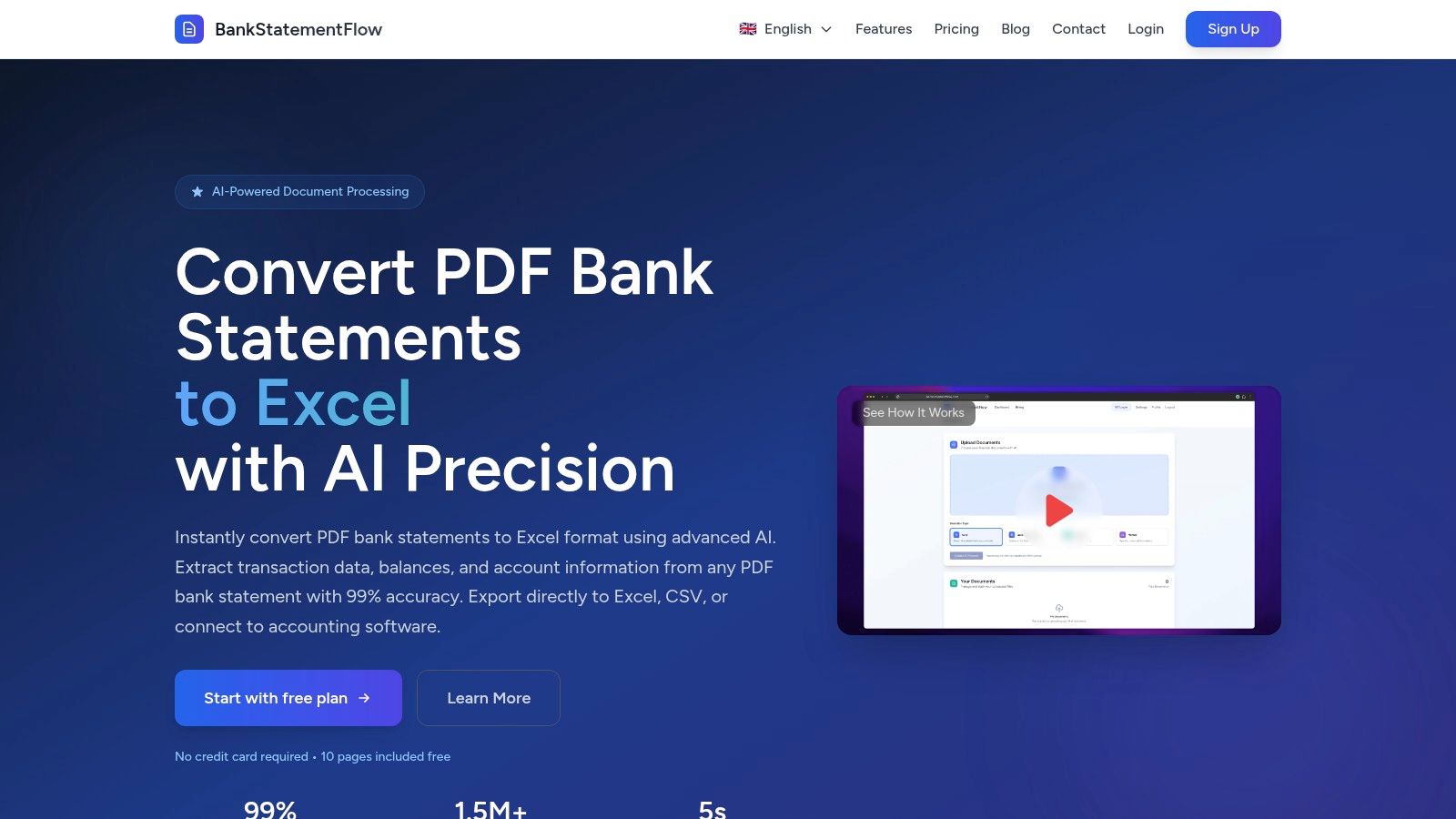
For users needing a specialized tool, BankStatementFlow offers an AI-powered engine trained specifically for bank statement layouts. This focus makes it a highly effective free bank statement converter when dealing with complex financial documents. It’s engineered to recognize and accurately extract transactional data, dates, and descriptions from a wide variety of US bank formats, reducing the cleanup work often required with general-purpose converters.
The platform's main advantage is its specialization. Its AI is pre-trained on financial documents, enabling it to handle both native and scanned PDFs with high precision. This is particularly useful for accounting professionals, bookkeepers, or small businesses who regularly process statements from different banks and need a reliable, automated data extraction solution.
Key Features and User Experience
The platform offers a clean drag-and-drop interface for quick conversions. The free starter plan provides a generous number of pages, allowing users to test its capabilities thoroughly before committing. For developers and businesses, BankStatementFlow provides API access and connectors, enabling seamless integration into automated financial workflows. This makes it a scalable solution that can grow with your needs.
- Conversion Quality: High, with AI specifically tuned for financial statement formats.
- OCR Technology: Excellent performance on both scanned and native PDFs.
- Accessibility: Web-based with available API for automation.
- Limitations: The free plan has a page limit, and since it is a cloud service, documents must be uploaded to their servers.
Ultimately, BankStatementFlow is an ideal choice for individuals and businesses who exclusively or frequently convert bank statements and desire a tool optimized for that specific task.
Website: BankStatementFlow PDF to Excel Converter
11. Statement Desk — Free PDF→Excel (bank-statement focused)
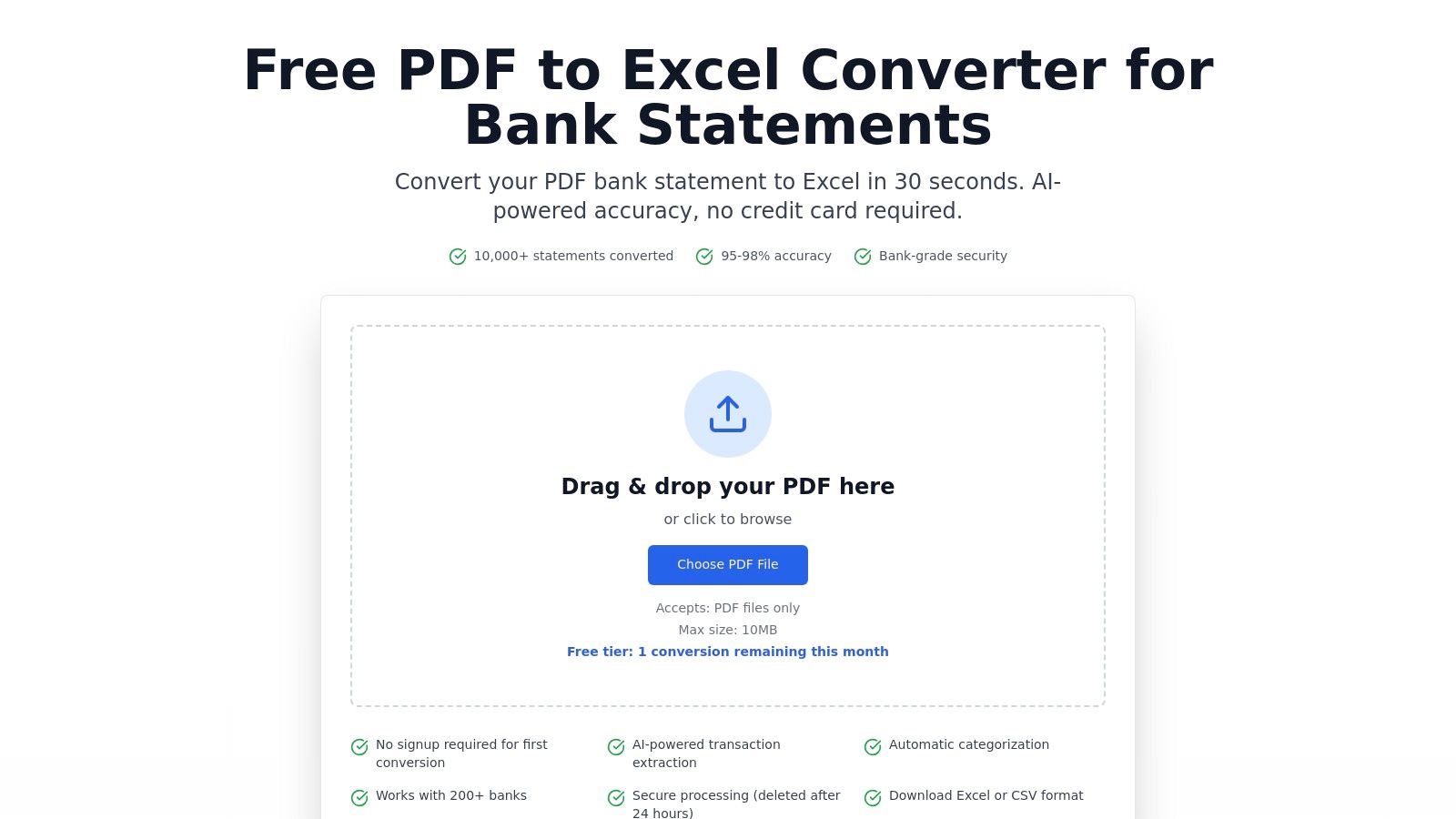
Statement Desk offers a specialized web tool designed specifically for converting bank statements from PDF to Excel or CSV. Its AI-powered engine goes beyond simple data extraction by automatically categorizing transactions and normalizing merchant names, a significant time-saver for anyone doing bookkeeping or expense tracking. As a purpose-built free bank statement converter, it understands the unique structure of financial documents from over 200 banks.
The platform stands out by allowing a free first conversion without requiring any user sign-up, providing a frictionless way to test its capabilities. For security-conscious users, Statement Desk automatically deletes uploaded files after 24 hours, adding a layer of data privacy to the cloud-based process. This makes it a strong choice for quick, intelligent conversions where manual data cleanup is a major concern.
Key Features and User Experience
The process is simple: upload your PDF, let the AI analyze and structure the data, and download a clean, categorized spreadsheet. The intelligence behind its merchant normalization means "AMZN Mktp US" and "Amazon.com" are correctly identified as the same entity. This attention to financial detail is its core advantage over generic PDF converters.
- Conversion Quality: Excellent, with added AI for transaction categorization and merchant cleanup.
- AI Technology: Best-in-class for understanding and organizing bank transaction data.
- Accessibility: Web-based and offers a no-signup trial for immediate use.
- Limitations: The free tier is limited by quotas and file size caps. It is a cloud-only service with no offline functionality.
For those looking to understand the nuances of this process, exploring different methods to convert a bank statement to Excel can provide additional context. Statement Desk is ideal for users who need more than just data extraction and want an intelligent tool to organize financial information automatically.
Website: Statement Desk Free PDF to Excel Converter
12. BankPDF — Free Bank Statement Converter
BankPDF offers a specialized, AI-powered solution tailored specifically for financial documents. This platform distinguishes itself by focusing exclusively on converting bank and credit card statements into Excel (XLSX) and CSV formats, making it an excellent free bank statement converter for users who need structured financial data without the fuss of a general-purpose tool. Its engine is tuned to recognize common statement layouts from various banks worldwide.
The core of its appeal lies in its simplicity and speed. The AI and OCR technology is designed to intelligently parse transaction tables, dates, descriptions, and amounts, reducing the need for manual cleanup. This focus on financial-document structure makes it highly effective for its intended purpose, often delivering cleaner results than generic PDF converters that might struggle with complex financial tables.
Key Features and User Experience
The drag-and-drop web interface provides a frictionless experience, quickly processing your file and presenting a downloadable Excel or CSV file. While the service is very accessible, its free tier has clear limitations. Users can convert documents for free, but only up to a certain number of pages per file (e.g., five pages), which is suitable for short monthly statements but not for extensive yearly reports.
- Conversion Quality: Specialized AI and OCR optimized for financial statement tables.
- Ease of Use: A simple, fast, and intuitive web-based workflow.
- Accessibility: Fully browser-based with no installation required.
- Limitations: The free plan imposes a strict page limit per file. Processing larger documents or higher volumes requires upgrading to a paid subscription.
BankPDF is ideal for individuals or small businesses needing to quickly digitize a few statements for budgeting, expense tracking, or accounting. For those requiring batch processing or conversion of longer documents, the paid plans offer more robust capabilities.
Website: BankPDF Free Bank Statement Converter
12 Free Bank Statement Converters — Feature Comparison
| Tool | Core features ✨ | Accuracy / OCR ★ | Privacy / Architecture 🏆 | Price / Value 💰 | Target 👥 |
|---|---|---|---|---|---|
| Free Bank Statement Converter (Digital ToolPad) | ✨ PDF → XLS/CSV, transaction preview, client-side | ★★★★☆ — deterministic (no OCR) | 🏆 100% client-side, no uploads/no sign-up | 💰 Free | 👥 Accountants, finance teams, developers |
| Adobe Acrobat Online — PDF to Excel | ✨ PDF→XLSX, OCR, Acrobat cloud integration | ★★★★★ — strong OCR & table preservation | Cloud-based; account required | 💰 Freemium → subscription for full features | 👥 Enterprises, professionals |
| Smallpdf — PDF to Excel | ✨ PDF→Excel, OCR, simple UI | ★★★★☆ — reliable OCR for many cases | Cloud processing; business compliance options | 💰 Freemium; Pro removes limits | 👥 SMBs, casual users |
| PDFTables | ✨ Table recognition → XLSX/CSV/XML, API | ★★★★☆ — high table-structure accuracy | Cloud/API (paid credit model) | 💰 Paid (credit packs) | 👥 Developers, automation/enterprise |
| ProperSoft — ProperConvert (Desktop) | ✨ Local desktop conversion, exports to QBO/OFX/QFX/QIF | ★★★★☆ — good for accounting imports | 🏆 Offline desktop; no cloud uploads | 💰 Paid license (trial limited) | 👥 Accountants, privacy-sensitive users |
| MoneyThumb — Online & Desktop | ✨ OCR tuned for bank statements, batch processing | ★★★★☆ — banking-optimized OCR | Cloud & desktop options (cloud uploads possible) | 💰 Subscription / license | 👥 Accountants, high-volume users |
| Tabula (Open-source) | ✨ Local Java app, manual/auto table selection, CSV/XLSX | ★★★★☆ — precise with manual selection (no OCR) | 🏆 Offline & open-source | 💰 Free (MIT) | 👥 Analysts, researchers, privacy-focused users |
| Camelot + Excalibur (Open-source) | ✨ Python library + web UI, lattice/stream modes | ★★★★☆ — scriptable accuracy (no native OCR) | 🏆 Self-hosted / local pipelines | 💰 Free (open-source) | 👥 Developers, automation engineers |
| GnuCash | ✨ Accounting app; imports CSV/QIF/OFX/QFX; reconciliation | ★★★★☆ — strong reconciliation (not a converter) | 🏆 Local desktop app | 💰 Free (open-source) | 👥 Small businesses, personal finance |
| BankStatementFlow — PDF Bank Statement to Excel (AI) | ✨ AI-trained statement conversion, API/connectors, OCR | ★★★★☆ — tuned for statements & scanned PDFs | Cloud processing (uploads files) | 💰 Freemium (page caps); paid plans | 👥 Businesses needing automation/connectors |
| Statement Desk — Free PDF→Excel | ✨ AI extraction, auto-categorization, merchant normalization | ★★★★☆ — adds categorization accuracy | Cloud-based; files deleted after 24h | 💰 Free first run; tiered paid plans | 👥 Finance teams, bookkeepers |
| BankPDF — Free Bank Statement Converter | ✨ AI + OCR, drag & drop, quick Excel/CSV export | ★★★★☆ — statement-focused OCR | Cloud processing; per-file page caps on free tier | 💰 Freemium; subscriptions for volume | 👥 Consumers, SMBs |
Final Thoughts
Navigating the landscape of data extraction tools can be complex, but as we've explored, the right free bank statement converter is well within reach for nearly any use case. The journey from a static, locked-down PDF to a dynamic, usable format like Excel or CSV is no longer a barrier reserved for those with expensive software subscriptions. The key is understanding your specific requirements and aligning them with the capabilities of the tools available.
This guide has showcased a diverse spectrum of solutions, from powerful offline desktop applications that prioritize security to nimble browser-based utilities designed for speed and convenience. We've seen that the best tool isn't a one-size-fits-all answer; it's a direct reflection of your priorities.
Key Takeaways and Decision-Making Framework
As you move forward, let your primary needs guide your selection process. To simplify this choice, consider the following decision points that summarize the core themes of our analysis:
Security and Privacy Above All: If you are a developer, an IT administrator, or part of an organization handling sensitive financial information, your search should begin and end with offline, local-first tools. Solutions like ProperSoft's ProperConvert or open-source libraries such as Tabula and Camelot ensure that your data never leaves your machine. This non-negotiable security posture is critical for maintaining compliance and client trust.
Convenience and Occasional Use: For students, freelancers, or small business owners who need a quick, one-off conversion, the browser-based options offer unparalleled ease of use. Tools like Adobe Acrobat Online and Smallpdf provide reliable, high-quality conversions with minimal friction, though it's crucial to be mindful of their privacy policies and upload limitations.
Automation and Developer Workflows: Developers and data scientists require more than just a simple conversion. They need programmatic access, repeatability, and integration capabilities. The Python-based libraries we covered, specifically Camelot combined with its web interface Excalibur, offer the ultimate flexibility for building automated data extraction pipelines. They provide the granular control needed to handle complex layouts and integrate directly into larger applications.
Specialized Financial Formatting: Generic PDF converters often fail when faced with the unique structures of bank statements. This is where specialized tools shine. GnuCash offers a holistic financial management environment, while dedicated converters like Statement Desk and BankStatementFlow are fine-tuned to recognize and correctly parse the columns, dates, and transaction details specific to financial documents.
Your Actionable Next Steps
Before you commit to a tool, take a moment to perform a quick self-assessment. Ask yourself three critical questions:
- What is my data sensitivity level? Does my data need to remain entirely offline?
- What is my technical comfort level? Am I comfortable running a command-line script, or do I need a simple drag-and-drop interface?
- What is my end goal? Do I just need the data in a spreadsheet, or am I building an automated system that will process statements regularly?
Answering these questions will immediately narrow your options and point you toward the most appropriate category of tools. Your ideal free bank statement converter is one that not only accomplishes the task but also aligns perfectly with your workflow, security standards, and technical expertise. Ultimately, empowering yourself with the right utility transforms a tedious manual task into a seamless, efficient, and secure process.
For developers and teams seeking a reliable, secure, and completely browser-based toolkit for daily data transformations, explore the suite of offline utilities from Digital ToolPad. We build deterministic, privacy-first tools that run entirely in your browser, ensuring your sensitive data never leaves your machine, perfectly aligning with the security-conscious approach to data handling. Discover our collection of free developer tools at Digital ToolPad.