PNG to PDF
Combine PNG images into a PDF with controls for page layout, image order, and margins.
3 photos · 3 pages
Sample phone photos. The receipt was shot sideways and is turned upright automatically. Open your own images, drop them here, or paste with Ctrl + V.
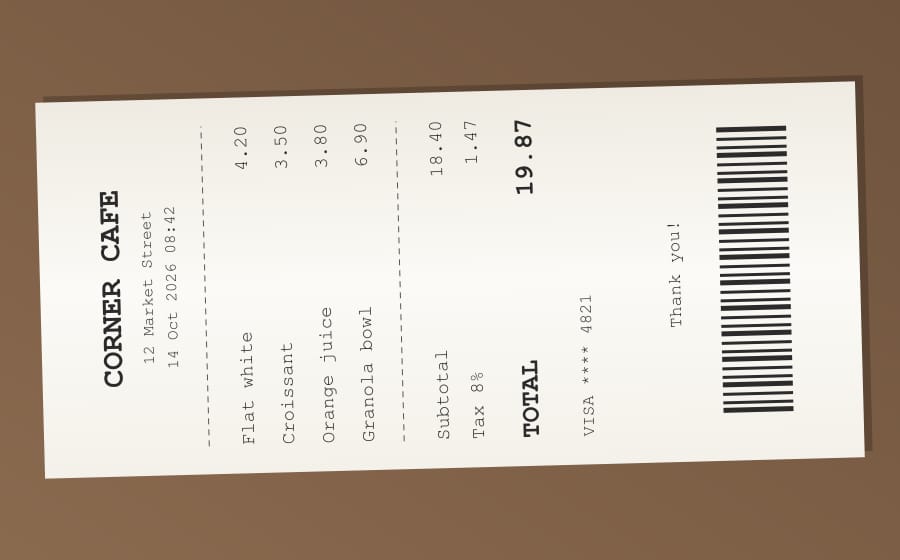
Page 1receipt.jpg · 27 KB
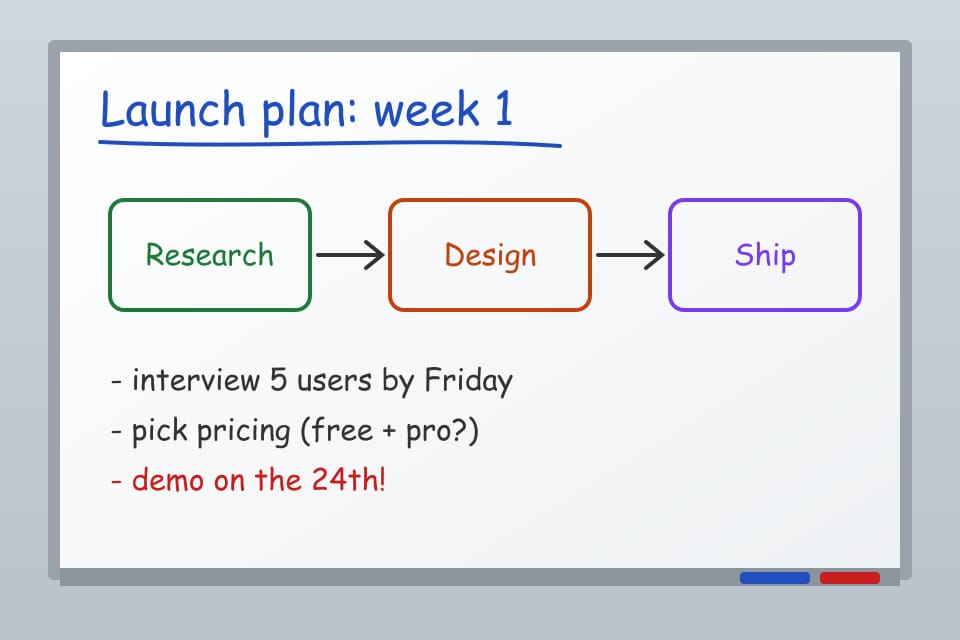
Page 2whiteboard.jpg · 32 KB
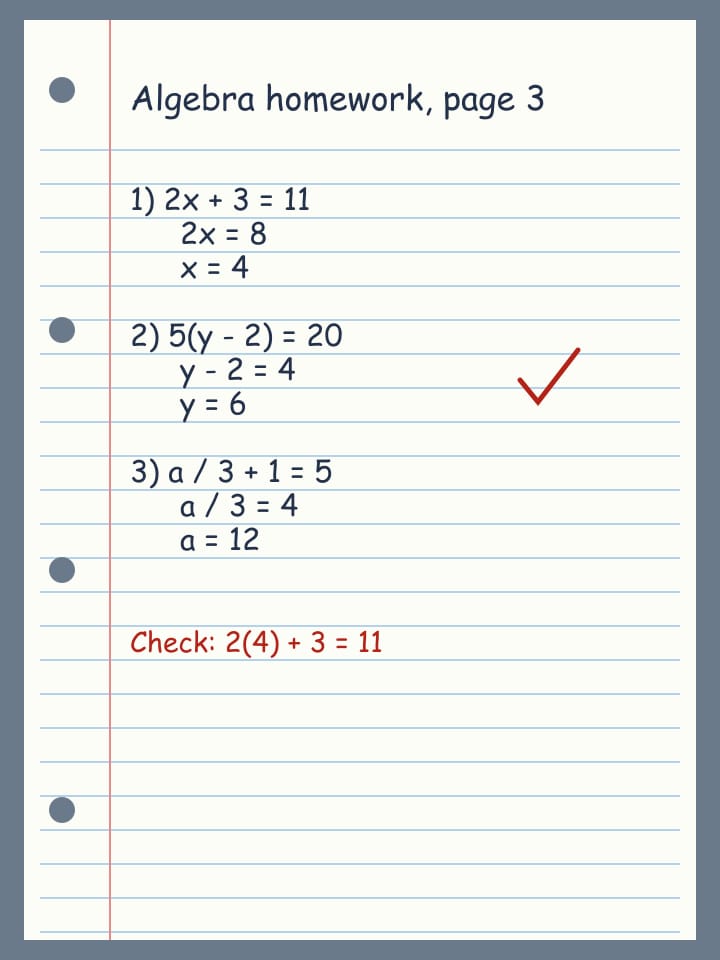
Page 3homework.jpg · 44 KB
Working with PNG to PDF
Package screenshots, diagrams, or scanned image files into a document that is easier to share. Arrange the images in reading order and choose a page layout that keeps labels legible. The conversion uses the images you provide without extracting their text.
How to use PNG to PDF
- Open one or more PNG images.
- Arrange the images and choose page size, margins, and orientation.
- Create the PDF and inspect it before downloading or sharing.
PNG to PDF example
Open three PNG screenshots, put them in step order, and export a PDF with one screenshot on each page.
What to expect from the result
This places images on PDF pages. It does not perform OCR, make screenshot text editable, or create vector detail from raster images.
PNG to PDF questions
How do I use PNG to PDF?
Open one or more PNG images. Arrange the images and choose page size, margins, and orientation. Create the PDF and inspect it before downloading or sharing.
What should I check in the result?
This places images on PDF pages. It does not perform OCR, make screenshot text editable, or create vector detail from raster images.